
Text cut off when data continue on next page
257 views
Skip to first unread message

Ambika Sharma
Mar 24, 2021, 8:54:42 AM3/24/21
to wkhtmltopdf General
Hi,
Thanks

Waqas Raza
Mar 24, 2021, 4:00:26 PM3/24/21
to wkhtmltopdf General
C:\Program
Files\wkhtmltopdf\bin>wkhtmltopdf.exe --page-width 188mm --page-height
2900mm -L 0 -R 0 "src.html" target.pdf
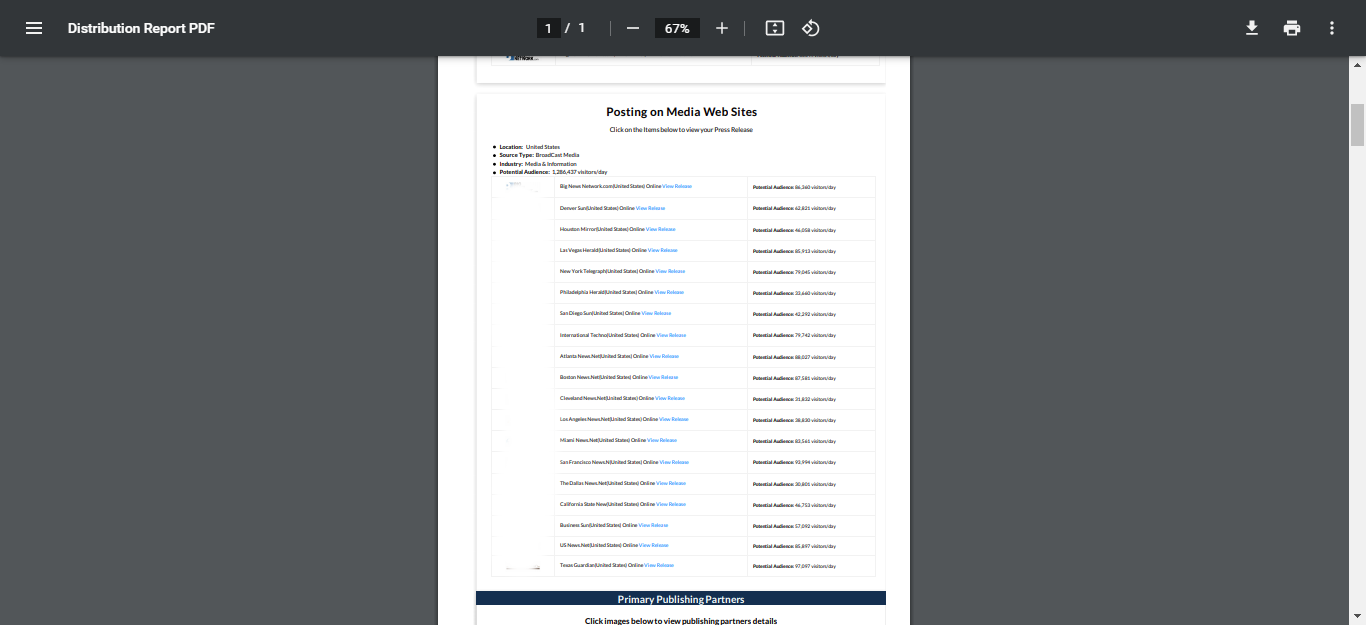
You can change the page length e.g. in the above code. it will not be cut like that, you can customize the table by inline styling to give it an outer border-style like in the below image. I have a long PDF and I've increased too much of that single page you can adjust the height accordingly.
You can see more help on this link.
You can change the page length e.g. in the above code. it will not be cut like that, you can customize the table by inline styling to give it an outer border-style like in the below image. I have a long PDF and I've increased too much of that single page you can adjust the height accordingly.
You can see more help on this link.
Reply all
Reply to author
Forward
0 new messages