
Wazuh receives data from the syslog but is not displayed in kibana

Daulet Kassymbekov
Hello command!!!
I'm testing Wazuh virtual machine. During testing included a localfile and syslog from port 514/udp/. But kibana does not see files. Also, does not see syslogs. please help me, what am I doing wrong???
Below are the settings and screenshots.
- configuration ossec.conf (global,remote,local file)
<global>
<jsonout_output>yes</jsonout_output>
<alerts_log>yes</alerts_log>
<logall>yes</logall>
<logall_json>yes</logall_json>
<email_notification>no</email_notification>
<smtp_server>smtp.example.wazuh.com</smtp_server>
<email_from>oss...@example.wazuh.com</email_from>
<email_to>reci...@example.wazuh.com</email_to>
<email_maxperhour>12</email_maxperhour>
<email_log_source>alerts.log</email_log_source>
</global>
<alerts>
<log_alert_level>1</log_alert_level>
<email_alert_level>12</email_alert_level>
</alerts>
.......
<remote>
<connection>syslog</connection>
<port>514</port>
<protocol>udp</protocol>
<allowed-ips>IP_adress_Firewall</allowed-ips>
</remote>
........
<ossec_config>
<localfile>
<location>/var/fortigate/*.log</location>
<log_format>syslog</log_format>
<target>fortigate_agent</target>
</localfile>
</ossec_config>>
2.wazuh receives syslog from port 514 and writes to a file archives.log

- I tested one line from the logfile archives.log to ossec-logtest. result:

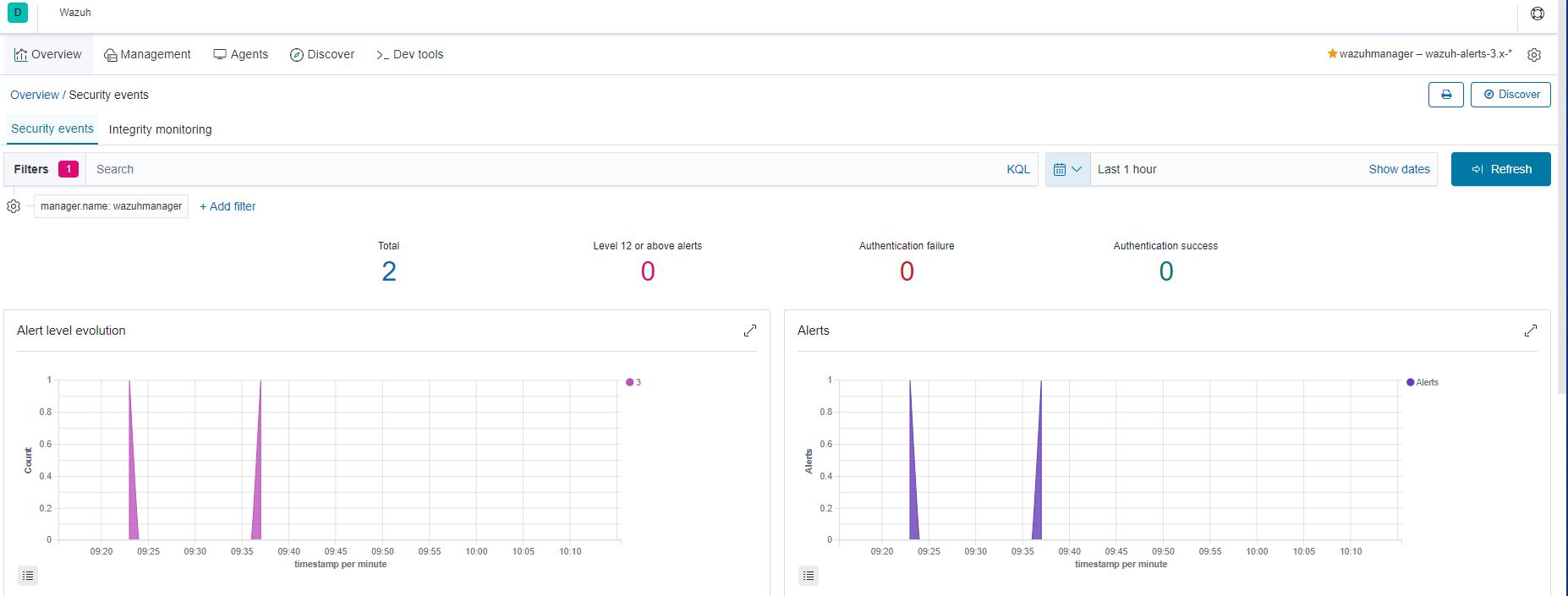
kibana web screenshots.
log collection

Juan Pablo Saez
- You have checked that syslog messages are received and recorded in /var/ossec/logs/archives/arhives.log . We know that the events are reaching the manager.
- Now, you should check if these events generated alerts on /var/ossec/logs/alerts/alerts.log . You could check it with # cat /var/ossec/logs/alerts/alerts.log | grep 81603 .
On Wednesday, September 25, 2019 at 10:29:15 AM UTC+2, Daulet Kassymbekov wrote:
Hello command!!!
I'm testing Wazuh virtual machine. During testing included a localfile and syslog from port 514/udp/. But kibana does not see files. Also, does not see syslogs. please help me, what am I doing wrong???
Below are the settings and screenshots.
- configuration ossec.conf (global,remote,local file)
<global>
<jsonout_output>yes</jsonout_output>
<alerts_log>yes</alerts_log>
<logall>yes</logall>
<logall_json>yes</logall_json>
<email_notification>no</email_notification>
<smtp_server>smtp.example.wazuh.com</smtp_server>
<email_from>ossecm@example.wazuh.com</email_from>
<email_to>recipient@example.wazuh.com</email_to>
Daulet Kassymbekov
среда, 25 сентября 2019 г., 16:16:30 UTC+6 пользователь Juan Pablo Saez написал:


Juan Pablo Saez
Events do not generated on var/ossec/logs/alerts/alerts.log
Juan Pablo Saez
Daulet Kassymbekov
среда, 25 сентября 2019 г., 19:49:42 UTC+6 пользователь Juan Pablo Saez написал:


Juan Pablo Saez
- To check if fortigate alerts reach Kibana correctly, you can increase the level of the 81603 rule from 0 to 3. Be careful because this way, all Fortigate events will generate an alert and the manager can be flooded quickly.
- You can create new rules that fire according to the criteria you set. We can help you with this. Your new rules should point the 81603 rule
- A tricky option is modiying the fortigate v6 decoder to make your logs match with the current rule.