
[vim/vim] Where to put pythonthreehome and pythonthreedll? (#8692)

Hungpro3112
I install python use msys2 in window but i don't know how to put the path to vim
here is my vim --version:
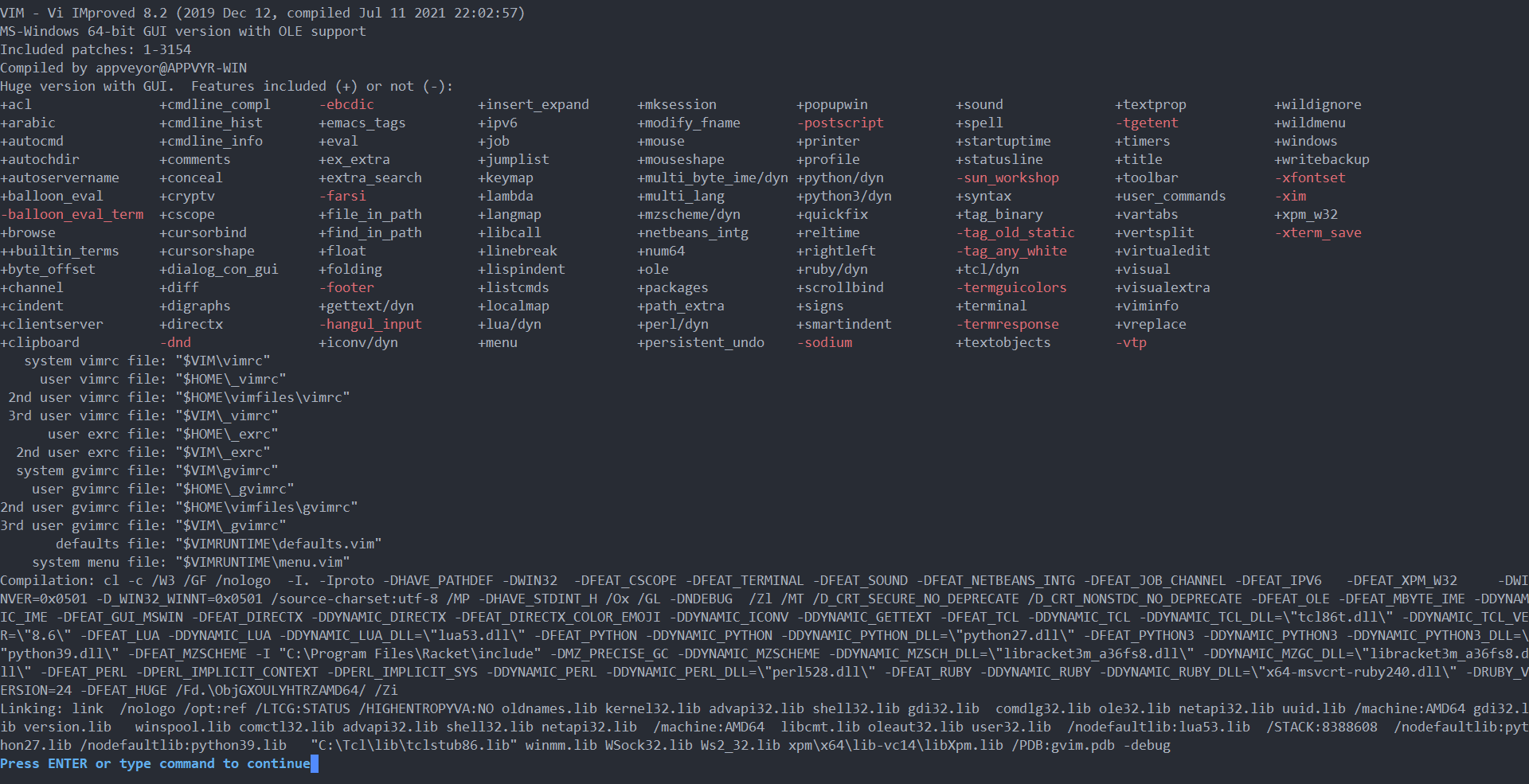
Here is where i install python3:

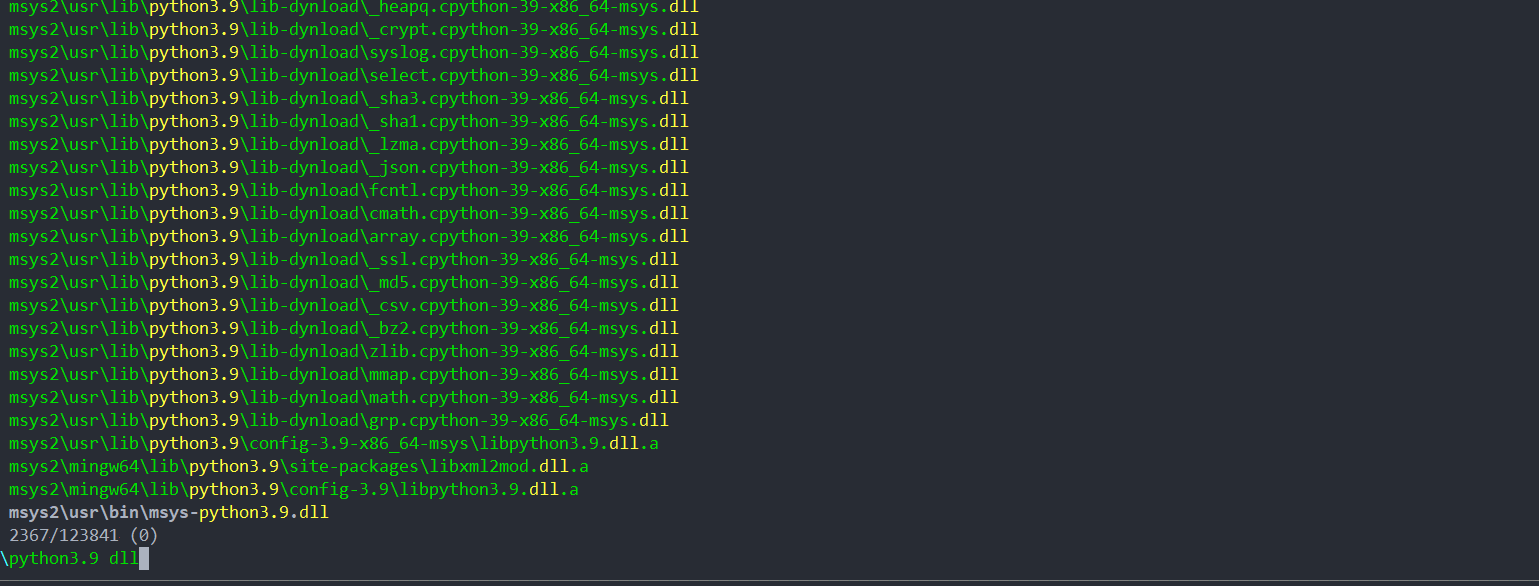
And python3 dll
Vimrc config:

I change vimrc but it not work
I use python for run python-formatter https://vimawesome.com/plugin/vim-autoformat
It raises this issue

But my vim8.2 has python support ???
I don't know what is happening?
Thanks for your help !!!
—
You are receiving this because you are subscribed to this thread.
Reply to this email directly, view it on GitHub, or unsubscribe.
Triage notifications on the go with GitHub Mobile for iOS or Android.
K.Takata
It looks that you are using an executable from vim-win32-installer which is compiled against the official python 3.9. It is not intended to be combined with the msys2 python. So, please install the official python 3.9.
Even though, if you want to use with the msys2 python, use the python in C:\msys64\mingw64, not in C:\msys64\usr. In that case, 'pythonthreedll' should point libpython3.9.dll. I don't remember about 'pythonthreehome', at least it should point a directory, not python3.exe.
BTW, this is not a right place to ask user questions. Please ask user questions on the vim_use mailinglist or use vi.stackexchange.com. This here is a bug tracker for problems with Vim.
K.Takata
Closed #8692.
fqbqrr9
There is also the problem of Chinese windows path recognition , Which errorly recogny Chinese 936 code into Japanese code.