
[vim/vim] CTRL-B mapping ignored at the hit-enter prompt when modifyOtherKeys is enabled (#6158)

lacygoill
Describe the bug
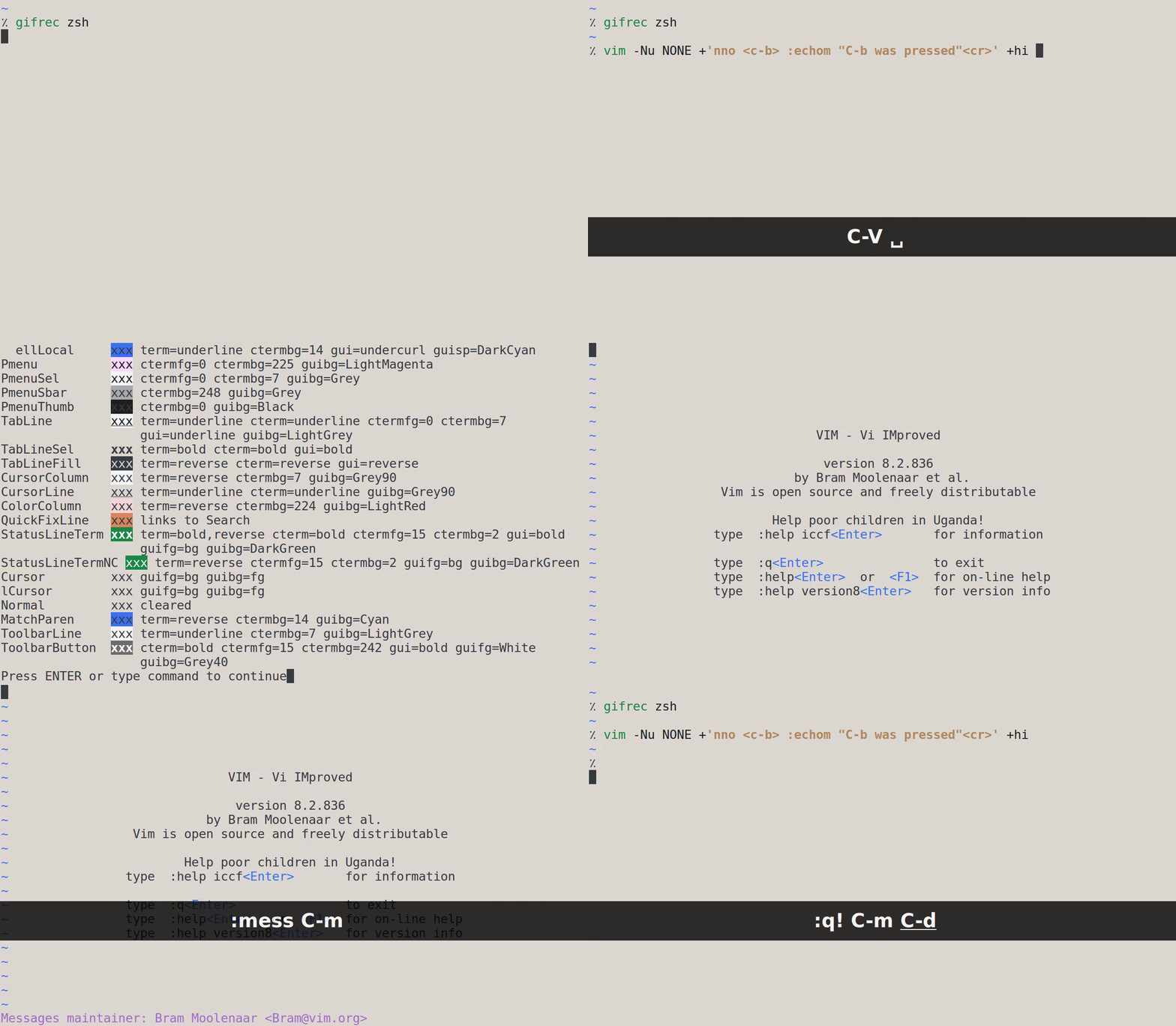
A mapping using the control modifier is ignored at the hit-enter prompt when modifyOtherKeys is enabled.
To Reproduce
Start an xterm terminal, and run this shell command:
vim -Nu NONE +'nno <c-b> :echom "C-b was pressed"<cr>' +hi
Press C-b: no message is printed on the command-line, nor logged in the output of :messages.
Expected behavior
"C-b was pressed" is printed on the command-line, and logged in the output of :messages.
Environment
- Vim version: 8.2 Included patches: 1-836
- OS: Ubuntu 16.04.6 LTS
- Terminal: XTerm(322)
Additional context
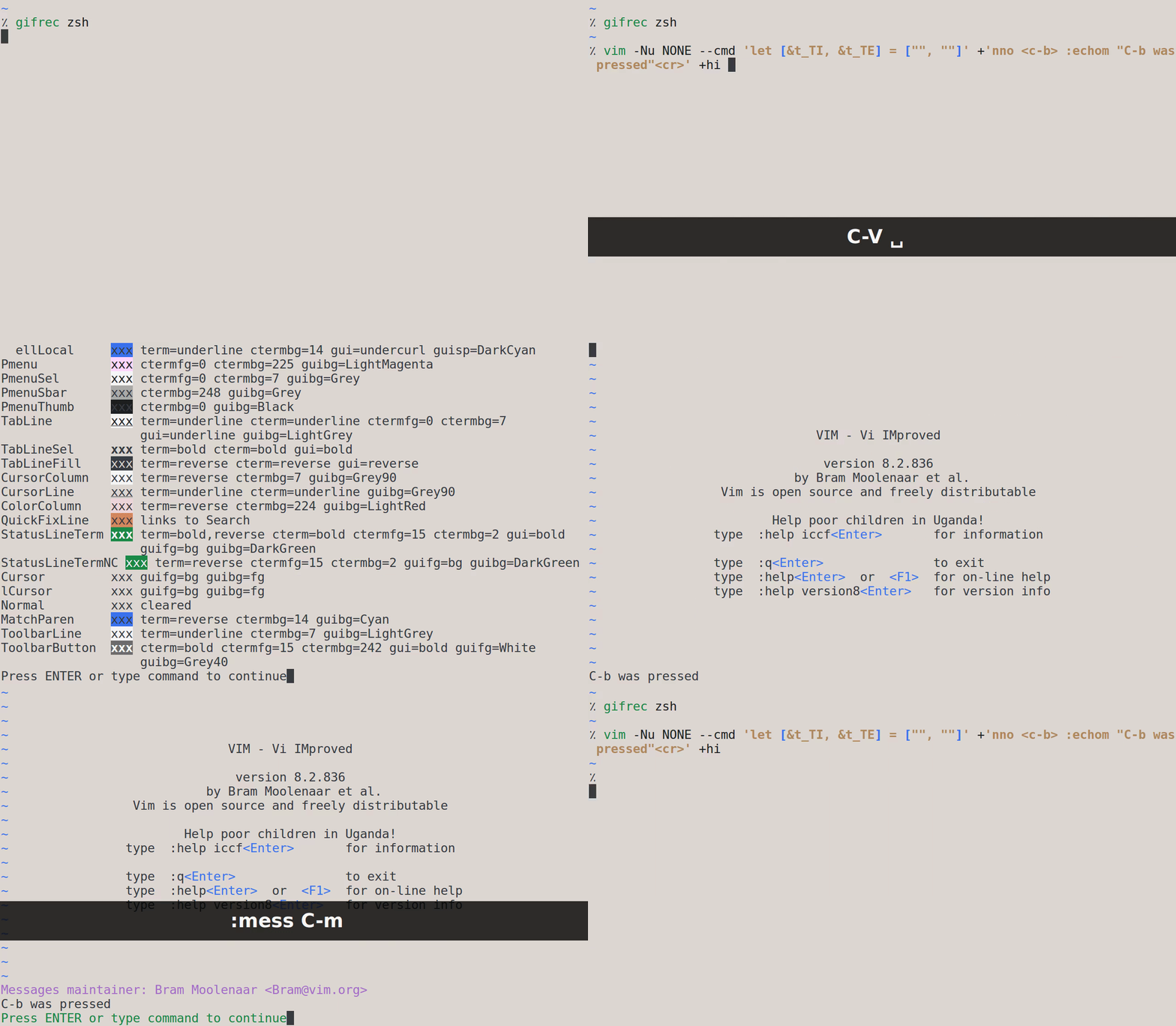
The issue disappears if the modifyOtherKeys feature is disabled.
vim -Nu NONE --cmd 'let [&t_TI, &t_TE] = ["", ""]' +'nno <c-b> :echom "C-b was pressed"<cr>' +hi
             ^^^^^^^^^^^^^^^^^^^^^^^^^^^^^^^^^^^^^
—
You are receiving this because you are subscribed to this thread.
Reply to this email directly, view it on GitHub, or unsubscribe.
Bram Moolenaar
I cannot reproduce the problem, it works with and without modifyOtherKeys enabled.
lacygoill
I'm on the latest commit (8.2.0836), and I can reproduce without:
- any Vim config (
-Nu NONE) - any shell config (
bash --norc --noprofile) - any terminal config (commented the whole
~/.Xresources) - any special option during the compilation, except
--with-features=huge(./configure --with-features=huge)
Here is a gif when modifyOtherKeys is enabled:
And here is a gif when modifyOtherKeys is disabled:
lacygoill
Another thing that I've just noticed. The mapping works if <c-b> is replaced with a literal C-b character (obtained after pressing C-v C-b).
I guess the issue is somehow linked to what you said here about the fact that a <C-b> mapping exists in two forms; a simplified one and a non-simplified one. It seems that the non-simplified form doesn't work at the hit-enter prompt.
Bram Moolenaar
Ah, I missed the part about this being at the hit enter prompt. Hmm, I suppose much more must have already been failing there.