
[vim/vim] Weird Visual-line Crash (#6429)

Alex Yu
Describe the bug
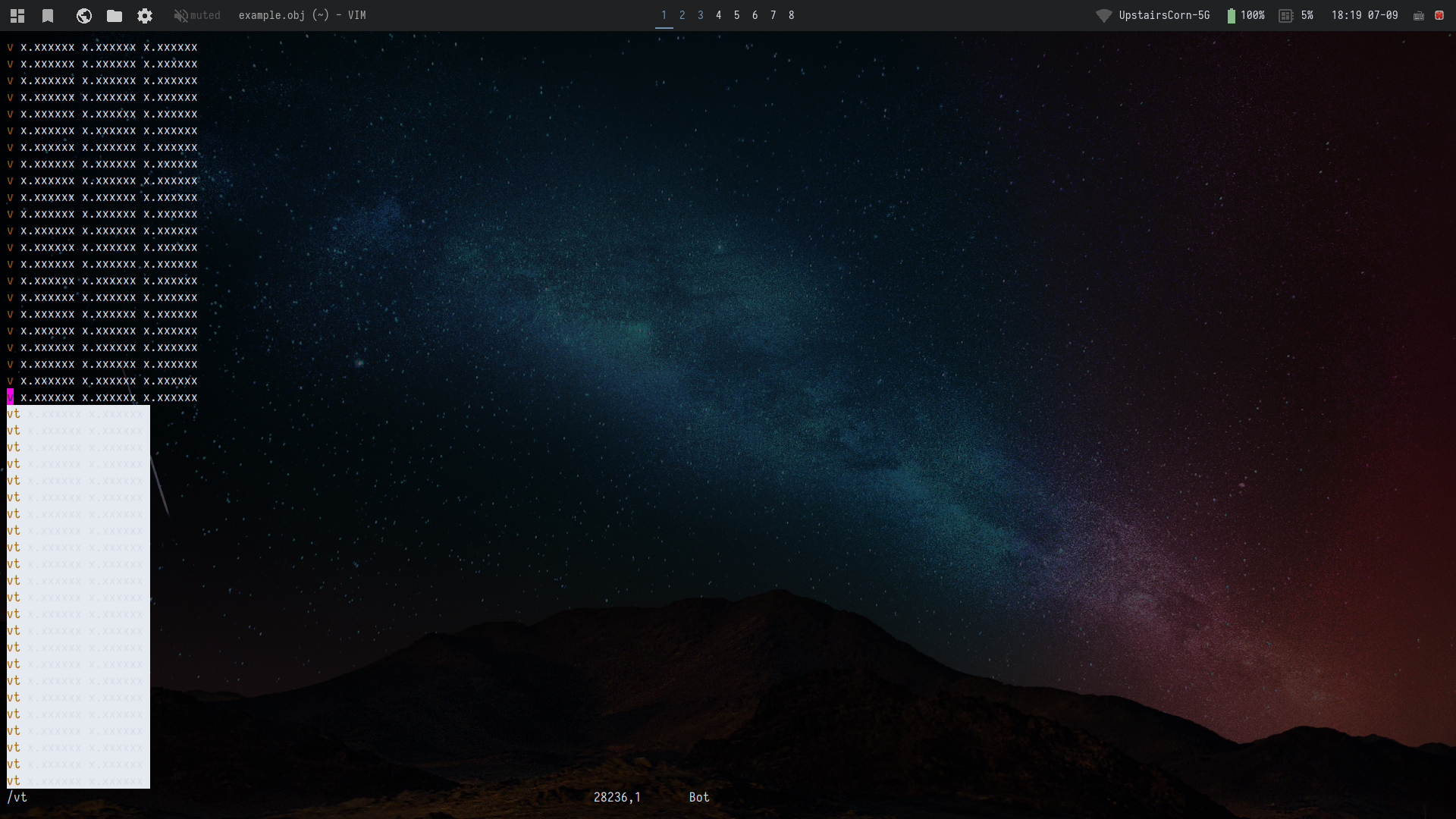
I was using visual-line to select lines in this file in a weird way and vim froze. I couldn't scroll or open another file.
I've reproduced the bug with empty .vimrc and no plugins.
To Reproduce
Download the following text file:
example.txt
(this is originally an obj file, censored due to licensing)
vim example.txt/vnkVgg/vt
Now vim is totally frozen. Pressingicaused it to segfault sometimes, but other times it is possible to type:q.
Expected behavior
No
Screenshots
If applicable, copy/paste the text or add screenshots to help explain your problem.
Environment (please complete the following information):
- Vim version: recently built from master branch
VIM - Vi IMproved 8.2 (2019 Dec 12, compiled Jul  5 2020 18:01:32)
Included patches: 1-1123
Compiled by sxyu@alex-thinkpad-p52
Huge version with GTK2 GUI.  Features included (+) or not (-):
+acl               -farsi             +mouse_sgr         +tag_binary
+arabic            +file_in_path      -mouse_sysmouse    -tag_old_static
+autocmd           +find_in_path      +mouse_urxvt       -tag_any_white
+autochdir         +float             +mouse_xterm       -tcl
-autoservername    +folding           +multi_byte        +termguicolors
+balloon_eval      -footer            +multi_lang        +terminal
+balloon_eval_term +fork()            -mzscheme          +terminfo
+browse            +gettext           +netbeans_intg     +termresponse
++builtin_terms    -hangul_input      +num64             +textobjects
+byte_offset       +iconv             +packages          +textprop
+channel           +insert_expand     +path_extra        +timers
+cindent           +ipv6              -perl              +title
+clientserver      +job               +persistent_undo   +toolbar
+clipboard         +jumplist          +popupwin          +user_commands
+cmdline_compl     +keymap            +postscript        +vartabs
+cmdline_hist      +lambda            +printer           +vertsplit
+cmdline_info      +langmap           +profile           +virtualedit
+comments          +libcall           +python/dyn        +visual
+conceal           +linebreak         +python3/dyn       +visualextra
+cryptv            +lispindent        +quickfix          +viminfo
+cscope            +listcmds          +reltime           +vreplace
+cursorbind        +localmap          +rightleft         +wildignore
+cursorshape       -lua               +ruby              +wildmenu
+dialog_con_gui    +menu              +scrollbind        +windows
+diff              +mksession         +signs             +writebackup
+digraphs          +modify_fname      +smartindent       +X11
+dnd               +mouse             -sound             -xfontset
-ebcdic            +mouseshape        +spell             +xim
+emacs_tags        +mouse_dec         +startuptime       +xpm
+eval              -mouse_gpm         +statusline        +xsmp_interact
+ex_extra          -mouse_jsbterm     -sun_workshop      +xterm_clipboard
+extra_search      +mouse_netterm     +syntax            -xterm_save
- OS: Ubuntu 20.04 LTS
- TERM: rxvt-unicode-256color
Screenshot
(not much to see, just frozen)
—
You are receiving this because you are subscribed to this thread.
Reply to this email directly, view it on GitHub, or unsubscribe.
Christian Brabandt
Can you provide a backtrace from a gdb when it crashes?
Dominique Pellé
I can't reproduce it.
If it crashes, can you try to build vim with asan (address sanitizer).
It's only a matter of uncommenting this line in vim/src/Makefile:
SANITIZER_CFLAGS = -g -O0 -fsanitize=address -fno-omit-frame-pointer
Then rebuild vim with:
$ make clean
$ make -j8
asan will output detailed information on stderr in case of crashes. So try to reproduce it with:
$ cd vim/src
$ ./vim 2> asan.log
And asan.log should hopefully contain stack traces.
Bram Moolenaar
I also cannot reproduce it. Try using "vim --clean" to exclude any of your own files.
Alex Yu
Sorry for the specific and difficult-to-reproduce issue. Since the segmentation fault has occurred sporadically, it is not happening now so unfortunately I haven't been able to get a core dump or log. I will try to upload them if I get it again and open the issue. However, vim does consistently freeze even with vim --clean when using visual line. When it is frozen, I can actually keep editing the file, though the text does not update at all. When airline's wordcount extension is enabled, it prints error
Error detected while processing function airline#extensions#wordcount#get[2]..<SNR>71_get_wordcount:
line    5:
E565: Not allowed to change text or change window"
Repeatedly when I use i or :q, and I have to kill the process.
My nearly identical setup on Ubuntu 16.04 worked fine, so this is extremely strange and annoying, having to manually kill vim when using visual mode. Not sure it is even vim's problem. Some possible factors:
- I am using xonsh (although at least the "freeze" problem also seems to exist in bash and fish,)
- Something with Ubuntu 20
Alex Yu
Closed #6429.
Farzad Sadeghi
I have the same problem. I am also on Ubuntu 20.04. I use zsh.
Here's vim --version.
VIM - Vi IMproved 8.2 (2019 Dec 12, compiled May 25 2021 19:28:32)
Included patches: 1-2885
Compiled by farzadsadeghi thab...@gmail.com
Huge version with GTK3 GUI. Features included (+) or not (-):
+acl -farsi +mouse_sgr +tag_binary
+arabic +file_in_path -mouse_sysmouse -tag_old_static
+autocmd +find_in_path +mouse_urxvt -tag_any_white
+autochdir +float +mouse_xterm -tcl
-autoservername +folding +multi_byte +termguicolors
+balloon_eval -footer +multi_lang +terminal
+balloon_eval_term +fork() -mzscheme +terminfo
+browse +gettext -netbeans_intg +termresponse
++builtin_terms -hangul_input +num64 +textobjects
+byte_offset +iconv +packages +textprop
+channel +insert_expand +path_extra +timers
+cindent +ipv6 +perl +title
+clientserver +job +persistent_undo +toolbar
+clipboard +jumplist +popupwin +user_commands
+cmdline_compl +keymap +postscript +vartabs
+cmdline_hist +lambda +printer +vertsplit
+cmdline_info +langmap +profile +virtualedit
+comments +libcall -python +visual
+conceal +linebreak +python3 +visualextra
+cryptv +lispindent +quickfix +viminfo
+cscope +listcmds +reltime +vreplace
+cursorbind +localmap +rightleft +wildignore
+cursorshape +lua +ruby +wildmenu
+dialog_con_gui +menu +scrollbind +windows
+diff +mksession +signs +writebackup
+digraphs +modify_fname +smartindent +X11
+dnd +mouse -sound -xfontset
-ebcdic +mouseshape +spell +xim
+emacs_tags +mouse_dec +startuptime +xpm
+eval -mouse_gpm +statusline +xsmp_interact
+ex_extra -mouse_jsbterm -sun_workshop +xterm_clipboard
+extra_search +mouse_netterm +syntax -xterm_save
system vimrc file: "$VIM/vimrc"
user vimrc file: "$HOME/.vimrc"
2nd user vimrc file: "/.vim/vimrc"/.vim/gvimrc"
user exrc file: "$HOME/.exrc"
system gvimrc file: "$VIM/gvimrc"
user gvimrc file: "$HOME/.gvimrc"
2nd user gvimrc file: "
defaults file: "$VIMRUNTIME/defaults.vim"
system menu file: "$VIMRUNTIME/menu.vim"
fall-back for $VIM: "/usr/local/share/vim"
Compilation: gcc -c -I. -Iproto -DHAVE_CONFIG_H -DFEAT_GUI_GTK -pthread -I/usr/include/gtk-3.0 -I/usr/include/at-spi2-atk/2.0 -I/usr/include/at-spi-2.0 -I/usr/include/dbus-1.0 -I/usr/lib/x86_64-linux-gnu/dbus-1.0/
include -I/usr/include/gtk-3.0 -I/usr/include/gio-unix-2.0 -I/usr/include/cairo -I/usr/include/pango-1.0 -I/usr/include/fribidi -I/usr/include/harfbuzz -I/usr/include/atk-1.0 -I/usr/include/cairo -I/usr/include/pi
xman-1 -I/usr/include/uuid -I/usr/include/freetype2 -I/usr/include/libpng16 -I/usr/include/gdk-pixbuf-2.0 -I/usr/include/libmount -I/usr/include/blkid -I/usr/include/glib-2.0 -I/usr/lib/x86_64-linux-gnu/glib-2.0/i
nclude -g -O2 -U_FORTIFY_SOURCE -D_FORTIFY_SOURCE=1
Linking: gcc -L. -Wl,-Bsymbolic-functions -Wl,-z,relro -Wl,-z,now -fstack-protector-strong -rdynamic -Wl,-export-dynamic -Wl,-E -L/usr/local/lib -Wl,--as-needed -o vim -lgtk-3 -lgdk-3 -lpangocairo-1.0 -lpango-1.0
-lharfbuzz -latk-1.0 -lcairo-gobject -lcairo -lgdk_pixbuf-2.0 -lgio-2.0 -lgobject-2.0 -lglib-2.0 -lSM -lICE -lXpm -lXt -lX11 -lXdmcp -lSM -lICE -lm -ltinfo -lselinux -ldl -L/usr/lib/x86_64-linux-gnu -lluajit-5.1 -
Wl,-E -fstack-protector-strong -L/usr/local/lib -L/usr/lib/x86_64-linux-gnu/perl/5.30/CORE -lperl -ldl -lm -lpthread -lcrypt -L/usr/lib/python3.8/config-3.8m-x86_64-linux-gnu -lpython3.8 -lruby-2.7 -lm -L/usr/lib
How can I start debugging this?
Christian Brabandt
try to run a ASAN build and see if you get a stack trace from it.
Also you can run from gdb and get a backtrace if it crashes.