
[vim/vim] Setting termguicolors in Vim causes Windows Terminal to become opaque (#7162)

Chaoticsys101
Describe the bug
I use Vim in Windows Terminal. If termguicolors is set the acrylic opacity of WT stops working.
To Reproduce
Detailed steps to reproduce the behavior:
- Open the new Windows Terminal and set acrylic transparency on
- Run
vim --clean - Run the command
:set termguicolors
Expected behavior
The WT background's opacity shouldn't be altered.
Screenshots

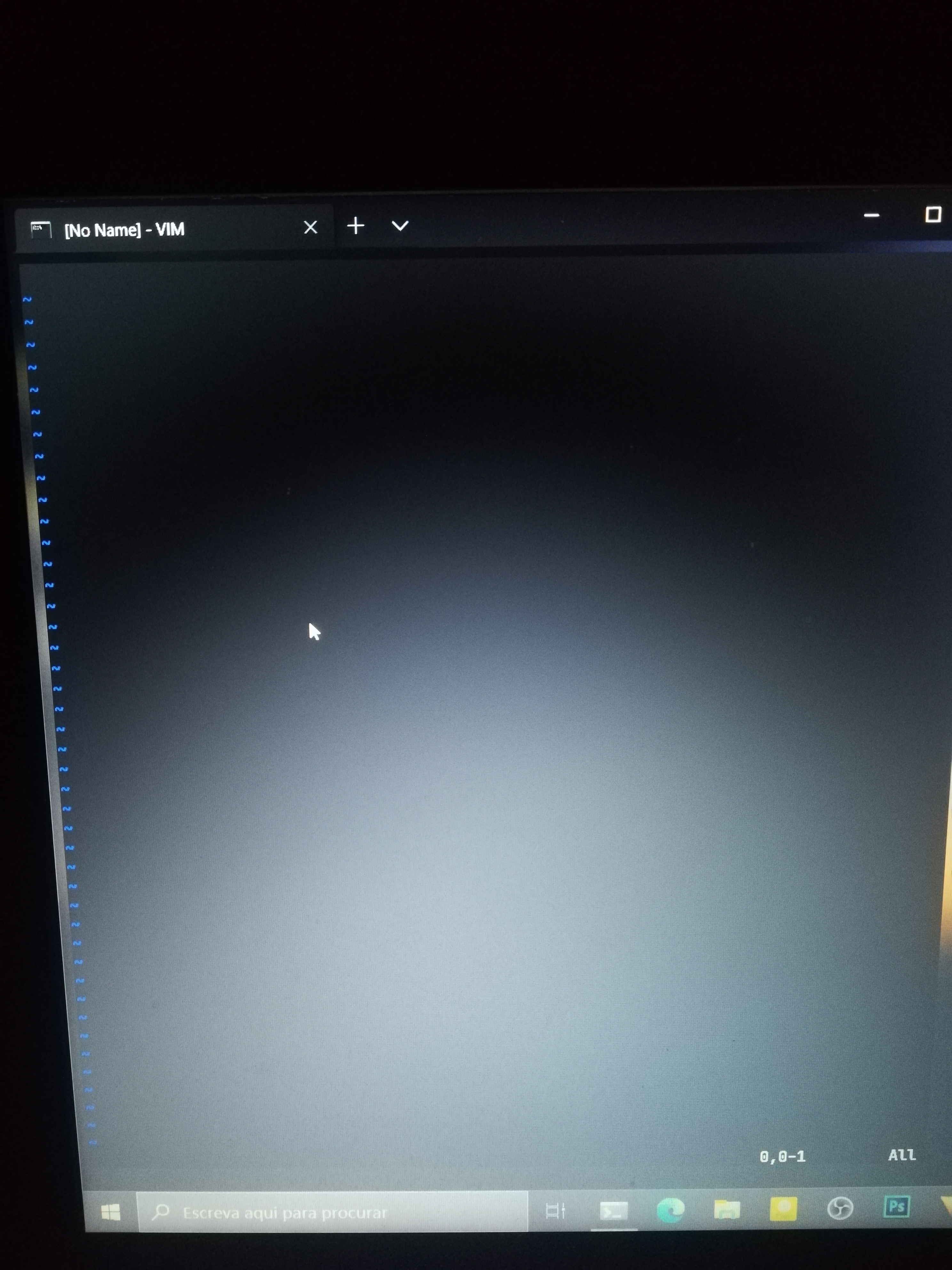
Environment (please complete the following information):
- Vim: 8.2.1818
- OS: Windows 10
- Terminal: Windows Terminal 1.3.2651.0
—
You are receiving this because you are subscribed to this thread.
Reply to this email directly, view it on GitHub, or unsubscribe.
Christian Brabandt
is this windows terminal specific? Do you set the Normal highlighting group?
Chaoticsys101
Yes, it is Windows Terminal specific. I have tried cmd.exe and it works.
I have it set on my vimrc and the issue persists. I only said to try vim --clean to make sure the problem is not on my vimrc
Christian Brabandt
Don't you need to remove the background color for the Normal highlighting group, if you want a transparent terminal? So does that change anything?
Chaoticsys101
Could you please list all commands you want me to try?
Things about this issue:
- it only happens in vim, not nvim;
- one person told me it didn't happen in older versions
- only happens in Windows Terminal (not in cmd.exe, alacritty.exe)
Christian Brabandt
EDIT: If you mean hi Normal ctermbg=NONE command, I just tried it and the issue persists
If you are using termguicolors you also need to reset the guibg attribute.
Chaoticsys101
I know I forgot to write it. The issue persists.
Christian Brabandt
I think this is a duplicate of #2361 so closing.
Christian Brabandt
Closed #7162.
Chaoticsys101
@chrisbra yes they are rather similar.
Alas it doesn't tell how to solve the bug, the author just then said it was working fine in his system.
I tried all steps and it still doesn't work properly on my system so I think perhaps the issue shouldn't be closed.
Nick Jensen
I don't think this is a duplicate of #2361. That issue is specifically about the :terminal buffer, where vim with set termguicolors cannot clear the :terminal background. It affects vim on all operating systems, I experience it in linux, where any other window displays transparent backgrounds.
This issue is specific to the Windows OS, and affects ordinary buffers. I think it also affects cmd.exe, not just Windows Terminal. Here's a cmd.exe example:
"C:\Program Files\Vim\vim82\vim.exe" --clean -c "set tgc" -c "hi Normal guibg=white" -c "hi Normal guibg=NONE"
This opens vim to look like this:

Nick Jensen
Note that in the above example, the Normal highlight group has its guibg set to white, then reset to NONE. The background of most of the window remains white, except the text and the first line of the buffer.
Chaoticsys101
Actually in my system it doesn't affect cmd.exe with transparency, it only seems to effect Windows Terminal. Weird...
バクダンくん
I bisected and discovered that the opaquely filled background came from v8.1.2382 (commit a050b94).
However, the behavior before that was not that good thing. Next image is the result of vim.exe --clean "+set tgc" at v8.1.2381, but you can see some part of its background is still blacked.
v8.1.2381

But if I went back to v8.1.0337, such black background disappeared. Thus I think the first problem was introduced at v8.1.0338 (commit f6ceaf1).
v8.1.0337

K.Takata
Reopened #7162.
Chaoticsys101
Oh nicely done! Hopefully there will be a way to fix it in the next releases!
Hans Koch
If anyone want's a workaround, i created a shader to turn any wanted color transparent.
https://github.com/Hammster/windows-terminal-shaders#Transparent

dapovich
Try the command autocmd vimenter * ++nested highlight normal ctermbg=none guibg=none and move it after your colorscheme declaration
—
You are receiving this because you are subscribed to this thread.
Reply to this email directly, view it on GitHub.
Triage notifications on the go with GitHub Mobile for iOS or Android.

Bram Moolenaar
—
Reply to this email directly, view it on GitHub.
You are receiving this because you are subscribed to this thread.