
[vim/vim] Command Prompt and Powershell don't show the ~ for an empty line (#7768)

JGCYASYS
Describe the bug
Empty lines designed by ~ don't show up in powershell or command prompt. They show up in windows terminal however.
To Reproduce
Just open any file in vim in powershell or command prompt.
Expected behavior
I expected the ~ for an empty line to show up in command prompt or powershell like it does in windows terminal.
Screenshots
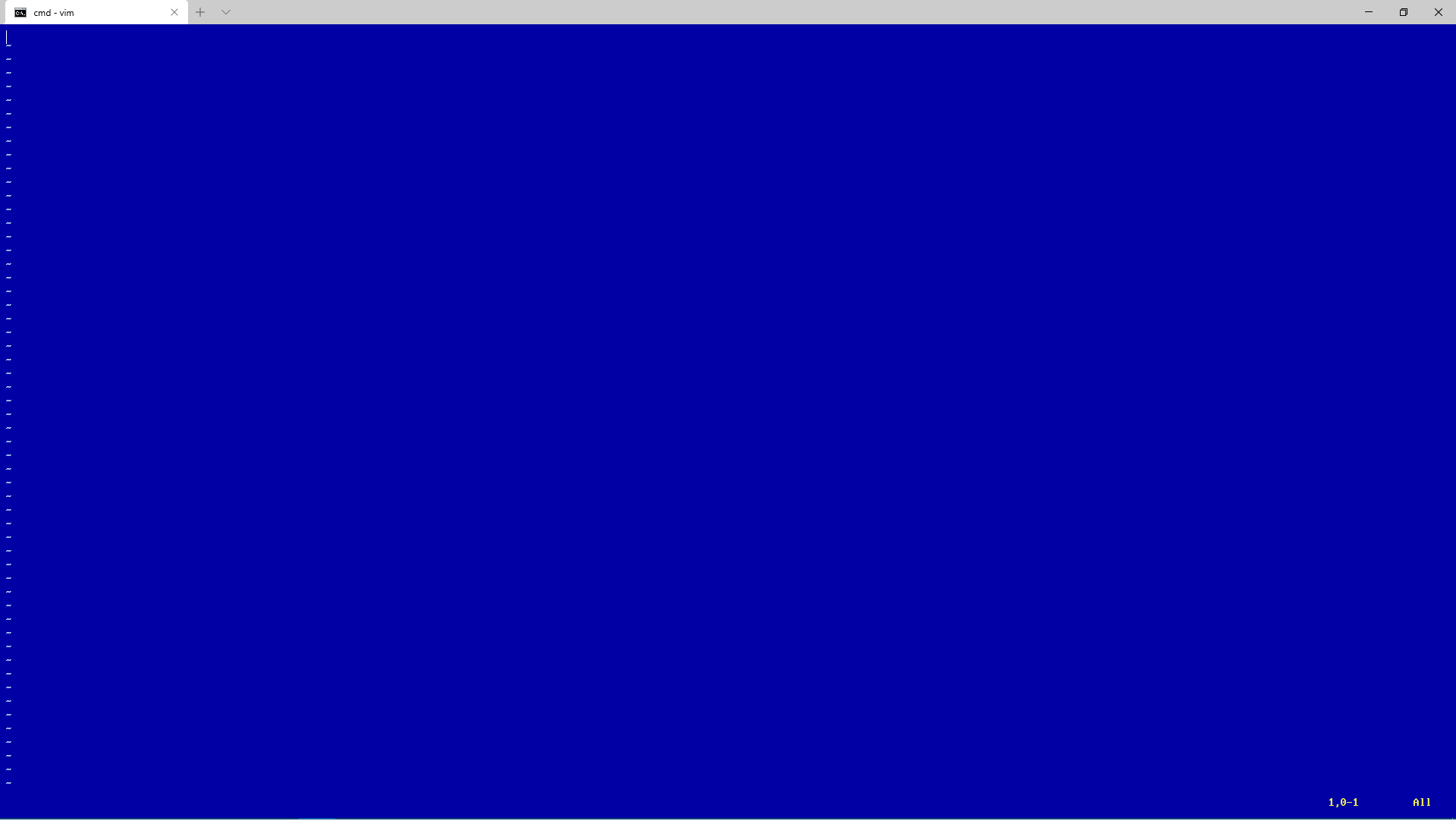
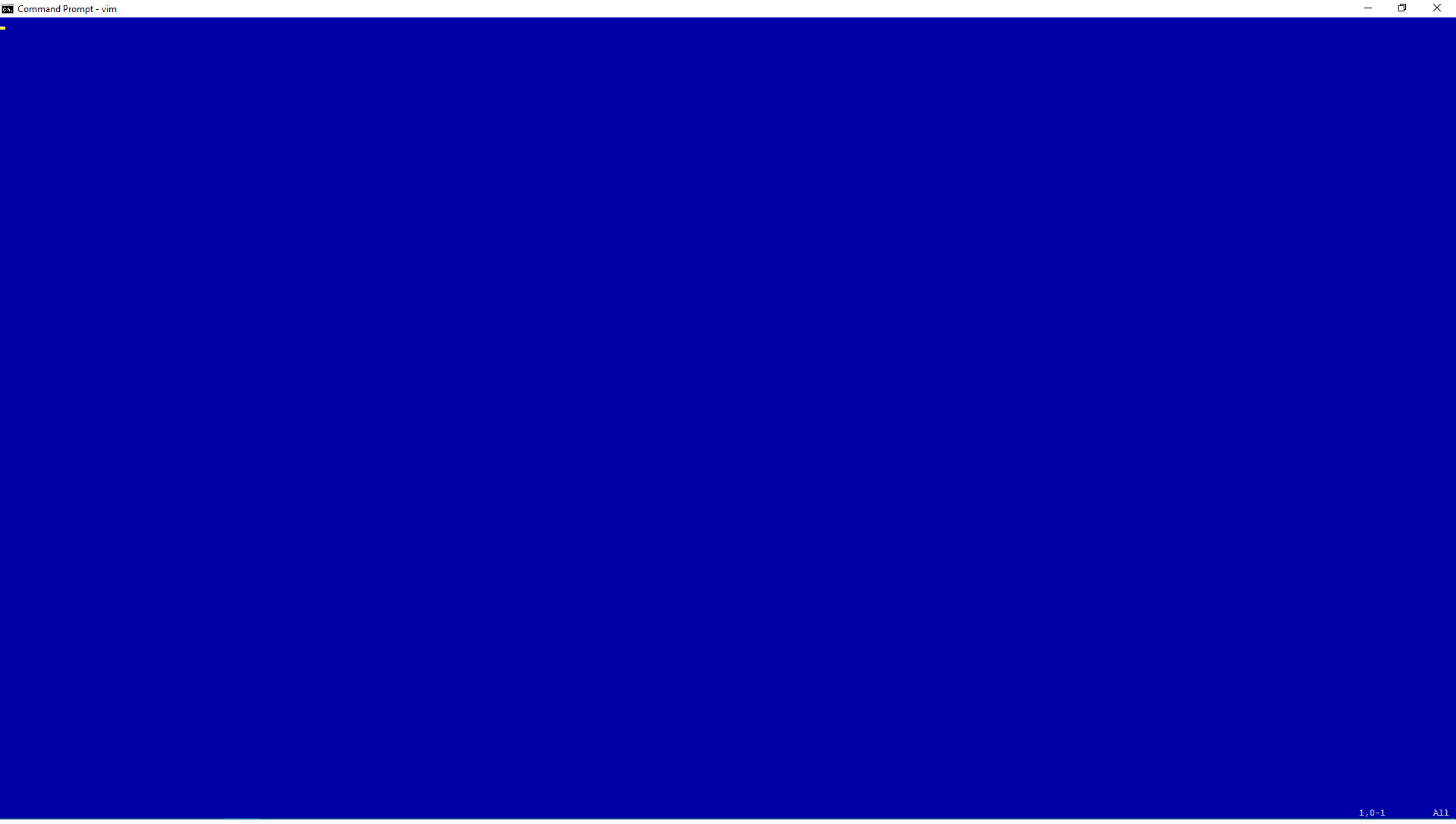
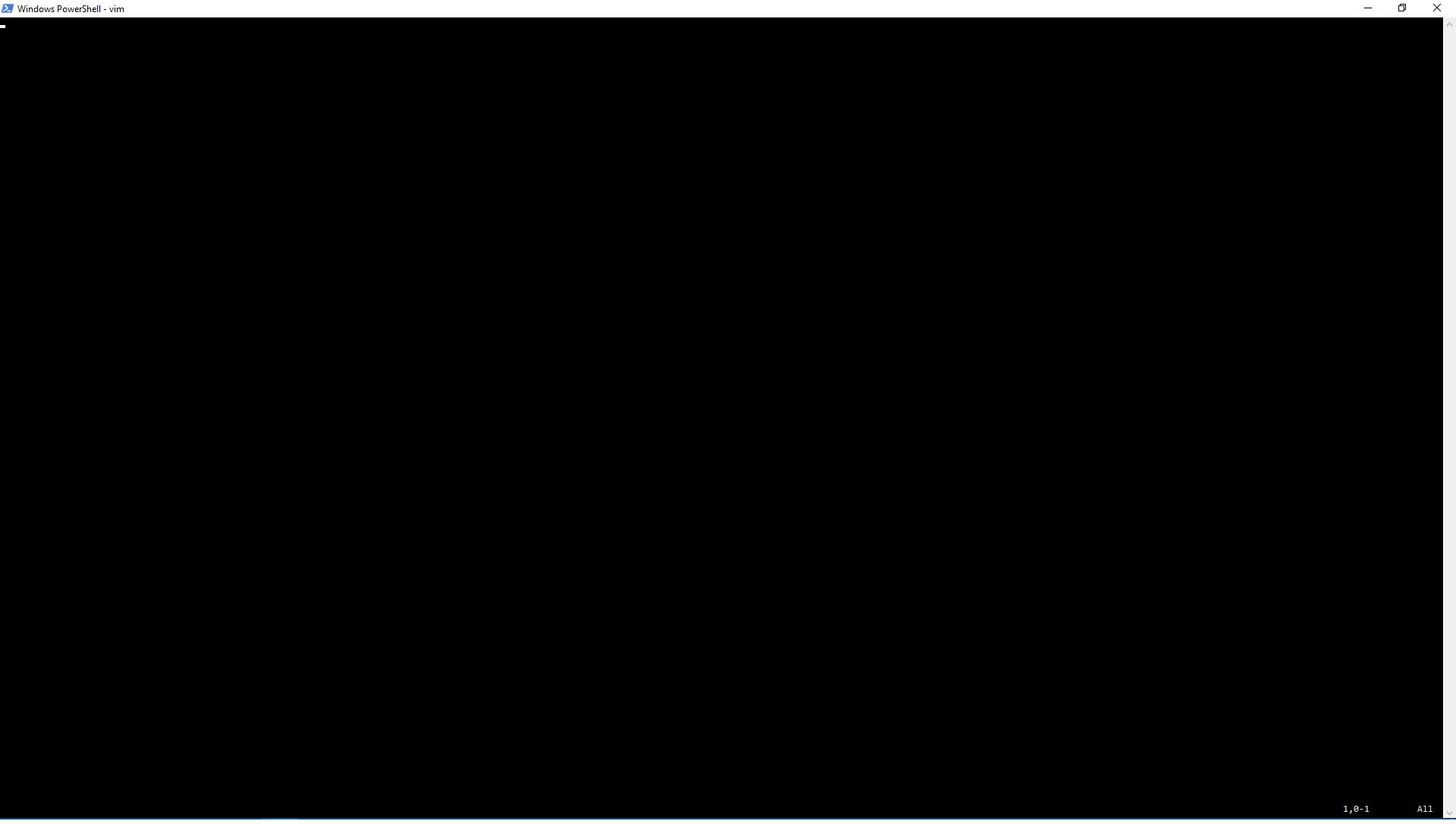
Environment
Using vim 8.2 (2019 Dec 12, compiled Mar 30 2020 21:58:19) cygwin on windows 10 64 bit. Tested in command prompt, powershell, and windows terminal. I tried vim from vim.org and got the same results.
—
You are receiving this because you are subscribed to this thread.
Reply to this email directly, view it on GitHub, or unsubscribe.
Christian Brabandt
Did you try using vim --clean? For cmd.exe, vim should have :set term=win32 I believe. For powershell I don't know. Make sure that the color configuration is actually correct, e.g. :set bg=dark t_Co=16 for a very basic dark terminal with 16 colors. You can also check, what the empty lines highlighting will look like by using :hi EndOfBuffer
JGCYASYS
Did you try using
vim --clean? For cmd.exe, vim should have:set term=win32I believe. For powershell I don't know. Make sure that the color configuration is actually correct, e.g.:set bg=dark t_Co=16for a very basic dark terminal with 16 colors. You can also check, what the empty lines highlighting will look like by using:hi EndOfBuffer
I did both commands vim --clean in terminal and :set term=win32 in vim and everything threw up everywhere.
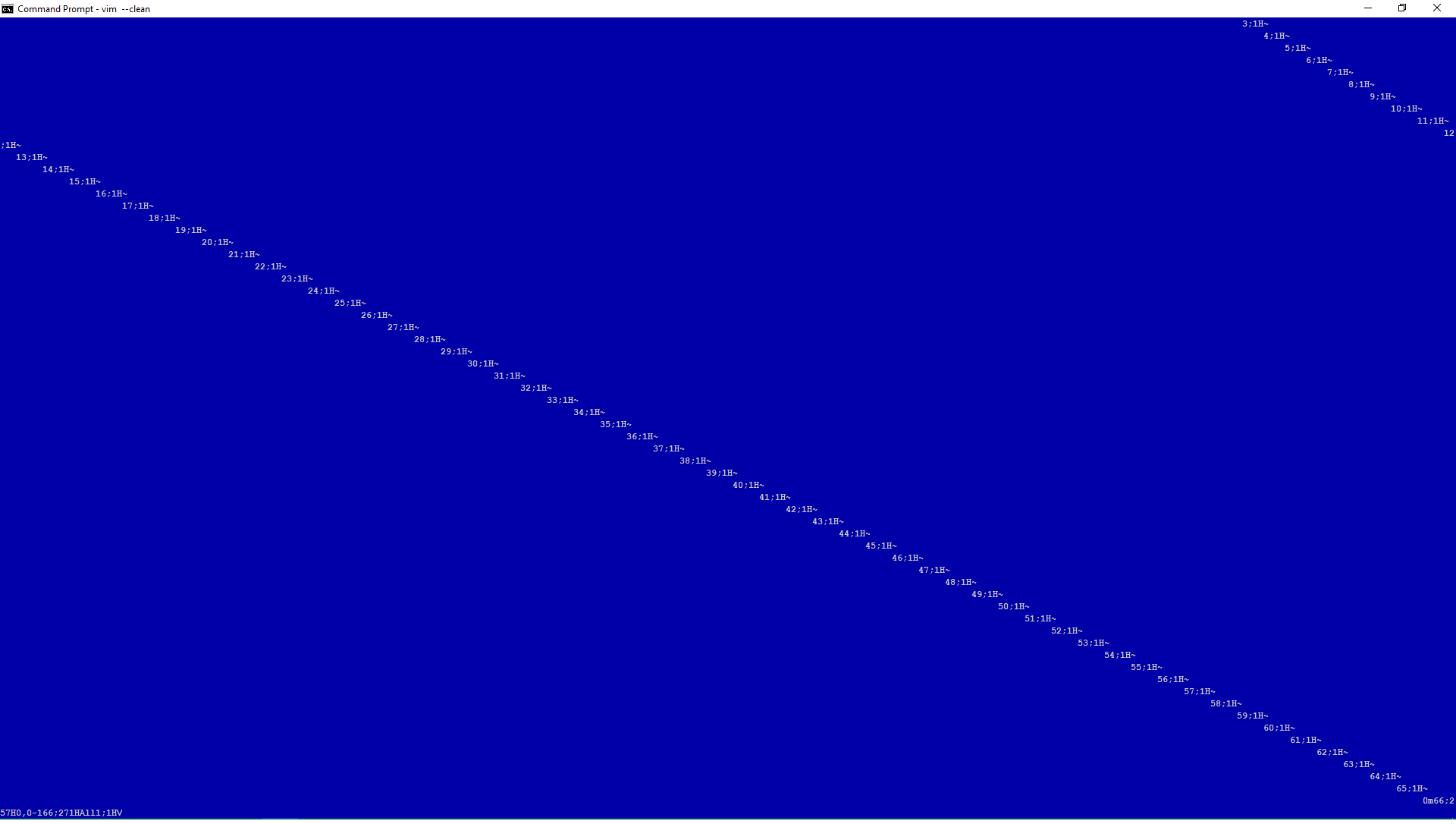
Christian Brabandt
I did both commands vim --clean in terminal and :set term=win32 in vim and everything threw up everywhere.
Isn't that the default? So you shouldn't need to set term manually. In any case, make sure that the bg setting is set correctly. And then check the EndOfBuffer highlighting is correct.
JGCYASYS
I tried both the bg and EndOfBuffer commands. Both didn't make a lick of difference.
lacygoill
Since 8.2.2508, we can set the tilde character via the 'fillchars' option:
let &fillchars ..= ',eob:~'
Note that the OP deleted their account, so we'll probably never get any more feedback from them.
K.Takata
Closed #7768.
K.Takata
Closing then