
Tasker Variable with Image content import to Watchmaker

Frederik Wagner
Hey Guys :)
I have a little issue and hope you can help me in any way :)
I´m using tasker since 15-16 days in conjuction with Autonotification and Watchmaker, with a Galaxy Watch 46mm.I create Watchfaces on myself. Which brings me to my request. I have an important question about importing pictures. But first of all something to understand.
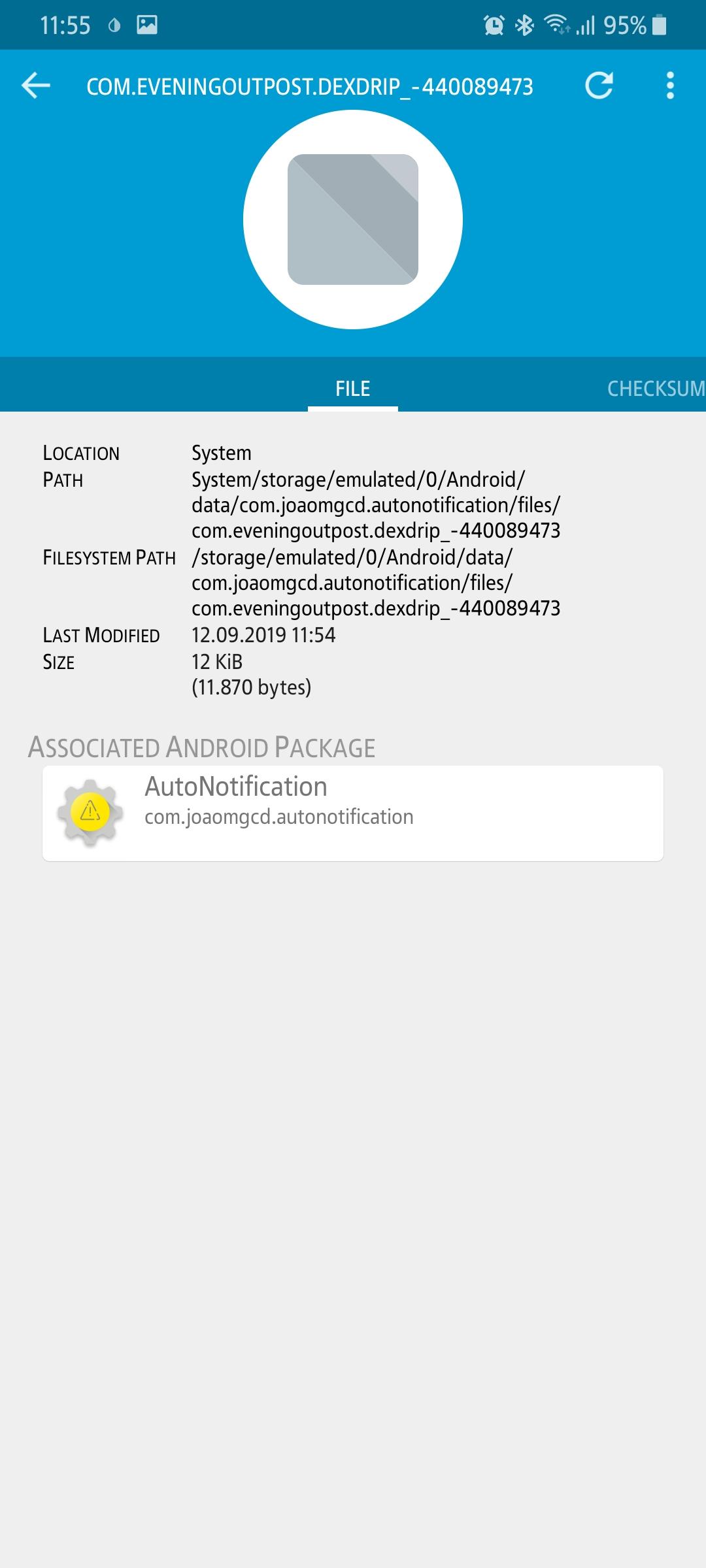
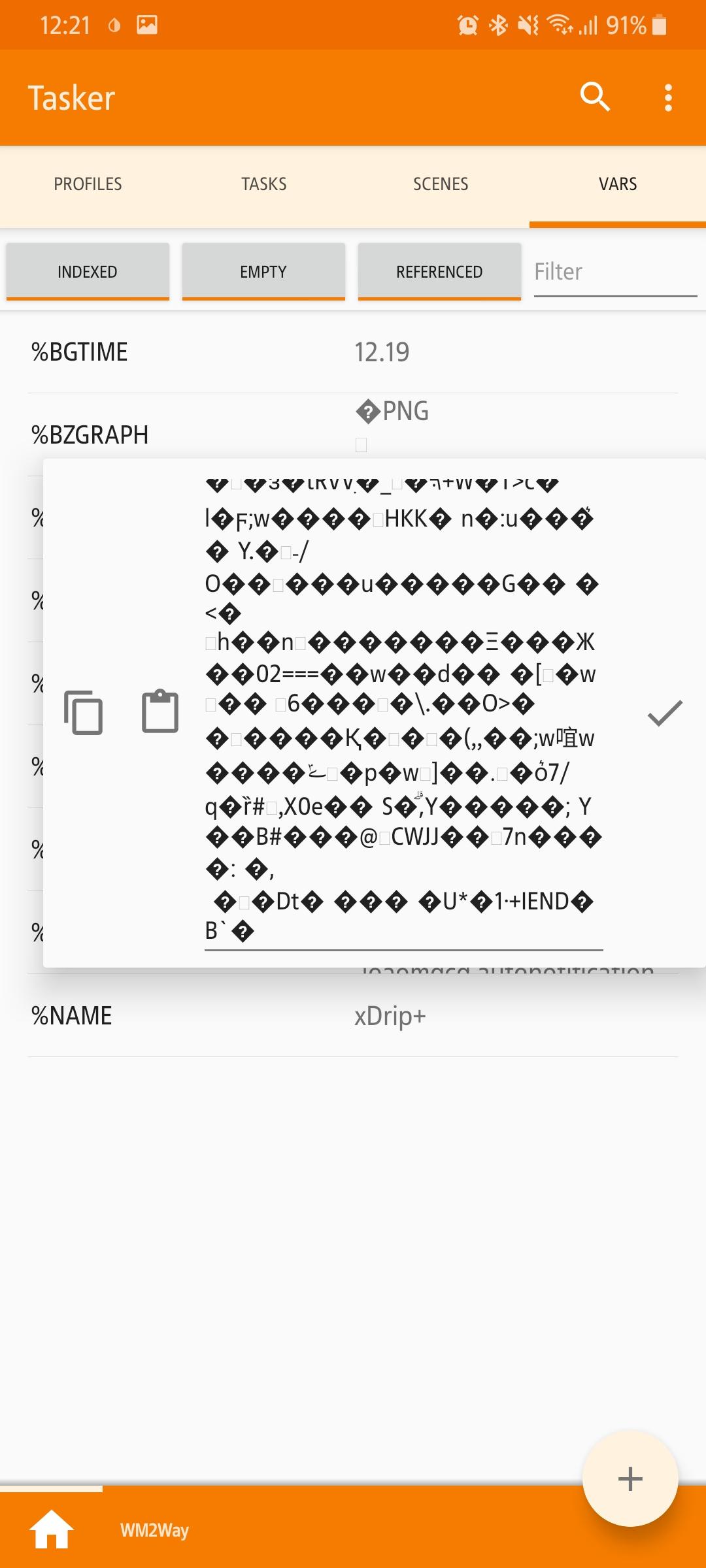
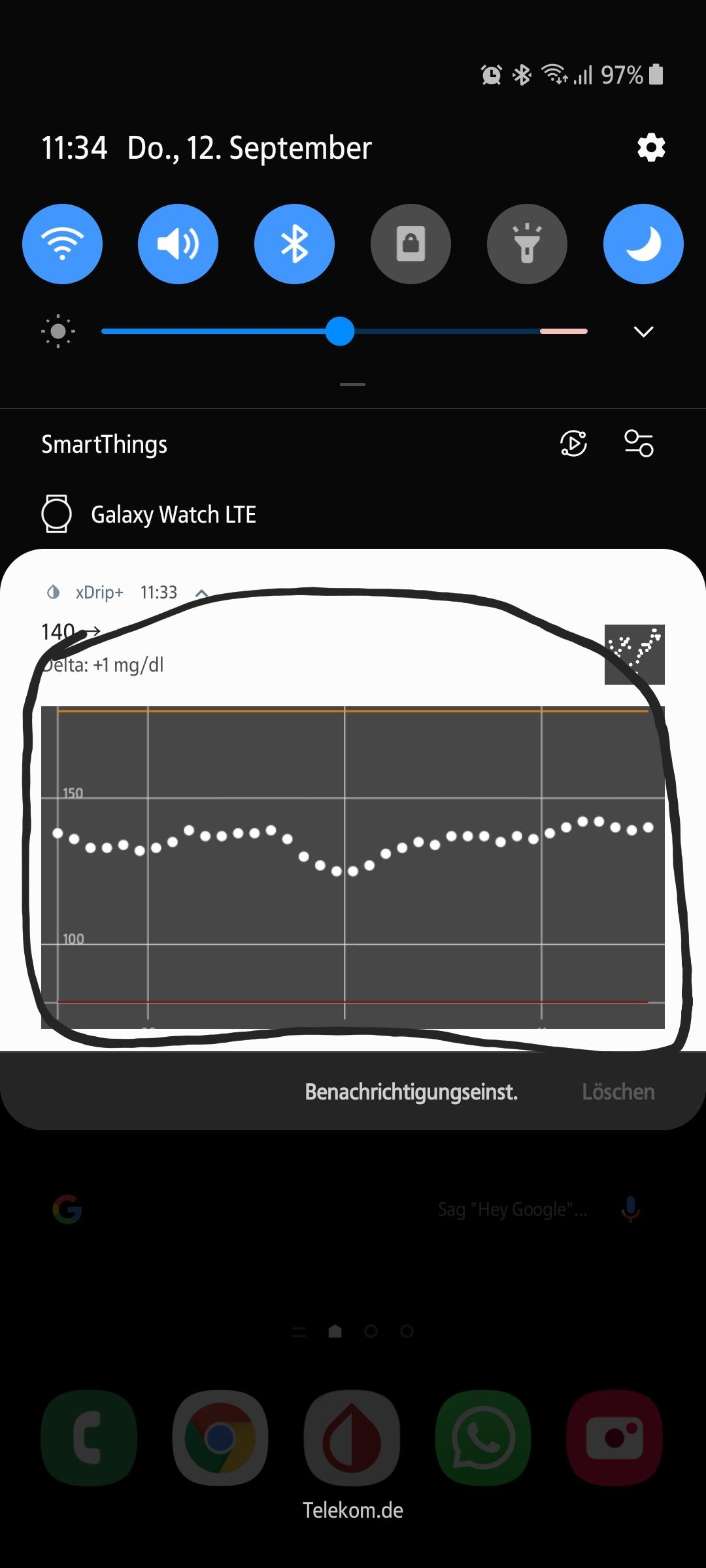
I've been working on Watchfaces for Tizen and Ancdroid Wear for 15-16 days. My focus is on the display of blood glucose levels of CGM sensors. I am Type 1 diabetic and have such a CGM sensor. This allows me 24h to track my glucose levels in real time. The sensor sends the data via Bluetooth to an app on my smartphone, this app is called xDrip. There is a Permanent Alert in my status bar, which includes a graph of glucose history, the current BG value with trend arrow, the time of the last updated value, and the rise or fall to the next value. every 5 minutes, everything is updated. I've attached a JPG to understand what this illustrates. Now I exported these variables using the two apps Autonotification and Tasker and added them to Watchmaker. Everything works wonderfully and very reliably. With the right settings I do not miss any value. Why am I doing this? xDrip + is a DIY solution for us diabetics to improve and optimize our diabetes management. The problem is that xDrip + does not support Tizen OS, at least not as supported by Android Wear. For Android Wear there is an integration with 4 Watchfaces and 1 Widget, these are directly usable if you activate the Android Wear integration in xDrip. It works with one click. Unfortunately, Tizen is not supported that way, so I was forced to build something myself. You can look at the result of my work in my Watchmaker profile, so you know what I'm talking about. Now I come to my own question. The graph that is in the notification is exported to the variable% animagea. The PNG is stored locally on the smartphone and of course also updated every 5 minutes. I would like to insert this PNG in a Watchface, but if I try to use the same method as I use for the BG values, only the file path of the PNG is displayed on the Watchface. So my question is how can I put this PNG in Watchmaker so that it updates itself whenever I get a new value. It is not enough to insert the whole as an IMAGE. I'm not trying to import a picture, but a variable that contains an image that refreshes every 5 minutes.
I hope I could explain everything so that you can understand what I have a problem. I am really very
Would love to get this sorted.
Link to my Watchmaker Profil: https://getwatchmaker.com/user/Bkd6tbYxr
Greetz and thanks in advance
Frederik Wagner

João Dias
 Join
Join
Frederik Wagner
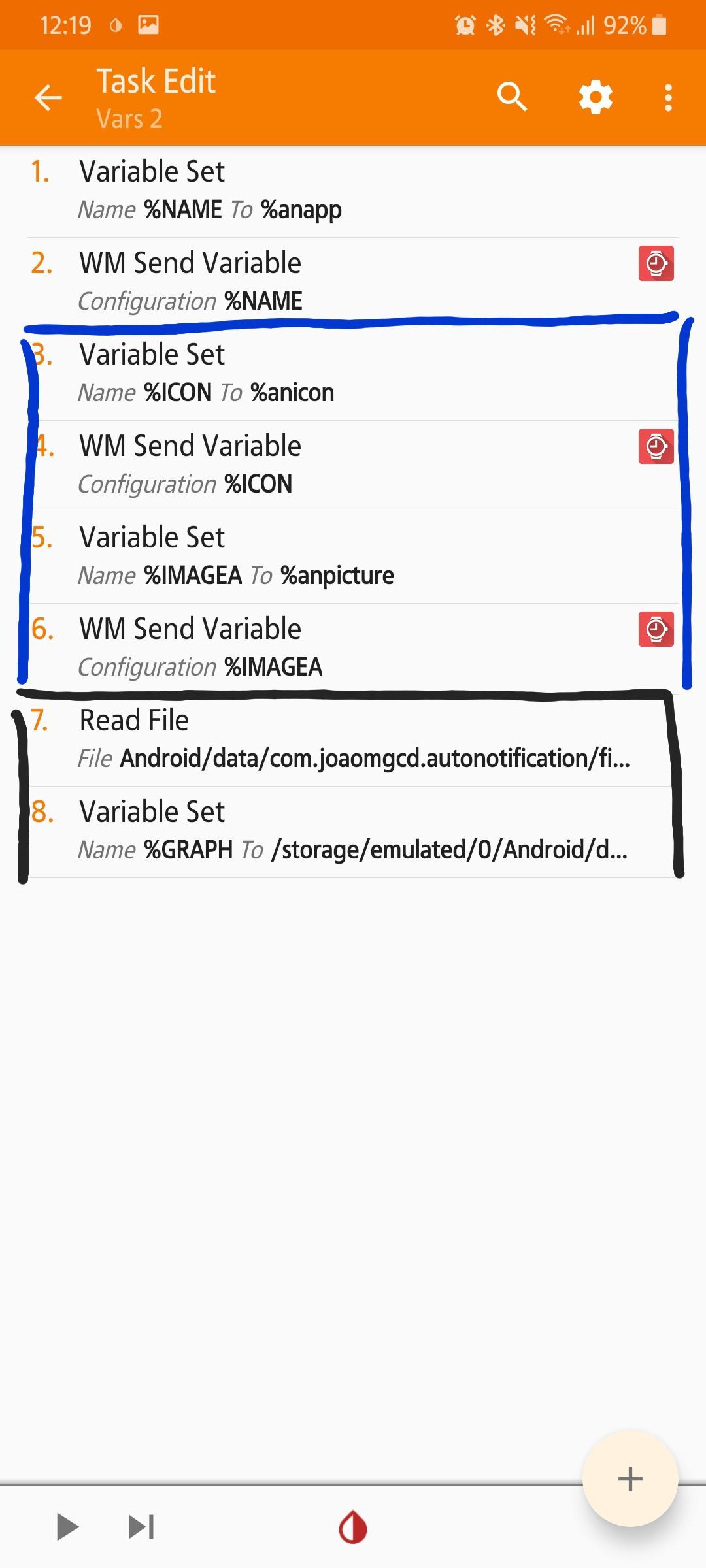
My next problem is that I have 2 Profiles each connected to one task
profile 1 -> Var 1 = ok/no problem
profile 2 -> Var 2 = nothing works get no values
I want to export %antitle and %antext
João Dias



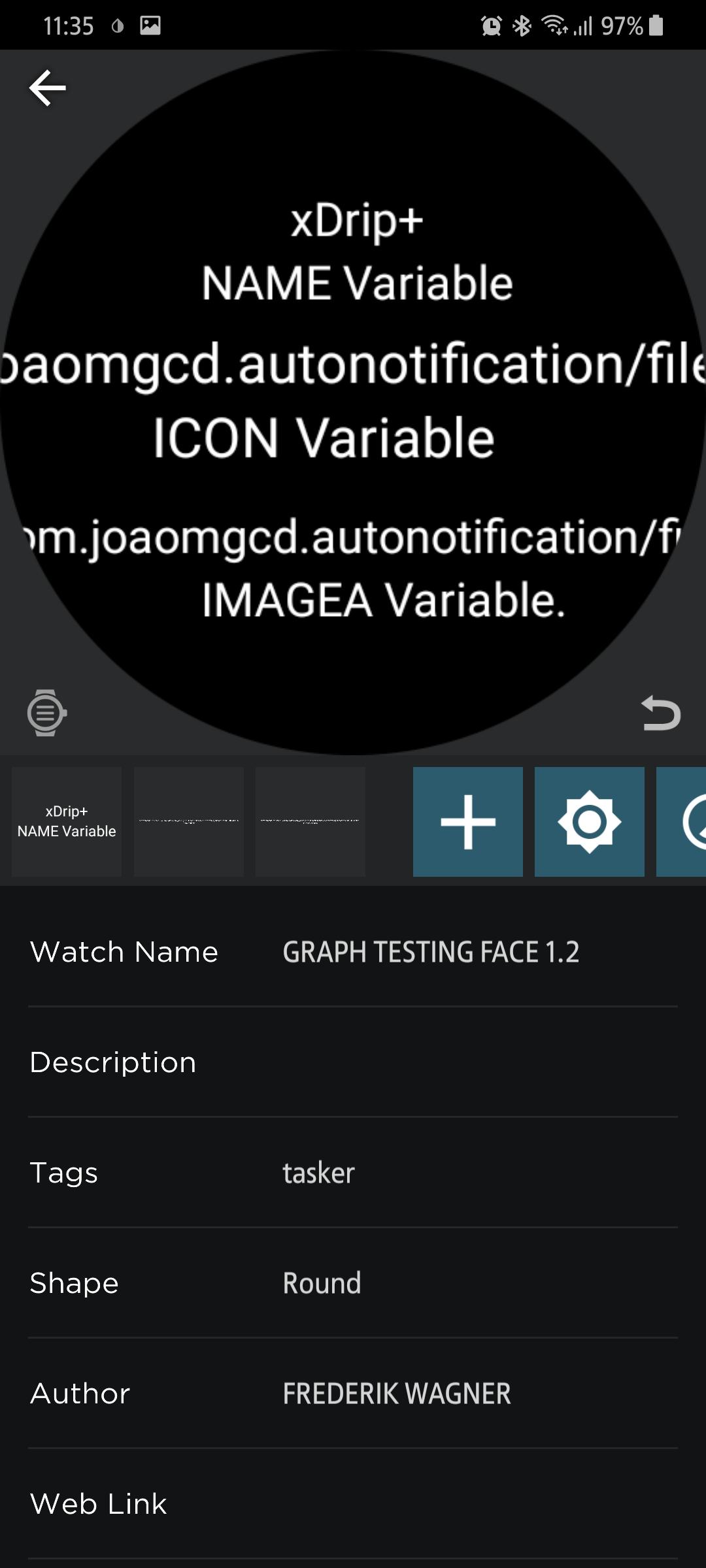
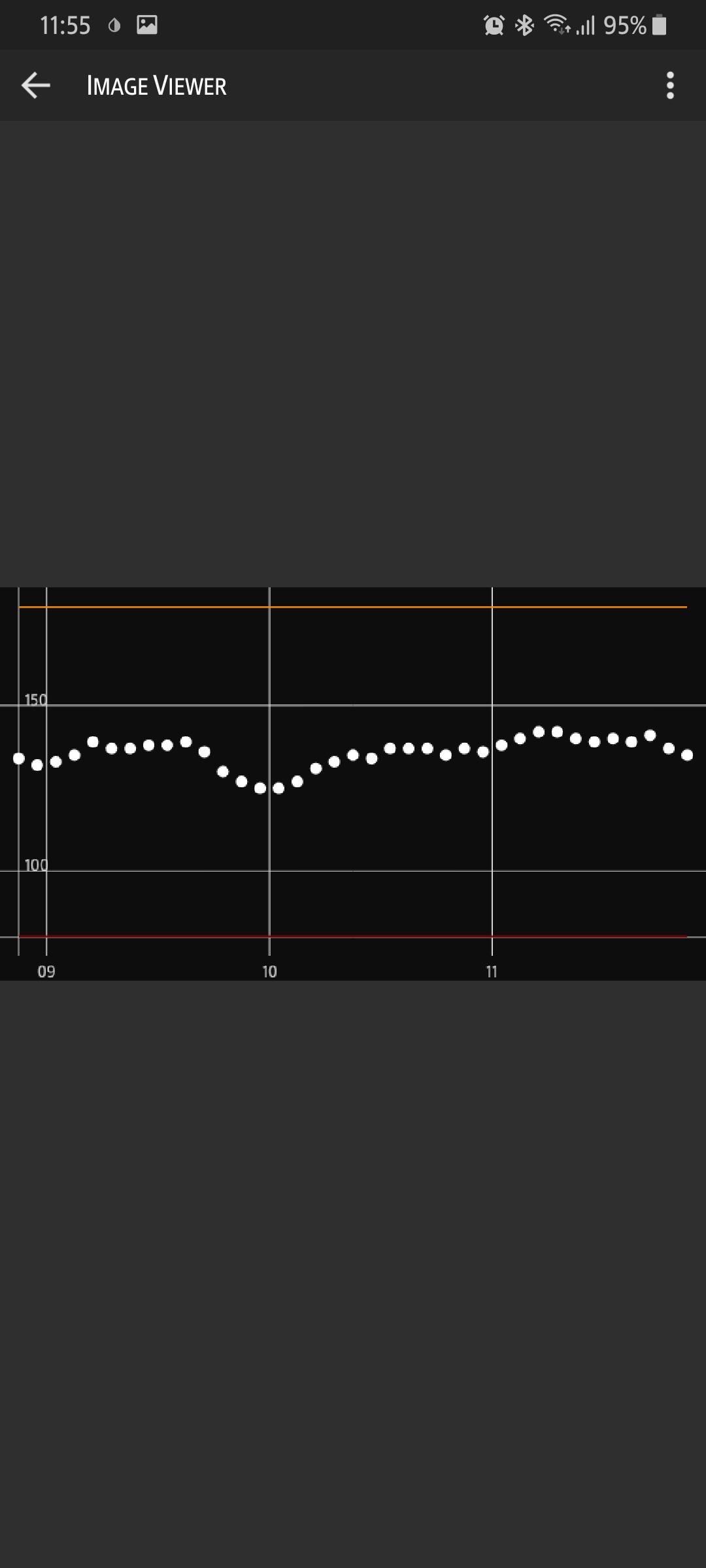
اراس اراس
--
You received this message because you are subscribed to the Google Groups "Tasker" group.
To unsubscribe from this group and stop receiving emails from it, send an email to tasker+un...@googlegroups.com.
To view this discussion on the web visit https://groups.google.com/d/msgid/tasker/c9d1af91-1009-49d8-836c-e9ed7cf93dff%40googlegroups.com.