
Re: Buttons in scene almost invisible
740 views
Skip to first unread message

Pent
Apr 2, 2013, 7:42:13 AM4/2/13
to Tasker
> After recent update buttons in scene became almost inivisible when scene is shown from Tasker,
Tasker uses the standard Android button, which changed with more
recent versions. Can be that
your background doesn't fit to it well.
> and are fully invisible when scene has been exported as an app.
Does your scene background colour have any transparency ? If so, could
you please
make it fully opaque (alpha = 255) and try again ?
Thanks,
Pent
p.s. please don't email and post, I have enough to do without
answering the same question
twice
Tasker uses the standard Android button, which changed with more
recent versions. Can be that
your background doesn't fit to it well.
> and are fully invisible when scene has been exported as an app.
Does your scene background colour have any transparency ? If so, could
you please
make it fully opaque (alpha = 255) and try again ?
Thanks,
Pent
p.s. please don't email and post, I have enough to do without
answering the same question
twice

Sergey Chernov
Apr 4, 2013, 3:17:14 PM4/4/13
to tas...@googlegroups.com
Sorry, I didn't mean that you have to answer twice. I only thought that somebody on the forum is aware of this issue too.
I tried several opacity settings. Here are the screens.
For current scenes I used Display As Activity, Full Window.
Full opacity (I guess)
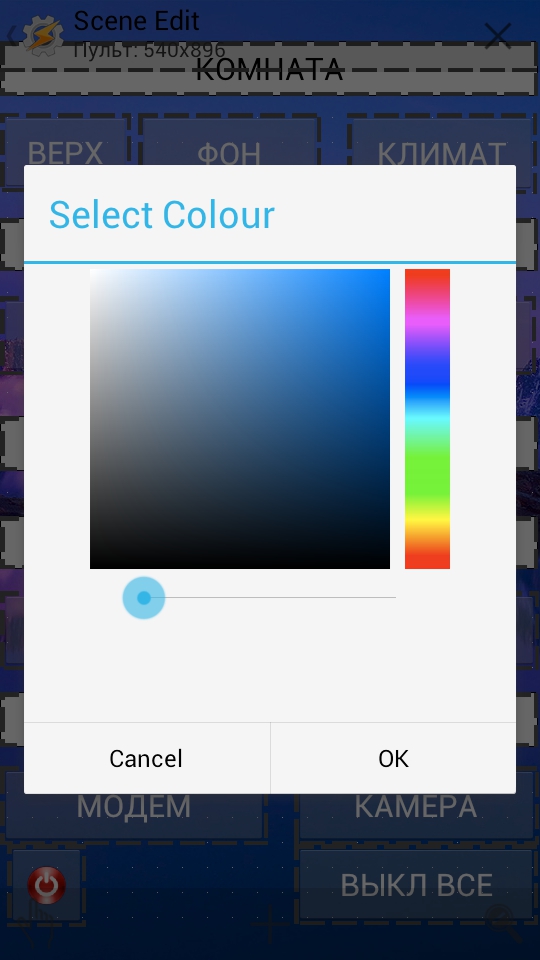

Task run as an exported standalone app (buttons not visible):

Solid background (again, my guess):

Task run from Tasker:

Task run as an exported standalone app (buttons not visible):

Trying another color, task run from Tasker (buttons look translucent):

Task run as an exported standalone app (again, no buttons visible):

And, finally task that has been exported as a standalone app before Tasker update (used Display As Dialog, Dim Behind Heavy):

So is there any way to make buttons visible in standalone app, or, at least more visible when run from Tasker with bg color other than black?
Sergey.
вторник, 2 апреля 2013 г., 15:42:13 UTC+4 пользователь Pent написал:

RudeboyX
Apr 5, 2013, 11:36:09 AM4/5/13
to tas...@googlegroups.com
Pent.
how about adding a background tab for buttons elments? i.e like other elements where you can change the element background color and corner roundness etc, this would alow people to make the buttons a solid color. I expect this would have to wait until you get round to re-working scenes.
However, the buttons not exporting in kid apps would be a different matter.
Regards
RBX
RBX

Jenny Hawkins
Apr 5, 2013, 1:01:07 PM4/5/13
to tas...@googlegroups.com
For a quick workaround, you could use a text box as a button. It has an "on click" condition, and gives full color control.
Pent
Apr 5, 2013, 1:01:57 PM4/5/13
to Tasker
I tested this myself, it was a bug, fixed for next version (thanks for
your persistence).
Pent
your persistence).
Pent
Pent
Apr 5, 2013, 1:03:00 PM4/5/13
to Tasker
> how about adding a background tab for buttons elments? i.e like other
> elements where you can change the element background color and corner
> roundness etc, this would alow people to make the buttons a solid color. I
> expect this would have to wait until you get round to re-working scenes.
Not a bad idea on first sight.
> elements where you can change the element background color and corner
> roundness etc, this would alow people to make the buttons a solid color. I
> expect this would have to wait until you get round to re-working scenes.
Pent
Sergey Chernov
Apr 5, 2013, 4:12:34 PM4/5/13
to tas...@googlegroups.com
Thanks for the suggestion. I did use this trick before this issue, but it has one drawback: there is no visual push effect, as with button element. Other than that, it is a perfect solution.
Sergey.
пятница, 5 апреля 2013 г., 21:01:07 UTC+4 пользователь Jenny Hawkins написал:
пятница, 5 апреля 2013 г., 21:01:07 UTC+4 пользователь Jenny Hawkins написал:
Sergey Chernov
Apr 5, 2013, 4:13:35 PM4/5/13
to tas...@googlegroups.com
Glad to know it is going to be fixed. Thanks for the great app!
Sergey.
пятница, 5 апреля 2013 г., 21:01:57 UTC+4 пользователь Pent написал:
пятница, 5 апреля 2013 г., 21:01:57 UTC+4 пользователь Pent написал:


Pent
Apr 7, 2013, 9:55:14 AM4/7/13
to Tasker
> 4.0b12<https://lh3.googleusercontent.com/-swznfdsRXOI/UWFoIAWBkXI/AAAAAAAAAD...>
> 4.0b13<https://lh4.googleusercontent.com/-ERawl0wBu6M/UWFoNUgFMRI/AAAAAAAAAD...>
That's just me changing from pre-holo buttons to holo buttons.
Pebt
> 4.0b13<https://lh4.googleusercontent.com/-ERawl0wBu6M/UWFoNUgFMRI/AAAAAAAAAD...>
That's just me changing from pre-holo buttons to holo buttons.
Pebt
Jimi
Apr 7, 2013, 2:56:04 PM4/7/13
to tas...@googlegroups.com
sorry, i not really understand your answer ( you changed or you are changing now ? )
that will stay the same in future ?
no way for changing this color ?
that will stay the same in future ?
no way for changing this color ?
Reply all
Reply to author
Forward
Message has been deleted
0 new messages