
Scaling Full Screen Scenes to different aspect ratios.
458 views
Skip to first unread message

Bill S
Oct 10, 2013, 4:05:38 PM10/10/13
to tas...@googlegroups.com
I have just stated making my first app with Tasker.
I have been building the scenes on my Nexus 4. During the build I have had my navigation controls visible, so the max resolution for any scene is 768x1183.
I decided to run a test to see what the scenes would look like on another phone with a different aspect ratio. To do this I turned on Pie Controls in my ROM.
This makes the max resolution of my display 768x1280. What I found was that the scene does not scale to the full resolution height.
I could boot up my GS3 and test this on there, but I expect to find the same thing.
Example - First pic is with standard software navigation controls, The second is with Pie Controls turned on.
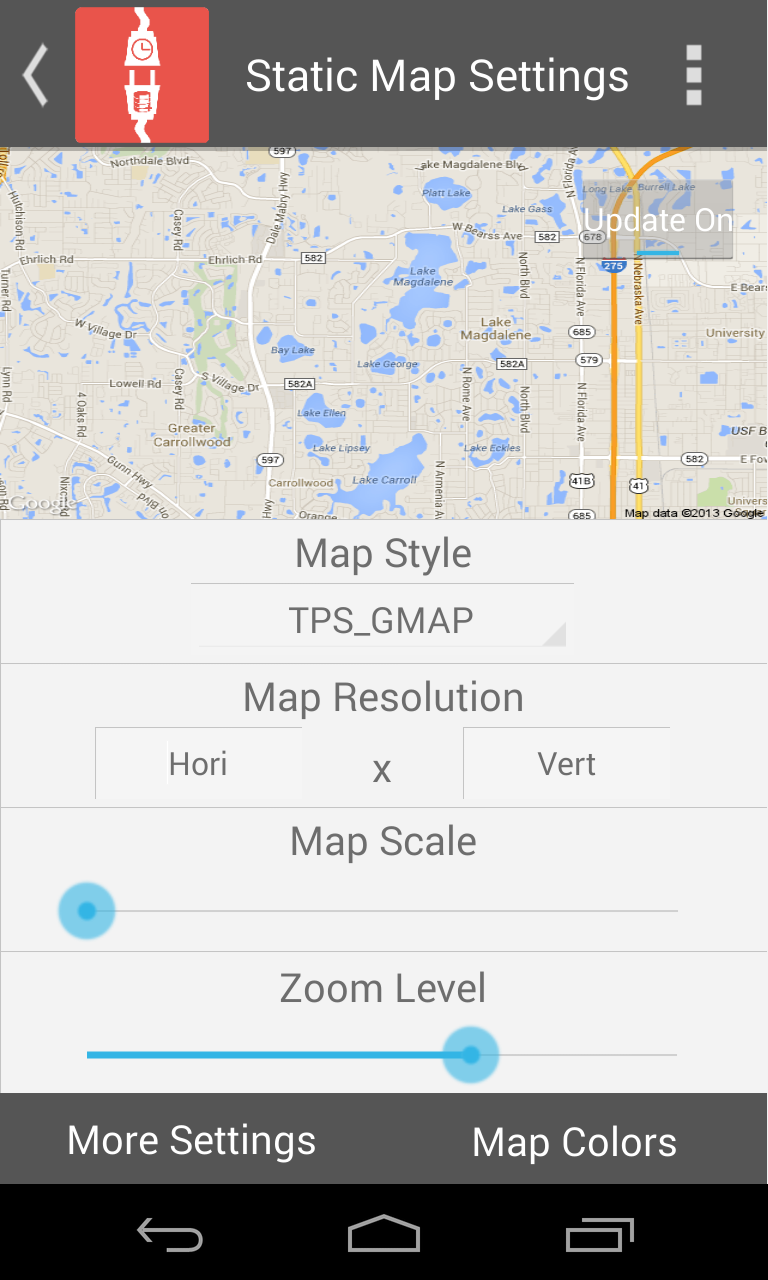

Is there a way for Scenes build in Tasker to scale to the appropriate screen size and aspect ratio?

Pent
Oct 11, 2013, 4:24:49 AM10/11/13
to tas...@googlegroups.com
>The scenes launch as Activity, Full Display, No Bar.
Looks like you want an action bar, however, the next update allows to show the scene with an action bar.
I have been building the scenes on my Nexus 4. During the build I have had my navigation controls visible, so the max resolution for any scene is 768x1183.
You can edit a scene in full display size next update.
This makes the max resolution of my display 768x1280. What I found was that the scene does not scale to the full resolution height.
If scales to fill the closest dimension, the other dimension is scaled proportionally according to the aspect ration of the scene so
that the scene is not distorted. Since you kept the width of the screen identical, it's impossible for Tasker to change the height
of the scene.
>Is there a way for Scenes build in Tasker to scale to the appropriate screen size and aspect ratio?
The 'appropriate' aspect ratio is the original aspect ratio. It's impossible to fit exactly a display with
a different aspect ratio while not distoring the scene contents.
Pent
a different aspect ratio while not distoring the scene contents.
Pent
Bill S
Oct 11, 2013, 2:29:28 PM10/11/13
to tas...@googlegroups.com
Is it possible to add a variable to the resolution fields of each element? If so we could create a check when the app is launched to determine the resolution of the device. The resolution is in turn converted into an aspect ratio. The variable would be a math formula that scales the height of each object based on the resolution of the original design and the detected aspect.
Pent
Oct 12, 2013, 4:02:13 AM10/12/13
to tas...@googlegroups.com
Is it possible to add a variable to the resolution fields of each element? If so we could create a check when the app is launched to determine the resolution of the device. The resolution is in turn converted into an aspect ratio.
The variable would be a math formula that scales the height of each object based on the resolution of the original design and the detected aspect.
That's what Tasker does automatically.
Pent
Reply all
Reply to author
Forward
0 new messages