
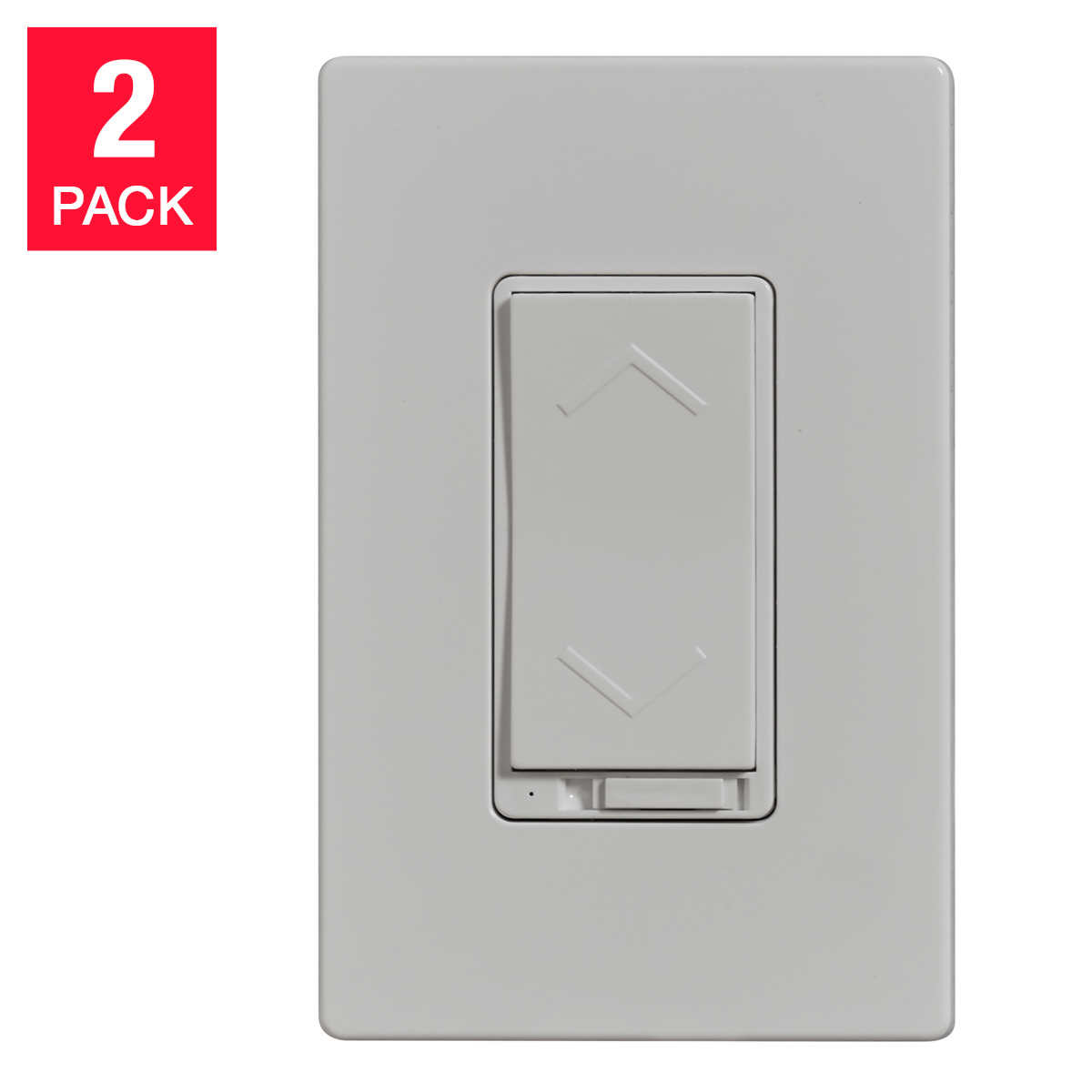
Costco Charging Essentials Wi-Fi Smart Dimmer Switch $40 (2 pack)
871 views
Skip to first unread message

Mark Stoehr
Aug 26, 2018, 6:17:47 PM8/26/18
to SonoffUsers
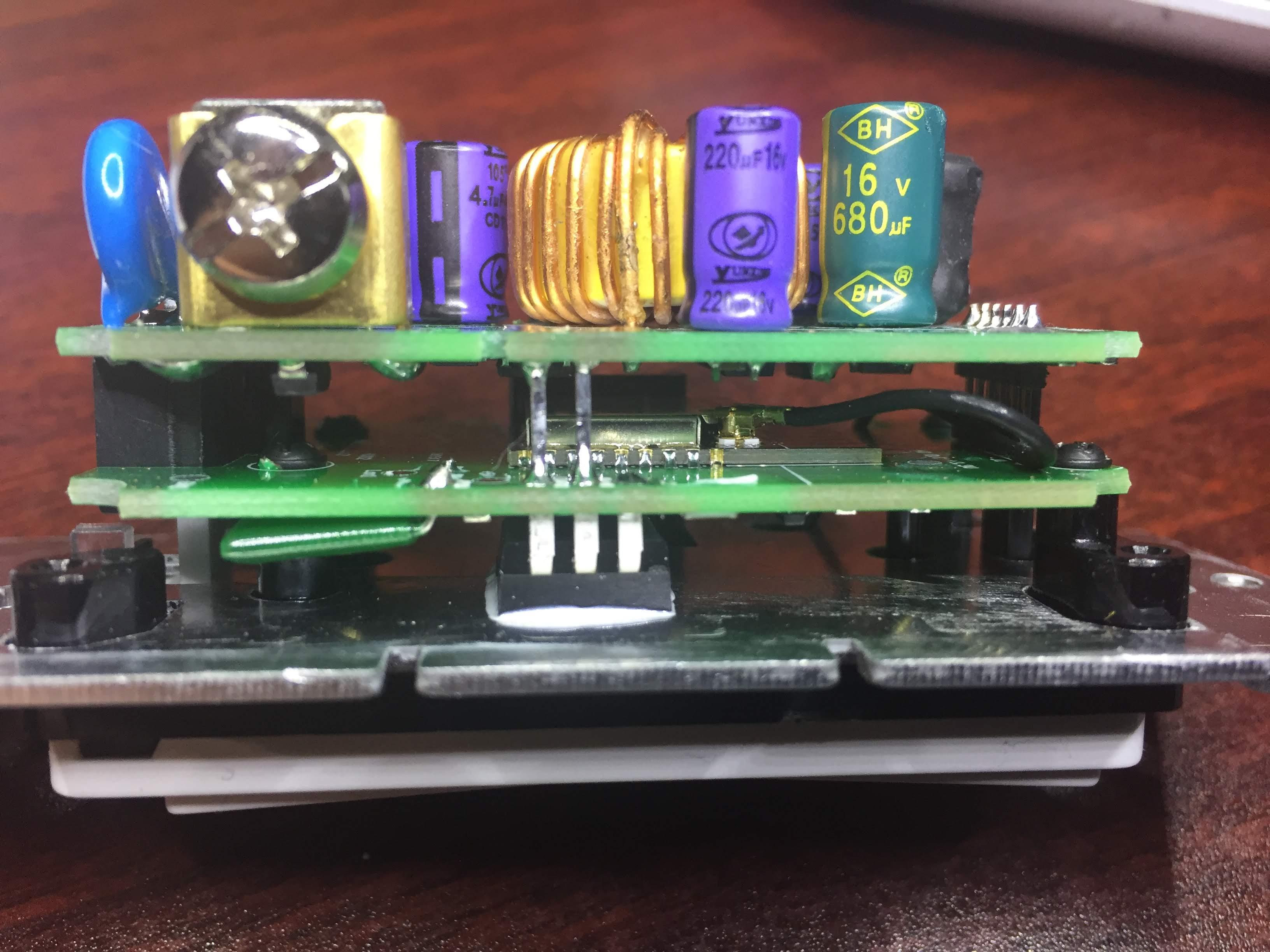
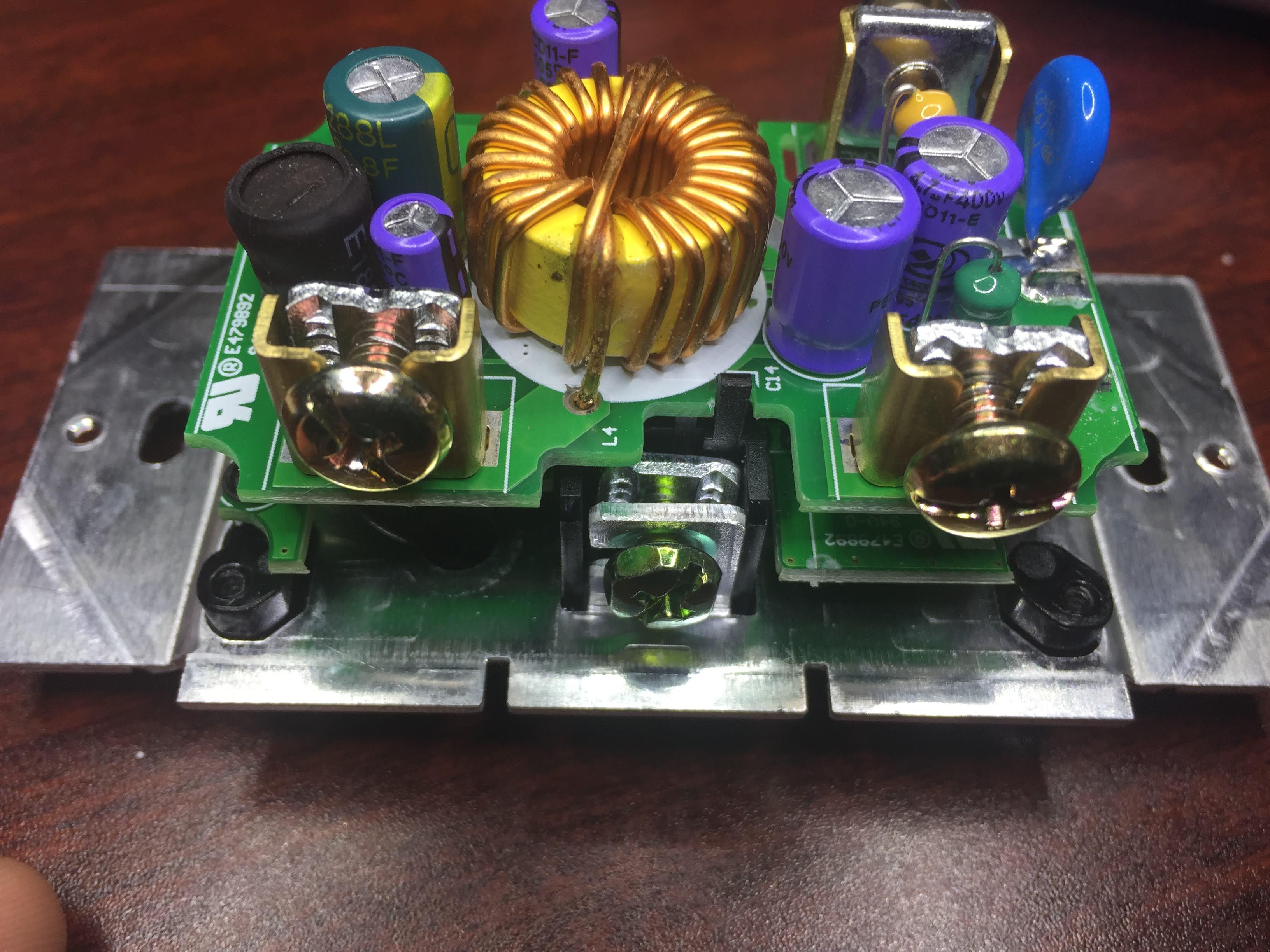
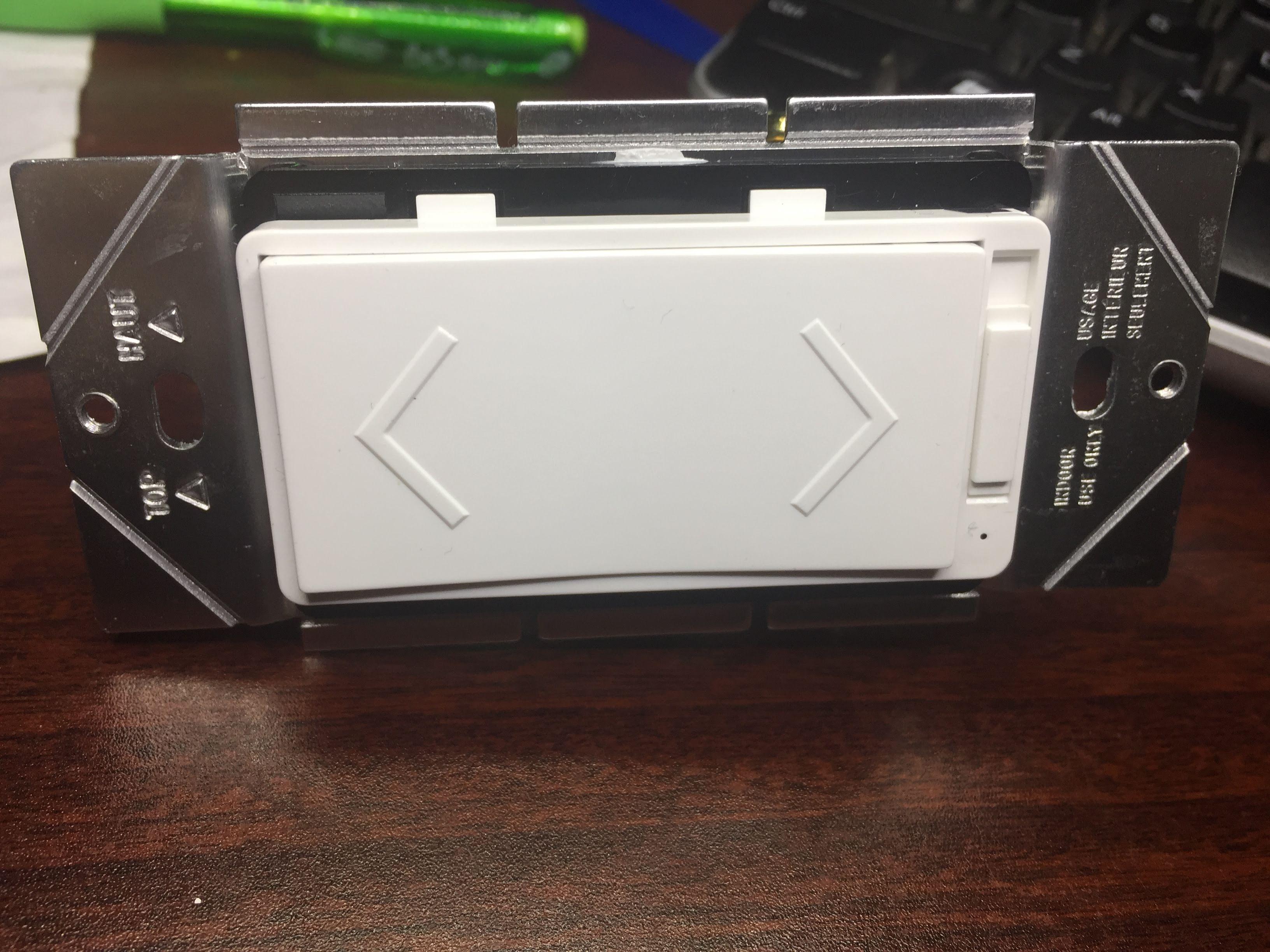
Anyone work with the $40 (2 pack) switch from Costco? Looks to be an ESP8266 based board. Even has an external antenna. Would be excellent with Tasmota



pete c
Aug 29, 2018, 1:33:40 AM8/29/18
to SonoffUsers
I am willing to tinker with the switches. Here close to Chicago and switches are sold at regular price. So searching.
Mark Stoehr
Aug 29, 2018, 5:28:44 PM8/29/18
to SonoffUsers
I'm near Toronto Canada and there are lots at the Costco's around here. Also available on Costco online.
They also have a very nice and small wall plug. That one should be easy to add Tasmota. CE Wi-Fi Smart plugs for $24.99 2 pack

Peter Loron
Aug 29, 2018, 5:42:24 PM8/29/18
to Mark Stoehr, SonoffUsers
Drat! Only at the Canadian site. Doesn’t work for those of us unfortunate enough to be South of the border…
-Pete
--
You received this message because you are subscribed to the Google Groups "SonoffUsers" group.
To unsubscribe from this group and stop receiving emails from it, send an email to sonoffusers...@googlegroups.com.
For more options, visit https://groups.google.com/d/optout.
Mark Stoehr
Aug 29, 2018, 5:53:00 PM8/29/18
to SonoffUsers
Ok after playing with the unit the current firmware works very nicely. The provided app works and integration with Google Home works fine. But I want to connect it to Home Assistant and not connect to a random web server. Wherever that server may be in the world. So I need MQTT. I don't know if Tasmota will work with the hardware.
This is how it works
There are UP and DOWN momentary push buttons.
When you quickly press UP the lamp fads up to 100% brightness.
When you quickly press DOWN the lamp fads to off.
When the lamp is ON and you hold DOWN the lamp fads down slowly until you let go. Same with holding UP it fads brighter slowly.
The Google Home voice controls let you tell it what brightness to set and also ON and OFF.
There is also a main toggle switch which kills power to the unit entirely. This switch is not controlled by any software.
I have only used Tasmota with a relay device (ON/OFF) mostly Sonoff's and not a dimmer. So I guess the question is can Tasmota work with 2 switches for fading??
On Sunday, 26 August 2018 18:17:47 UTC-4, Mark Stoehr wrote:
pete c
Sep 2, 2018, 5:25:31 PM9/2/18
to SonoffUsers
@Mark,
Have you tried watching the serial port / console connection watching the commands being sent by the buttons?
Guessing only that you would maybe see something.

Tony D
Sep 4, 2018, 8:35:49 AM9/4/18
to SonoffUsers
Hi Mark,
Been searching for more info on these switches and found your post. I noticed you un-soldered the 2 connections near the middle to bend it open. Not sure why I can't click on your photos to enlarge them, but my curiosity is with the board with the radio on it. Most likely some kind of ESP chip. Closer to your bend and above the circuit antenna, there looks to be 6 solder pads. Do you have a closer photo of that? Those are most likely where you can reprogram the ESP with Tasmota. What I want to know is if any of those pads are linked to the 6 header pins where you bent it open. If they are it would make it easier to reprogram without opening.
I picked these up at costco too, their cheap and have UL cert which is why I'd love to get this working with Tasmota. I just don't want to use a switch that connects to a cloud service, I want all internal communications that I control.
Message has been deleted
Mark Stoehr
Sep 4, 2018, 10:38:00 AM9/4/18
to SonoffUsers
I too only want to use it internally with my Home Assistant setup. For now, I found if you install a different App I can get it to work with HA. But it is not local it's on the remote server. I set it up with Tuya Smart. This app has more functionality and HA integration. As for the pads above the ESP chip, they do not run to the TX RX pins on the chip. There is ground and 3.3V on the pins I bent over at the top but the RX TX are only on the side of the chip and unless you unsolder and spread the board apart the RX TX are blocked by the AC ground plug insulation. But I don't know if TASMOTA will work with 2 touch buttons as this switch has. Also, the current firmware has a nice slow dim on off when you use the buttons. I think it may need to be a feature added to TASMOTA for this to work.
Here are the photos in my google drive
Tony D
Sep 4, 2018, 11:32:29 AM9/4/18
to SonoffUsers
Thanks Mark. Those photos helped a lot. looks like the 6 pads at the top are a dead end. BUT! all is not lost. From your photo I see something interesting. Bottom left of the ESP chip are 4 pin holes. To the right of J3 in a vertical orientation. Now those are starting to look like other RX/TX/3.3/GND headers. Looks like I'll need to find some time and sacrifice one of my switches so I can do a trace on those 4 open pads. If they are the serial connection, then need to trace the IO00 to somewhere for programming. Pin 9 on ESP, but hopefully it'll be the up or down switch button.
As for Tasmota, yes, some changes would need to be made. Nothing to complex. Tasmota is already well documented. The hardest part would be figuring out how the "dimmer" works on the switch and adding that to Tasmota.
Supposedly they also make these switches in 3-way? Haven't seen those anywhere.
Mark Stoehr
Sep 4, 2018, 12:26:13 PM9/4/18
to SonoffUsers
As I remember pins below the chip do not lead to RX TX, I will have to take apart another switch to test again. RX and TX are pins 3 and 4 top left of the chip there is also 8 and 11 as another RX TX. The chips datasheet is in my post above.
I also started a new topic about the other Costco wall plugs. This one looks fairly easy to flash. I will try today.
Tony D
Sep 4, 2018, 1:47:55 PM9/4/18
to sonof...@googlegroups.com
I want to thank you for your time and help. But I'm going to call it time of death on this switch and Tasmota. Really unfortunate. So I sacrificed one (for science!) and opened it up all the way. Those 4 connectors are: Top = GND, Bottom = 3.3v, middle 2 go to another "unmarked" chip underneath. Probably some unmarked atmel or pic chip. The 2 buttons also go to that same chip. From my view point it's not easily possible to put tasmota on it and continue my quest to find a wifi switch that is UL or CSA rated for Canada and doesn't call home to the cloud (nor cost $100 each)
The sonoffs are currently my favourites, but the missing UL/CSA scares me. Not from a design (which I think they are well made) but on the 0.00001% chance of an issue, insurance will just laugh at you :(

Mark Stoehr
Sep 4, 2018, 5:05:14 PM9/4/18
to sonof...@googlegroups.com

Michael Ingraham
Sep 26, 2018, 9:25:16 AM9/26/18
to SonoffUsers
FYI - @digiblur (github) / @GriggsDIY (YouTube) published a TASMOTA flashed dimmer available on Amazon ($28) on September 24, 2018:

Hadi Hassaoui
Nov 15, 2018, 10:52:19 AM11/15/18
to sonof...@googlegroups.com
I found this info, Maybee that can help
Reply all
Reply to author
Forward
0 new messages