"Pick & Place" calibration pattern

220 views
Skip to first unread message

Hartmut Eger

unread,
Jan 17, 2022, 4:52:36 PM1/17/22
to OpenPnP
Hi Mark,

At the moment I have arrived at the following point of Issues & Solutions:
Calibration precise camera ↔ nozzle N1 offsets.

The item Auto-adjust still works and after finishing I click on Accept - after that no function is heard anymore.

I suspect that it is due to the hint (1).

Momentan bin ich bei folgenden Punkt von Issues & Solutions angekommen:
Kalibrierung präzisen Kamera ↔ Düse N1 Offsets.

Der Punkt Auto-adjust funktioniert noch und nach beendigung klicke ich auf Accept - danach ist keine Funktion mehr zu vernehmen.

Ich vermute das es an den Hinweis (1) liegt.

Note: The N1 nozzle moves to the test object and performs the "Pick & Place" calibration pattern. Be sure to load the correct nozzle tip and prepare the vacuum system.
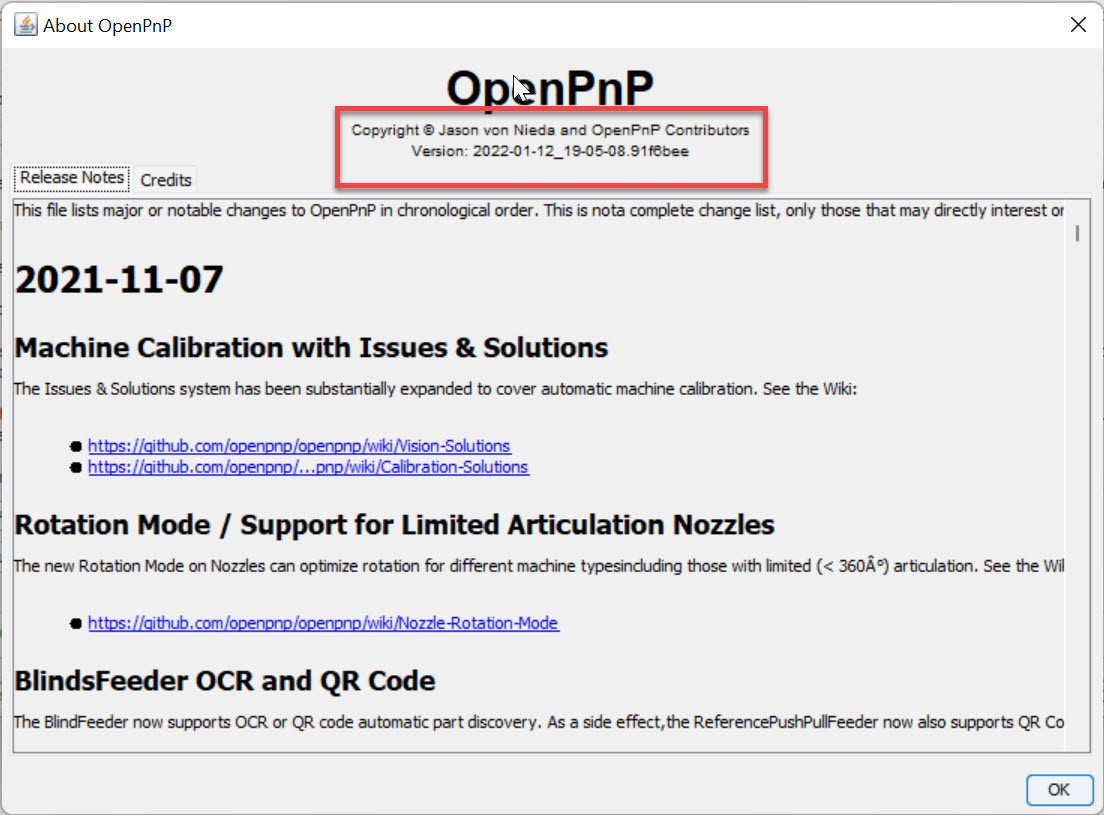
17-01-_2022_22-35-20.jpg
I am using the following OpenPnP software version.
folgende OpenPnP Softwareversion setze ich ein.
17-01-_2022_22-37-08.jpg
I suspect that it is due to the following task calibration pick & place.
Have I missed a point or how does it continue.

Ich vermute das es an folgenden Aufgabe liegt calibration pick & place.
Habe ich eine Punkt übersehen oder wie geht es weiter.

Thanks a lot
Hartmut

mark maker

unread,
Jan 18, 2022, 2:50:43 AM1/18/22
to ope...@googlegroups.com

please send machine.xml and log of the try.

_Mark

--
You received this message because you are subscribed to the Google Groups "OpenPnP" group.
To unsubscribe from this group and stop receiving emails from it, send an email to openpnp+u...@googlegroups.com.
To view this discussion on the web visit https://groups.google.com/d/msgid/openpnp/82ff0a72-3628-4875-a396-1adb17d38840n%40googlegroups.com.

Hartmut Eger

unread,
Jan 18, 2022, 3:02:36 AM1/18/22
to OpenPnP
Hartmut
parts.xml
vision-settings.xml
log1642492702134829300.g
machine.xml
OpenPnP.0.log
packages.xml

mark maker

unread,
Jan 18, 2022, 4:42:21 AM1/18/22
to ope...@googlegroups.com

Hi Hartmut

this is actually a good test for the new testing version, please upgrade to the newest.

 Issues & Solutions will then tell you what's wrong (red Error). It will also force you to redo the steps that are wrong (blue Fundamentals).

You must have used Nozzle N2 (i.e. the negated), instead of Nozzle N1, to capture the primary fiducial Z coordinates. Such a mistake will no longer be possible with the new version.

And it seems you forgot to move any Nozzle in Z for the secondary fiducial. Such a mistake will equally no longer be possible with the new version.

As a consequence, Units per Pixel and Default Working Plane are completely wrong:


No wonder nothing works!

Note: the new Version will catch such mistakes in the future...

... but not all Issues & Solutions have the same level of safe-guarding, You really need to read the instructions veeery carefully, perhaps use better translation software.

Next step: do as the newest version  Issues & Solutions tells you.

_Mark

Hartmut Eger

unread,
Jan 18, 2022, 4:03:18 PM1/18/22
to OpenPnP
Hello Mark,

I am again at the same point as described in the first post ""Pick & Place" calibration pattern".
I have successfully worked through all open points with the current software.

ich bin wieder am gleichen Punkt wie im Ersten Beitrrag ""Pick & Place" calibration pattern" beschrieben.
Alle offenen Punkte mit der aktuellen Software habe ich erfolgreich abgearbeitet.

18-01-_2022_21-56-24.jpg
packages.xml
parts.xml
machine.xml
OpenPnP.0.log
vision-settings.xml
OpenPnP.1.log

tonyl...@gmail.com

unread,
Jan 18, 2022, 6:17:55 PM1/18/22
to OpenPnP
One problem I see is that there are lots of timeouts in your log files.  You have your command timeout set at 2000 milliseconds - that only gives the machine 2 seconds to complete its motion and respond back before OpenPnP declares a timeout.  You may want to increase that by going to the Machine Setup tab, select your driver, and select the Driver Settings tab, change Command Timeout to something like 20000 milliseconds:
timeoutSetting.pngOne problem I 

mark maker

unread,
Jan 19, 2022, 2:57:58 AM1/19/22
to ope...@googlegroups.com

Hi Hartmut,

You need to report back what mistakes you confirm, what changed since then and what was successfully resolved. I don't have the time to examine/load your machine.xml each and every time you send an email.

I was thinking about why the heck you have so many problems. It suddenly occurred to me that you might be following an inverted coordinate system, where the positive Z axis points down, not up as it should. Please confirm you got it right: 

Axis Coordinate System

https://github.com/openpnp/openpnp/wiki/Machine-Axes

_Mark

Hartmut Eger

unread,
Jan 19, 2022, 12:00:08 PM1/19/22
to OpenPnP
Hi Tony,

thanks for the info, I have made the changes.

Hartmut

Hartmut Eger

unread,
Jan 19, 2022, 12:00:14 PM1/19/22
to OpenPnP
Hi Mark,

I hereby confirm that the Z-direction on my PnP machine works and is configured as shown in the link you attached.
19-01-_2022_17-57-47.jpg

Hartmut

NismoBoy34

unread,
Jan 19, 2022, 2:22:18 PM1/19/22
to OpenPnP
i dont mean to gate crash but i seem to be encountering the same issue understanding why my Z axis is not working as it should correctly ?
I am not getting homing to work is the first issue .
Secondly when the openpnp software opens and home is pressed which way should the Z movement happen Up or Down ?
When i press the down arrow the head moves down and up the head moves up .
Im confused as to what should be the ideal values for PCB level and what should be the ideal values for 2nd Fiducial calibration ? im not asking for an accurate detail of level height .
Seems the wording and methodology has also got me confused and with each open of the software and close the Soft limits on both low and high are mixed up ?
Where should Z soft low limit be ? on the highest part and at what ideal figure 0.000 or -190.00 ?
and where should soft limit high be ? 0.000 or -190.00
I see that movements downward should be less and movements upward increasing ?
Would really appreciate some clarity on this .

tonyl...@gmail.com

unread,
Jan 19, 2022, 4:49:11 PM1/19/22
to OpenPnP
@NismoBoy34,

We can't supply you with specific values to use because every machine can be different.  With that said, the positive Z-axis is in the up direction (away from the PCB).  When you mechanically home, the Z-axis should move up (or if you have multiple nozzles they should move to the "balanced" position) to its mechanical home position first and then X and Y should move to their mechanical home positions.   Here is a diagram that illustrates the various Z coordinates and their relative relationships:
zAxisHeights.png
The Hard Limits are defined by the physical limitations of your machine (in many cases, moving to the hard limits will trip limit switches).  The Soft Limits should be set within the Hard Limits - OpenPnP will not attempt to move outside this range.  Obviously, the PCB must be within the Soft Limits and have enough headroom above it to move the thickest parts over the parts that have already been placed on the PCB (which may be as thick as the thickest part).  So, we have PCB Z < High Soft Z Limit - 2*thicknessOfTallestPart.  And then Dynamic Safe Z > max(tallestObstructionZ, thicknessOfTallestPart + PCB Z) or Safe Z > thicknessOfTallestPart + max(tallestObstructionZ, thicknessOfTallestPart + PCB Z).  I believe the Wiki already provides guidance on setting the calibration fiducial heights (primary at PCB Z and secondary so that is still somewhat in decent focus).  Note that while it is not necessary to have any room between Safe Z/Dynamic Safe Z and the High Soft Limit, it is best to have some room there to allow for motion optimization.  You may be wondering about having room between PCB Z and Low Soft Z limit - in some cases you may want to move the nozzle tip below the surface of the PCB such as with a nozzle tip changer - in which case Low Soft Limit needs to be less than the PCB Z.

Tony

mark maker

unread,
Jan 20, 2022, 2:14:55 AM1/20/22
to ope...@googlegroups.com

I can only refer to these two sections:

https://github.com/openpnp/openpnp/wiki/Machine-Axes#the-openpnp-coordinate-system

https://github.com/openpnp/openpnp/wiki/Machine-Axes#a-word-about-z-coordinates

I don't know how to explain better or simpler.

The rest is a practical consideration. You need a certain Z difference between PCB level and Safe Z, so you can lift parts up and over the parts that are already placed on the PCB. So this Z difference needs to be a bit larger than twice the tallest part you want to place.

_Mark

NismoBoy34

unread,
Jan 20, 2022, 4:01:22 AM1/20/22
to OpenPnP
@tony thank you that was exactly what i was looking for i just hope that my calibration is correct now going forward .
Reply all
Reply to author
Forward
0 new messages