
Issue with QHY5III178M and longer exposures

Lord Beowulf


Brian Valente
It could be one or more of three things:
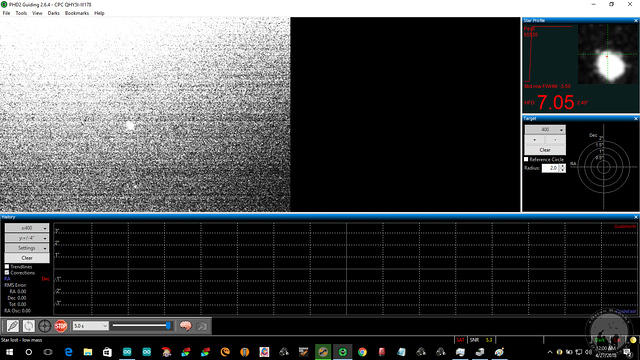
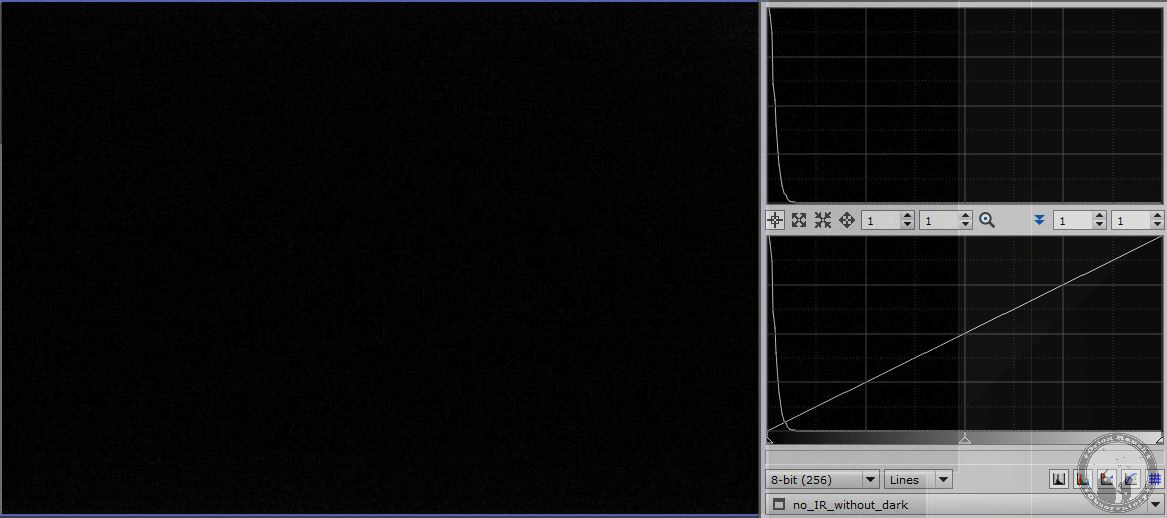
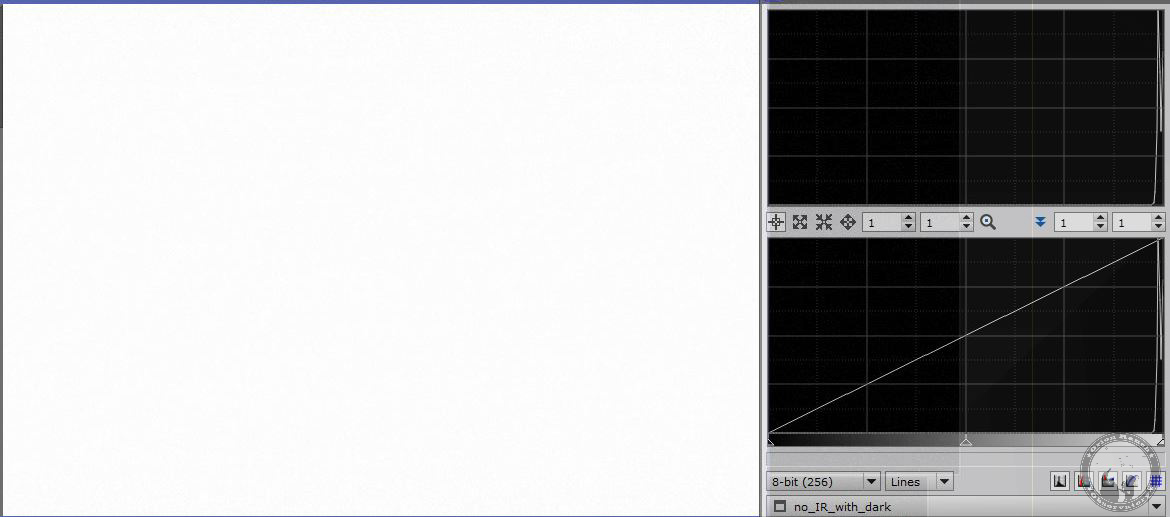
First, it could be the viewing of your guide image – I noticed your slider for brightness is cranked all the way to the right. try dialing that back to maybe halfway. If this is the case, the exposure won’t make any difference in actual guide performance because it’s just a display thing
Or
Second, it could be your camera is too light sensitive for 5 second exposures. Try lower shorter exposures.
Or
Third, if your stars get out of focus, sometimes it will white out like that because it’s attempting to gain up the display
Thanks
Brian
Brian Valente
Brianvalentephotography.com
--
You received this message because you are subscribed to the Google Groups "Open PHD Guiding" group.
To unsubscribe from this group and stop receiving emails from it, send an email to open-phd-guidi...@googlegroups.com.
For more options, visit https://groups.google.com/d/optout.

oliv deso
oliv deso

mj.w...@gmail.com
Is that an auto selected star? Looks like there are better stars in your images?
Is there a camera gain setting in the brain menu? You could turn that down a little?
Michael
Wiltshire UK
Lord Beowulf
Brian Valente
Couple things, and I apologize in advance if I’m repeating myself or saying things you already know:
1. What exactly are you concerned about? That the star is not properly exposed for visual review? I typically don’t spend any time on that, I look at the star profile and HFD and we’re off.
2. How is the actual guiding once a star is chosen? The actual screen display makes no difference to that, I’m sure you know
3. You might also consider using subframes which speeds up guiding – visually they are totally useless but all the data and charts are still effective
4. Imho I’d still go for shorter guide times, which in a roundabout way may solve whatever issue you are having
Thanks
Brian
Brian Valente
Brianvalentephotography.com
From: open-phd...@googlegroups.com [mailto:open-phd...@googlegroups.com] On Behalf Of Lord Beowulf
Sent: Wednesday, May 2, 2018 9:02 AM
To: Open PHD Guiding <open-phd...@googlegroups.com>
--
Lord Beowulf

Andy Galasso
Brian Valente
>> This is all about whether or not this camera can obtain images suitable for PHD2 to use to guide, or if the camera needs to be returned.
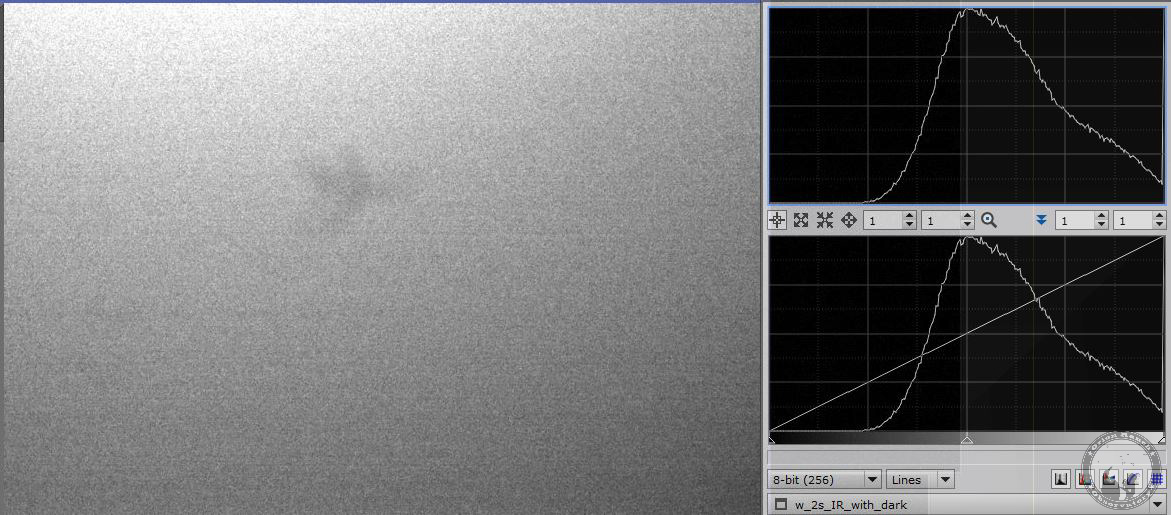
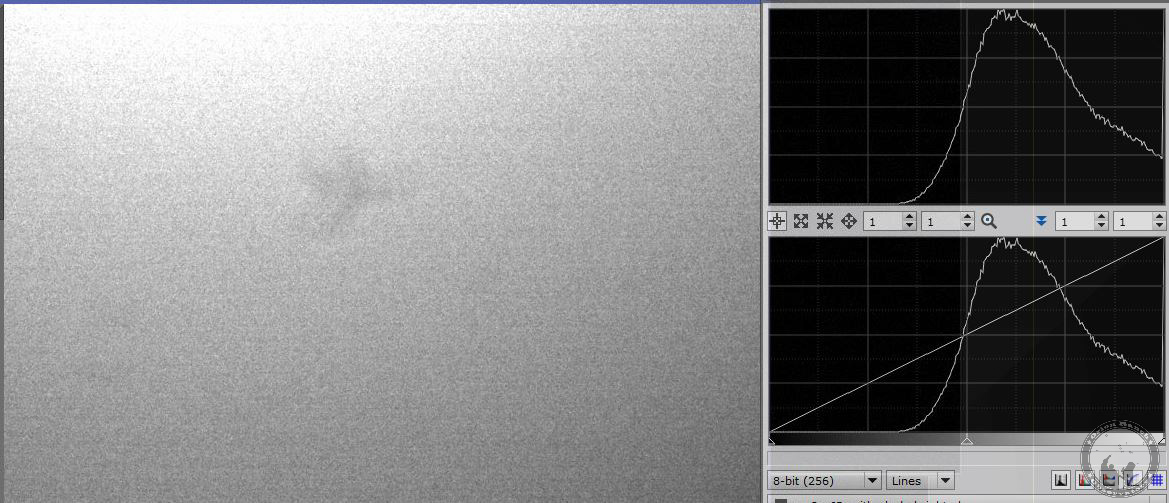
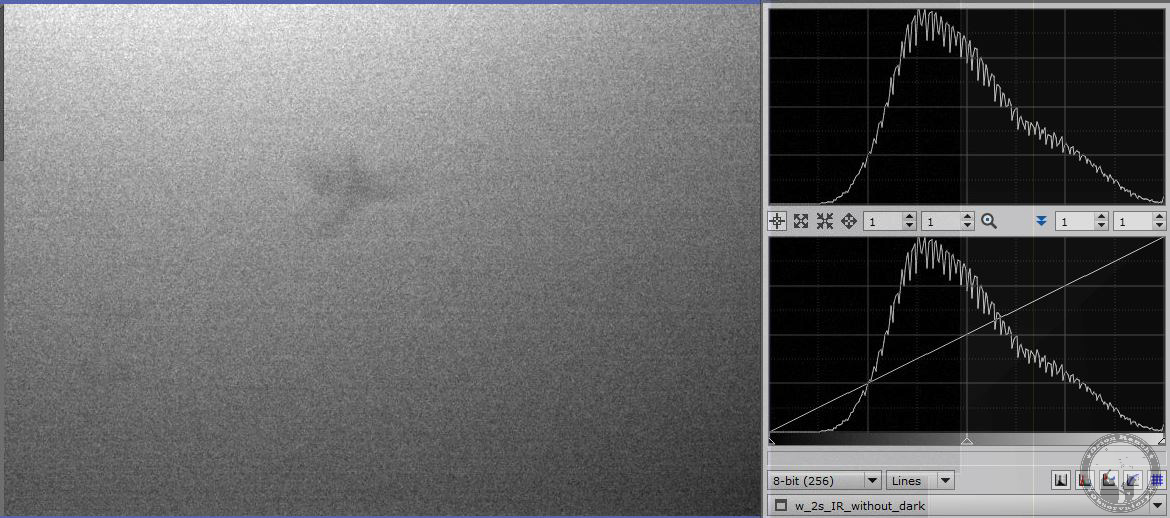
Imho visual inspection is probably not the best way to determine this, particularly if you’re gaining the display way past where it needs to be. Obtaining a solid guidestar is what it’s about, right?
You might try PHD auto-selecting the guidestar. When I’m guiding via OAG with my zwo asi1290 mini, PHD2 picks guidestars I can’t even see on the screen, and does a great job with guiding.
It sounds like you’ve determined it’s more sensitive, which is what you (and we all) want. I’ve never heard of a camera being too sensitive, since you can just dial down the exposure time.
I guess I’m just a little confused on why the visual representation (which adds other non-important details for guiding) is what you are basing this on? maybe you have a requirement for 5 second exposures?
Lord Beowulf
Lord Beowulf

Lord Beowulf
Brian Valente
Lord Beowulf

Brian Valente
Lord Beowulf
Lord Beowulf
oliv deso
To unsubscribe from this group and stop receiving emails from it, send an email to open-phd-guiding+unsubscribe@googlegroups.com.
