
Companion software shows different ip address than my router does
 Assigned to jeffrey....@gmail.com by taifu...@gmail.com
M Porter

Taifun
M Porter
Taifun
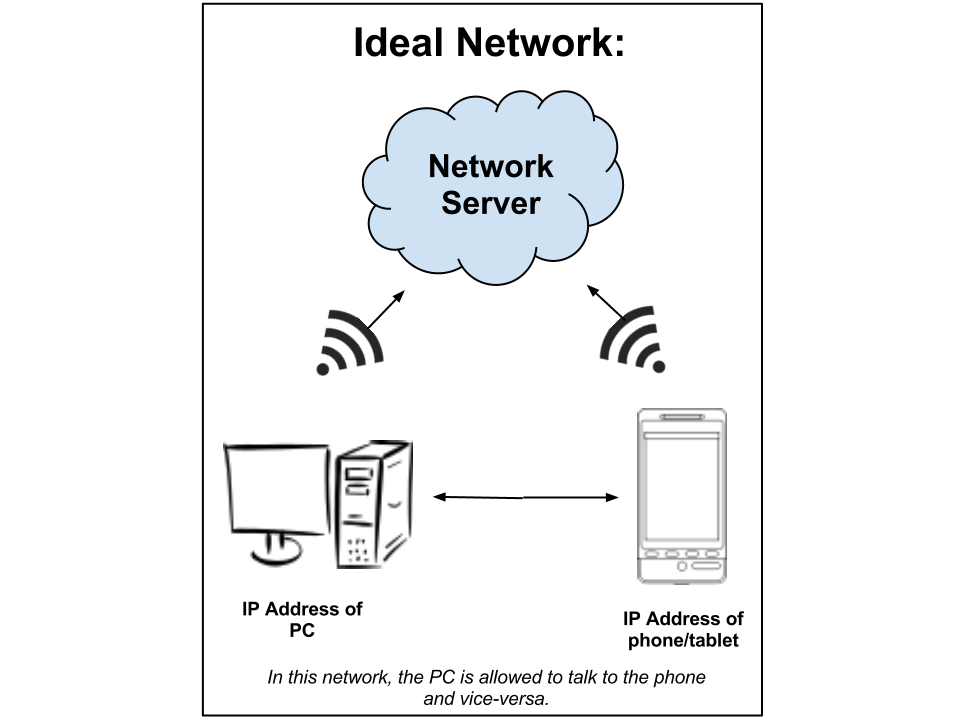
If you do not pass step 4, your network most likely looks like this.
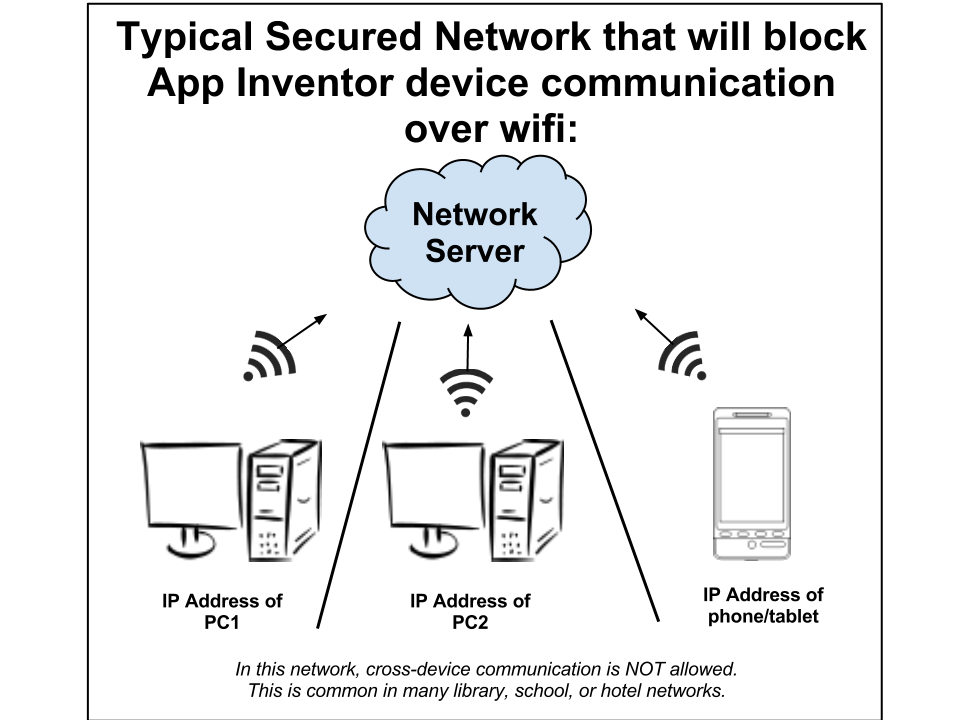
Many networks have firewalls set up that block connections to the phone. A way to get around this is to use your own or a local computer as a wifi router and have all computers and devices using AppInventor connect to the network using the new router. For detailed instruction setting up a computer as a router, seehttp://www.wikihow.com/Create-a-Wireless-Network

Why is my phone still not connecting?
Check that your device is connected to Wifi and not the cell network. On some devices and in some locations, even with WiFi enabled, the phone continues to use the cell network. If this is happening to you, you can disable mobile networking (cell phone carrier based Internet connectivity) from your device's Android settings menu.