
New user with Loxberry facing problems with Docker, Nibe uplink and Sureflap
303 views
Skip to first unread message

Herman Nåheim
Jan 31, 2022, 4:19:44 AM1/31/22
to Loxone English
Dear community.

After buying a house with Loxone smart home installed 2 years ago, I have finally started to want to add some extra functionality to it.
I have bought an RPI 4 and installed the latest loxberry on it.
I want to try the following plugins: Docker (for Unifi controller), Nibe uplink (for some status values for our heating system), and Sureflap (for integrating our cat flap into Loxone).
I have installed all 3 plugins but I cannot get either to work.
Docker:
I'm following this tutorial for the installation of Unifi controller. When I try to deploy the container I get "Failure, no such image"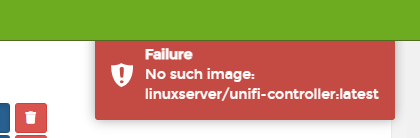
Nibe uplink:
I have gone to https://api.nibeuplink.com/ and created an application and used this information in the settings in Loxberry.
When I try to authorize the application I get the following error after confirming the captcha.
for the callback URL I'm using: http://loxberry/plugins/nibeuplink/index.php
Sureflap connect:
When trying: http://loxberry/plugins/sureflap/getData.php
I get "Curl Failed".
The logfile shows me:
sending not encrypted in http-Mode
Getting last token
Starting request...
Request received with code: 0
Getting last token
Starting request...
Request received with code: 0
WARNING: Token needs to be renewed!
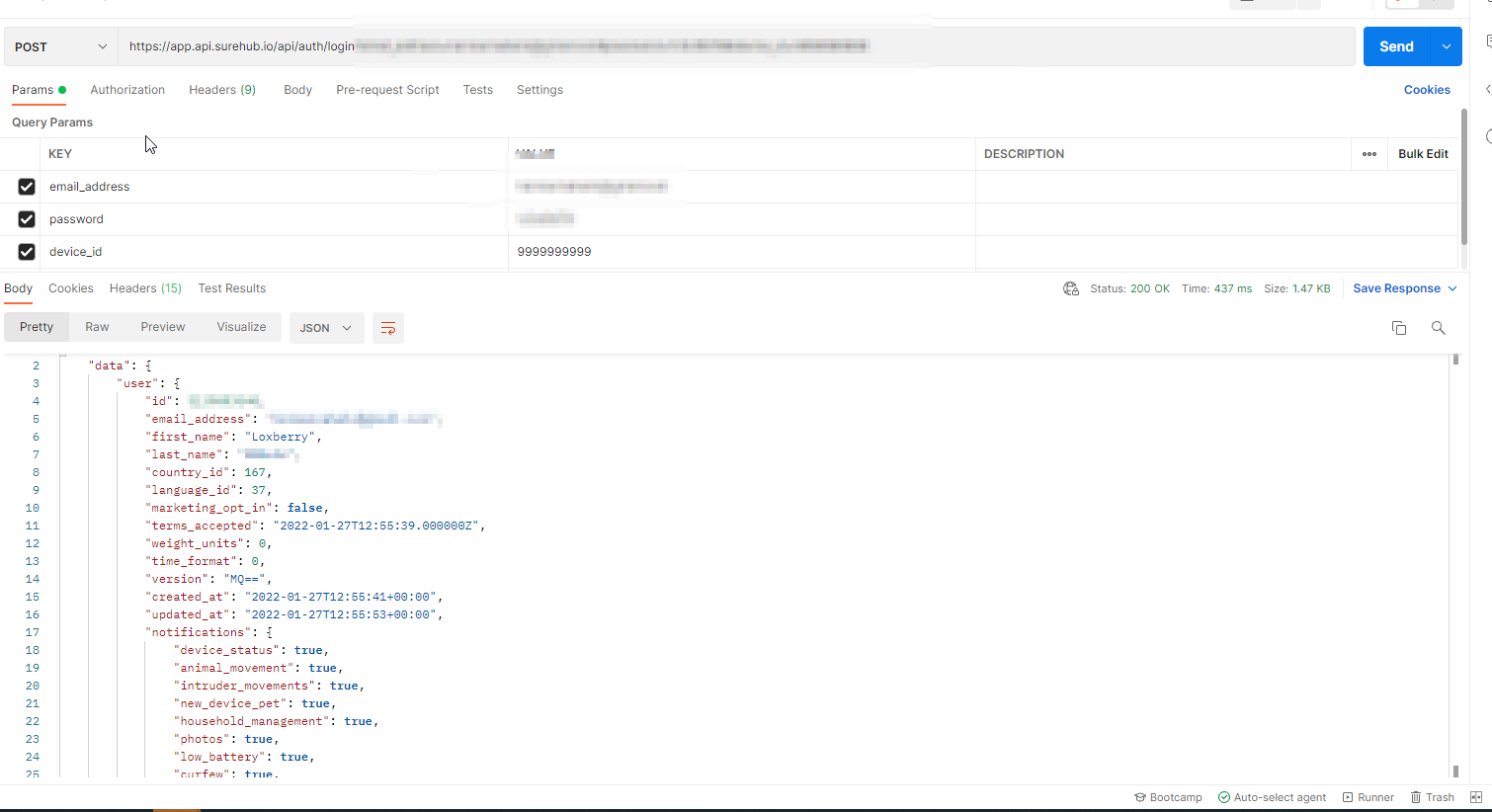
Requesting new tokenHowever, if I use an API tester (e.g. postman.co), it works just fine. So I believe that the problem is in Loxberry trying to call the API.
One general comment that could be connected to all this is that I also get the following error when trying to install new plugins.
" INFO: Downloading https://github.com/Woersty/LoxBerry-Plugin-cam-connect/archive/2020.7.25.zip ...
We are in CGI mode.13.01.2022 17:09:11 INFO: Statusfile: /tmp/6pDkxkOkn6.status
13.01.2022 17:09:11 CRITICAL: Plugin file does not exist.
"
If I press the link, it will download. So It seems like Loxberry can't reach the internet.
Unfurtuanly it seems like most Loxone users in the world are German-speaking and that 99% of Loxberry documentation is in german. I have tried translating most of the information there, but neither of the information has helped me.
If anyone can help me with this I would be very grateful.
Thanks
Herman Nåheim
Feb 1, 2022, 6:56:29 AM2/1/22
to Loxone English
Update 1
I formated the RPI and installed Loxberry again. Now it seems like it works, I have connected to Nibe APi and SurePet API. I have also managed to integrate surepet into loxone by following (and translating) the guide on the plugin side.
I belive that my loxberry installation was corrupted somehow.
Docker is also working with Unifi controller.
I'm glad I have some progress now :)
Reply all
Reply to author
Forward
0 new messages