
Send verification code via e-mail after keycloak login
281 views
Skip to first unread message

P Terziev
May 19, 2023, 8:33:59 AM5/19/23
to Keycloak User
Is it possible to add verification code using e-mail or SMS in order to add additional security layer?
In my case I want to use Keycloak 21 with React login page. After user enters his username and password he should be prompted also to enter secret code delivered by e-mail.
I tried this:
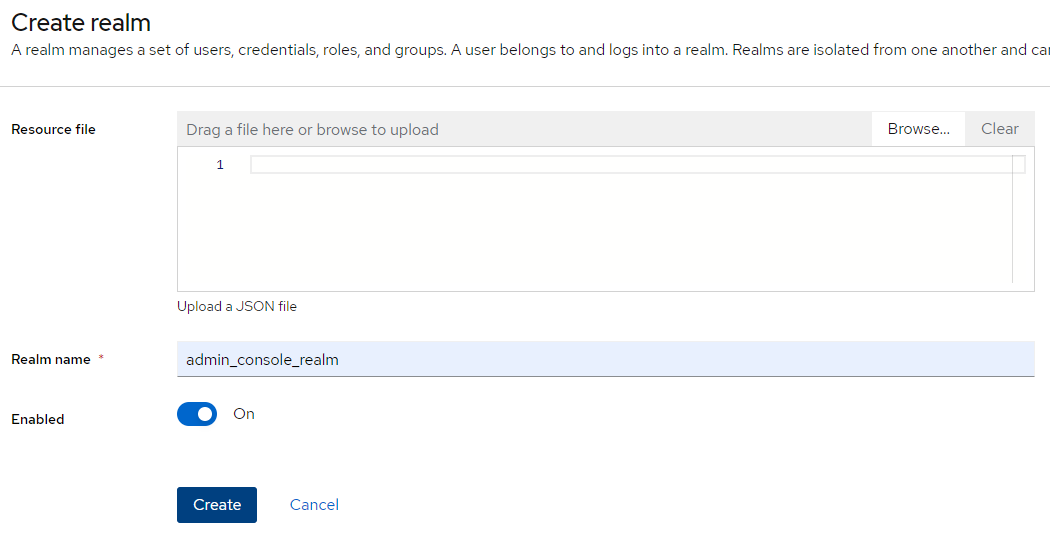
*1. Create Realm: **admin_console_realm***
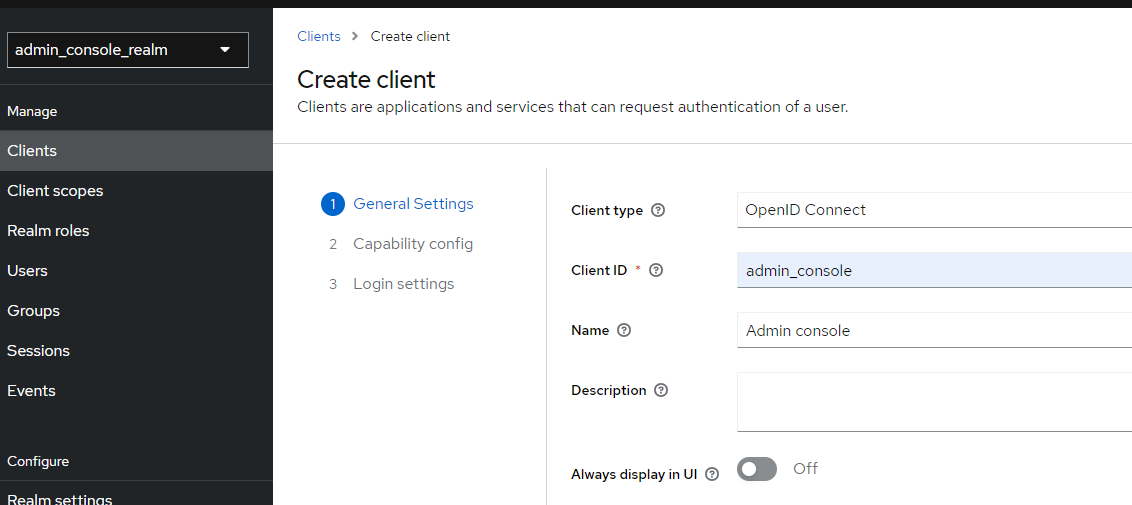
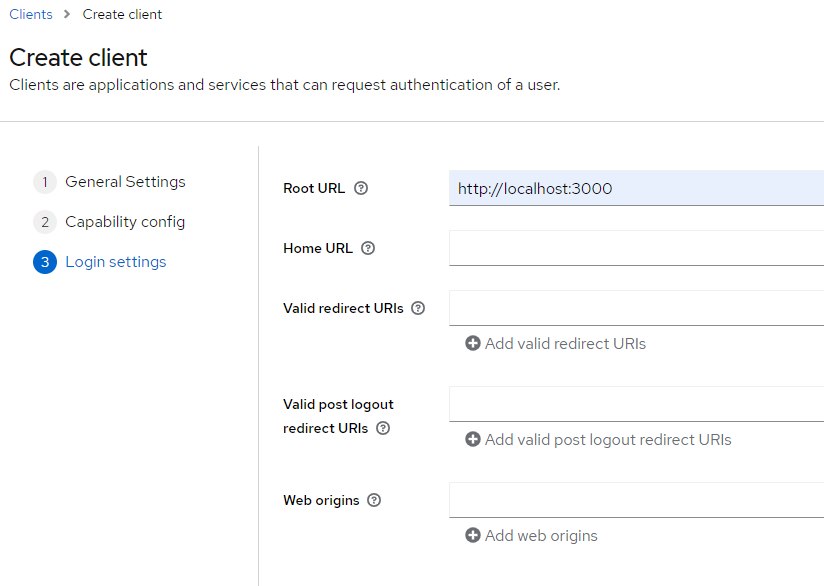
*2. Add client: **admin_console***

*3. Create user: **test***

With Postman I tried to create a request(like a React SPA app) to generate token:
POST: http://123.123.123.123:8080/realms/admin_console_realm/protocol/openid-connect/token?client_id=admin_console_client&grant_type=password
I get response:
{
"access_token": "eyJhb....X8N8ulVbQ",
"expires_in": 300,
"refresh_expires_in": 1800,
"refresh_token": "eyJhbGc....Q",
"token_type": "Bearer",
"not-before-policy": 0,
"session_state": "5595860d-35d8-4fe1-9f6f-147c38255172",
"scope": "email profile"
}
What should be the proper way to send a username and password and then to use confirmation code (OTP code) received by e-mail for Keycloak 21?
In my case I want to use Keycloak 21 with React login page. After user enters his username and password he should be prompted also to enter secret code delivered by e-mail.
I tried this:
*1. Create Realm: **admin_console_realm***
*2. Add client: **admin_console***
*3. Create user: **test***
With Postman I tried to create a request(like a React SPA app) to generate token:
POST: http://123.123.123.123:8080/realms/admin_console_realm/protocol/openid-connect/token?client_id=admin_console_client&grant_type=password
I get response:
{
"access_token": "eyJhb....X8N8ulVbQ",
"expires_in": 300,
"refresh_expires_in": 1800,
"refresh_token": "eyJhbGc....Q",
"token_type": "Bearer",
"not-before-policy": 0,
"session_state": "5595860d-35d8-4fe1-9f6f-147c38255172",
"scope": "email profile"
}
What should be the proper way to send a username and password and then to use confirmation code (OTP code) received by e-mail for Keycloak 21?
Reply all
Reply to author
Forward
0 new messages