
01-Julu-2013 - Rack Awareness

Raj
Rack Awareness:

For every data node 1 task tracker
Placing you MapReduce code as much near to block is rack awareness. If all the nodes in rack are busy then it goes to other rack.
1. On DataNode -> MapReduce code on DataNode
2. On Rack -> MapReduce code in same Rack
3. Off Rack -> MapReduce code different Rack
When your Hadoop cluster gets big, the nodes will be spread out in more than one rack and the cluster’s network topology starts to affect reliability and performance. You may want the cluster to survive the failure of an entire rack. You should place your backup server for NameNode, as described in the previous section, in a separate rack from the NameNode itself. This way the failure of any one rack will not destroy all copies of the filesystem’s metadata.
With more than one rack, the placement of both block replicas and tasks becomes more complex. Replicas of a block should be placed in separate racks to reduce the potential of data loss. For the standard replication value of 3, the default placement policy for writing a block is this: If the client performing the write operation is part of the Hadoop cluster, place the first replica on the DataNode where the client resides. Otherwise randomly place the replica in the cluster. Place the second replica on a random rack different from the rack where the first replica resides. Write the third replica to a different node on the same rack as the second replica. For replication values higher than 3, place the subsequent replicas on random nodes. As of this writing, this block placement policy is baked into the NameNode. A pluggable policy is targeted for version 0.21.6
Besides block placement, task placement is also rack aware. A task is usually placed on a node that has a copy of the block the task is assigned to process. When no such node is available to take on the new task, the task is randomly assigned to a node on a rack where a copy of the block is available somewhere on that rack. That is, when data locality can’t be enforced at a node level, Hadoop tries to enforce it at the rack level. Failing that, a task would be randomly assigned to one of the remaining nodes. At this point you may wonder how Hadoop knows which rack a node is at. It requires you to tell it. It assumes a hierarchical network topology for your Hadoop cluster, structurally similar to figure 8.1. Each node has a rack name similar to a file path.
For example, the nodes H1, H2, and H3 in figure 8.1 all have a rack name of /D1/R1. Figure 8.1 shows a case where you have multiple datacenters (D1 and D2) each with multiple racks (R1 to R4). In most cases you’ll be dealing with multiple racks co-located together. Your rack names will be in a flat namespace, such as /R1 and /R2. To help Hadoop know the location of each node, you have to provide an executable script that can map IP addresses into rack names. This network topology script must reside on the master node and its location is specified in the topology.script.file.name property in core-site.xml. Hadoop will call this script with a set of IP addresses as separate arguments. The script should print out (through STDOUT) the rack name corresponding to each IP address in the same order, separated by whitespace. The topology.script.number.args property controls the maximum number of IP addresses Hadoop will ask for at any one time . It’s convenient to simplify your script by setting that value to 1. Here is an example a network topology script.

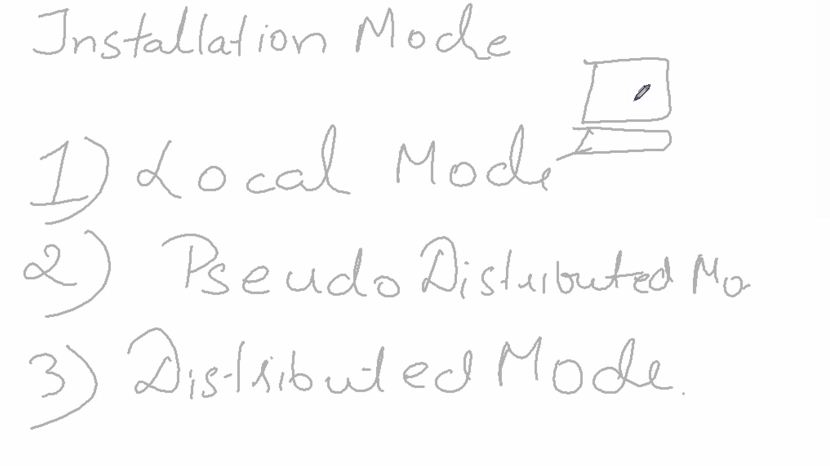
Installation Modes
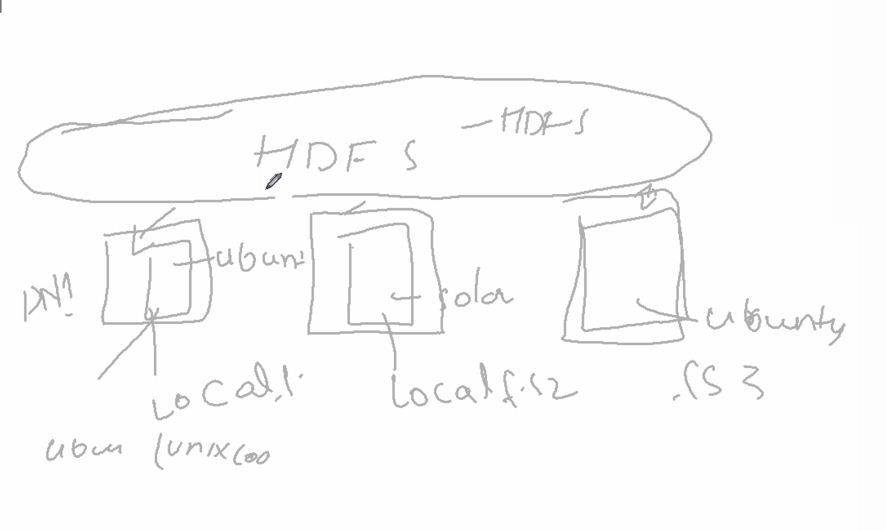
HDFS file system sit on top of your operating systems
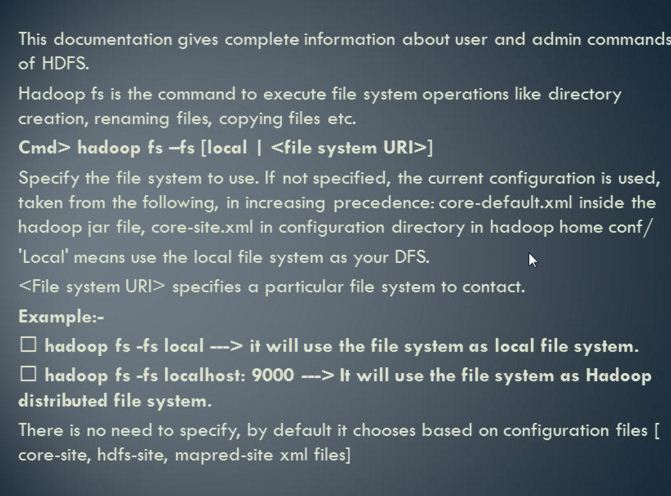
Hadoop Commands
Hadoop command starts with "hadoop"
Any file system starts with "hadoop fs"
-put -> means you are performing some operations
-cp -> to copy files
hadoop fs -ls /. -> list all the files
hadoop fs -ls /mapreduce/ ->show all the files present in mapreduce
hadoop fs -lsr / it will give all the file and subfolder
clear -> to clear the screen