
HorizontalPanel Alignment ALIGN_MIDDLE in UIBinder Not working.
258 views
Skip to first unread message

Bennet X Xavier
Dec 8, 2012, 5:53:12 AM12/8/12
to gwt-pl...@googlegroups.com
Hi All,
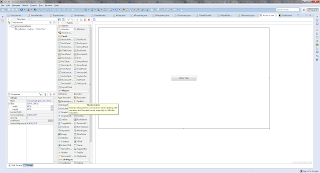
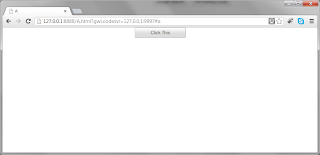
My uibinder file is shown below.
and buttin is center but not middle.
I tried adding horizontal panel inside horizontal panel, nothing worked. added cell also.
What am i supposed to do, to make this button appear properly in middle(vertical alignment).
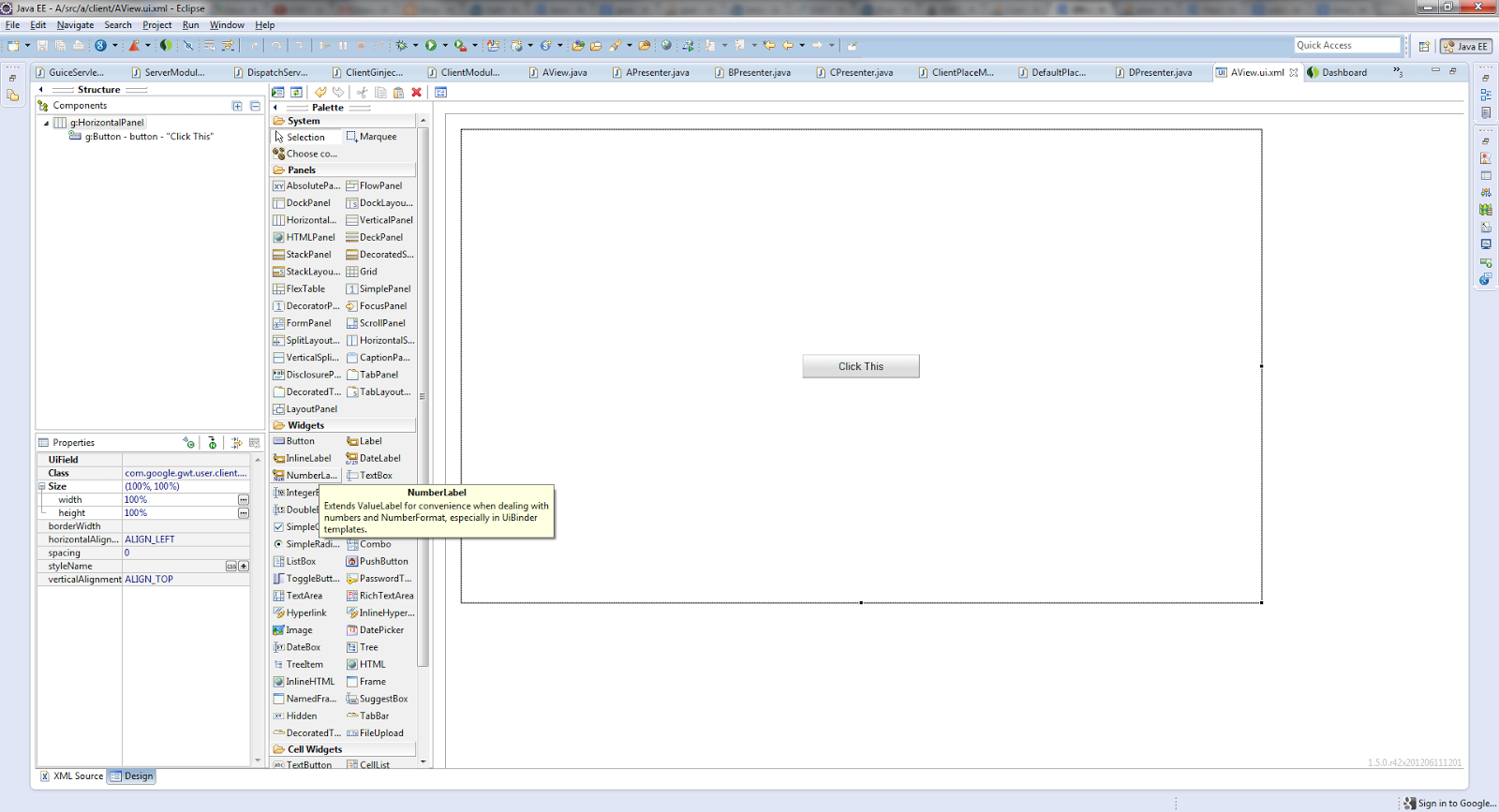
In eclipse it show properly, but in browser its not working.
<ui:UiBinder xmlns:ui='urn:ui:com.google.gwt.uibinder'
xmlns:g='urn:import:com.google.gwt.user.client.ui' ui:generateFormat='com.google.gwt.i18n.rebind.format.PropertiesFormat'
ui:generateKeys='com.google.gwt.i18n.rebind.keygen.MD5KeyGenerator'
ui:generateLocales='default' xmlns:p1="urn:import:com.google.gwt.user.datepicker.client">
<g:HorizontalPanel width="100%" height="100%">
<g:cell horizontalAlignment="ALIGN_CENTER" verticalAlignment="ALIGN_MIDDLE">
<g:Button width="150px" height="30px" ui:field="button">Click This</g:Button>
</g:cell>
</g:HorizontalPanel>
</ui:UiBinder>

Thanks,
Bennet.

Christian Goudreau
Dec 9, 2012, 10:22:49 AM12/9/12
to gwt-pl...@googlegroups.com
This won't really help you to resolve your problem... but you should really never use HorizontalPanel and Vertical panel. It introduce tables wich are not meant to be used as a layout tool.
You should resolve the problem using CSS and divs.
Bennet X Xavier
Dec 9, 2012, 7:06:11 PM12/9/12
to gwt-pl...@googlegroups.com
Thank you so much.
But, how can i use div tag, which is allowed only inside the htmlPanel, If i set 100% height and width for, then i makes problem again.
All i need is a button which must be in the center of the screen, based on the browser relative size.
I will try to solve this, thank you so much for your guidance. it really helped to think differently other than panels.
Thanks,
Bennet
Christian Goudreau
Dec 11, 2012, 9:41:16 AM12/11/12
to gwt-pl...@googlegroups.com
My rule of thumb is that I always add an HTMLPanel at the root of each of my UiBinder file. I try to use as much as possible CSS and HTML before introducing any new GWT widgets.
Here's is six solution to center something in CSS:
Bennet X Xavier
Dec 11, 2012, 11:36:08 PM12/11/12
to gwt-pl...@googlegroups.com
Thank you so much.
I started doing the same thing what you have mentioned, which is so easy and fast.
Cheers,
Bennet
I started doing the same thing what you have mentioned, which is so easy and fast.
Cheers,
Bennet
Reply all
Reply to author
Forward
0 new messages