
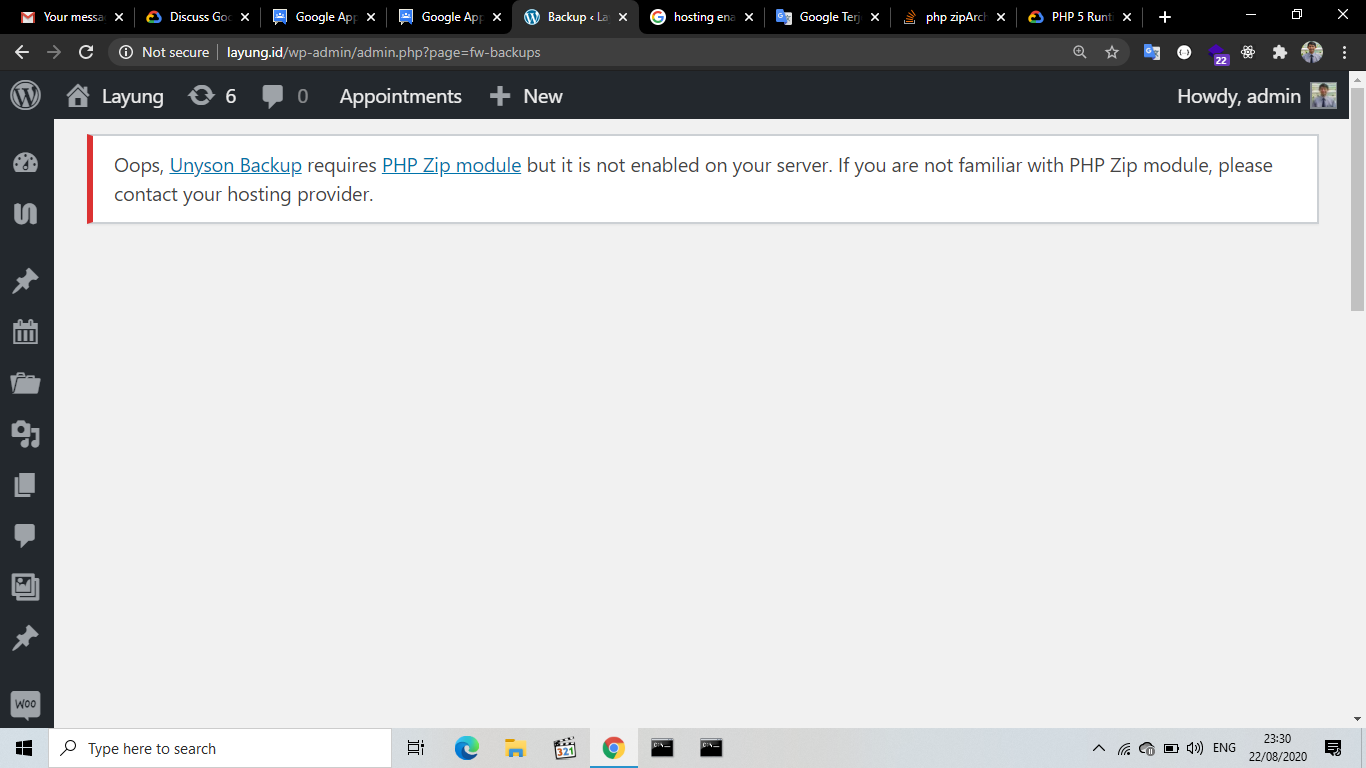
Getting an error in the php zip module
942 views
Skip to first unread message


David (Cloud Platform Support)
Aug 24, 2020, 2:38:23 PM8/24/20
to Google App Engine
Could you specify if you are using App Engine standard or flexible?
Zip should be enabled by default in both App Engine Standard and Flexible. However, if you believe this is a Wordpress specific issue, you may benefit from asking this within the Wordpress Community Forums.Suhendar Aryadi
Aug 25, 2020, 3:37:31 AM8/25/20
to Google App Engine
Thanks for your attentions
I use Google Cloud Compute with instances installed in wordpress.
I have also read that the php zip module is already active on GCP. But I have tried on several wordpress themes. The notification is the same.
"ZipArchive Support: No ZipArchive is required for plugins installation and pre-made websites import. Please contact your hosting provider."
Message has been deleted

Amit Sinha
Aug 25, 2020, 3:33:29 PM8/25/20
to Google App Engine
Hello,
To clarify, could you please confirm if you use this [1] service to deploy the Wordpress? Also please let us know if you are getting this error while deploying the instance?
Suhendar Aryadi
Aug 26, 2020, 12:57:29 PM8/26/20
to Google App Engine
Hello,
Yes, I really use that service. When deploying the instance I got no errors.
Yes, I really use that service. When deploying the instance I got no errors.
While installing the theme I get an error notification as listed in the post above.
Mary (Google Cloud Support)
Aug 27, 2020, 10:04:09 PM8/27/20
to Google App Engine
Hello,
After some verification, it appears as the package from the marketplace does not include the ZIP Archive package for Compute Engine. ZIP is included in App Engine as part of the PHP Runtime.
If you are using cPanel on GCE, and click on the icon labeled "PHP PEAR Packages" (in the Software section). Next, in the search box (underneath the "Find a PHP Extensions and Applications Package" heading, type in "zip" and click the Go button. On the next page, you should see a listing for Archive_Zip - simply click on the Install link on the right hand side.Then you would need to select your PHP version and then select the zip module.
If you are not using cPanel on GCE, you would need to manually install the Zip Archive. The following post[1] on Digitial Ocean's community forum will guide you further. You will need to adjust the PHP version to your current version.
[1] https://www.digitalocean.com/community/questions/php-7-0-ziparchive-library-is-missing-or-disabled
Suhendar Aryadi
Sep 3, 2020, 11:14:17 PM9/3/20
to Google App Engine
Thank you for the help
Reply all
Reply to author
Forward
0 new messages