
How to delete a project from Google Cloud Console
2 views
Skip to first unread message

SSR via StackOverflow
Sep 10, 2013, 11:50:09 AM9/10/13
to google-appengin...@googlegroups.com
Step By Step to disable and request permanent deletion from Google Cloud Console and Google Appengine Project.
Step 1 - Navigate to appengine project and Click on Application Settings.
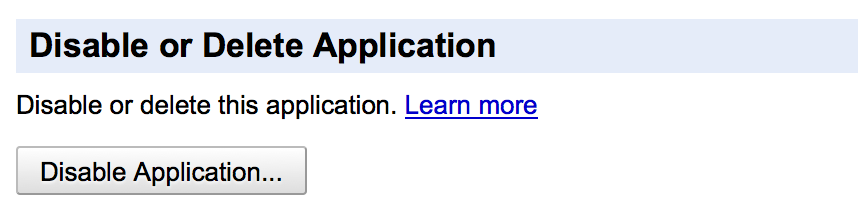
Step 2 - Scroll/Find the button to Disable Application. Click the button.
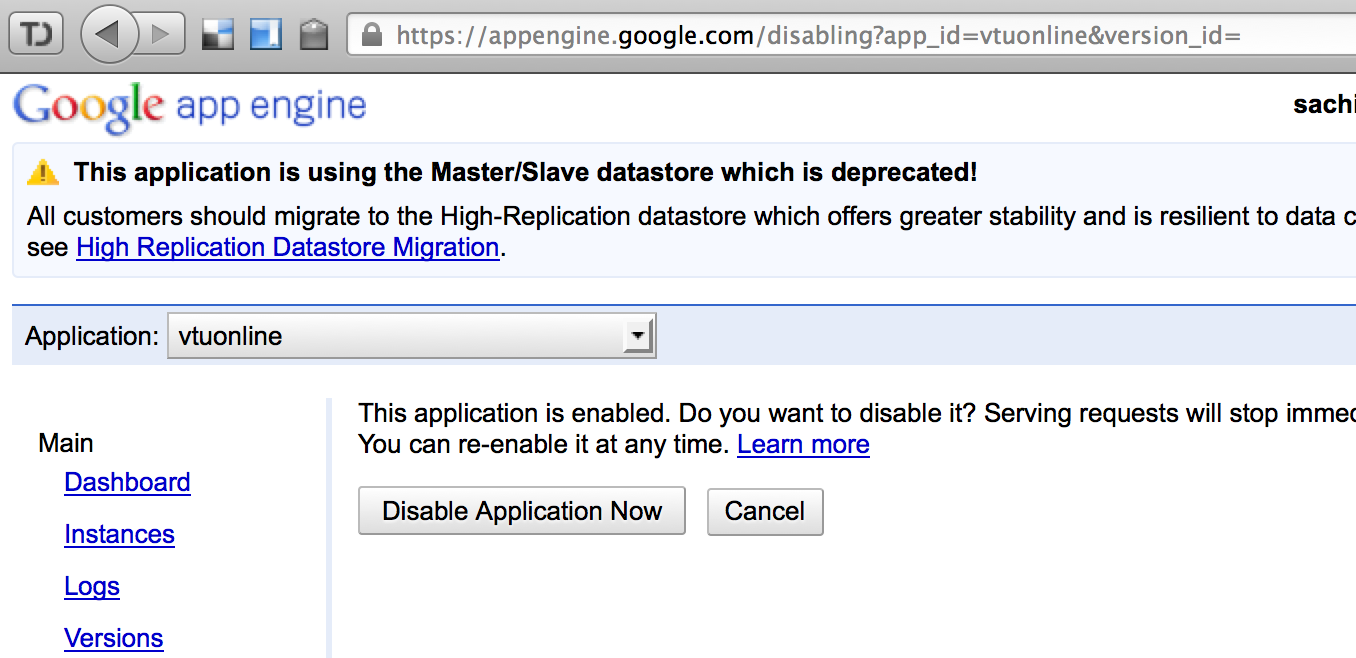
Step 3 - Click on "Disable Application Now"
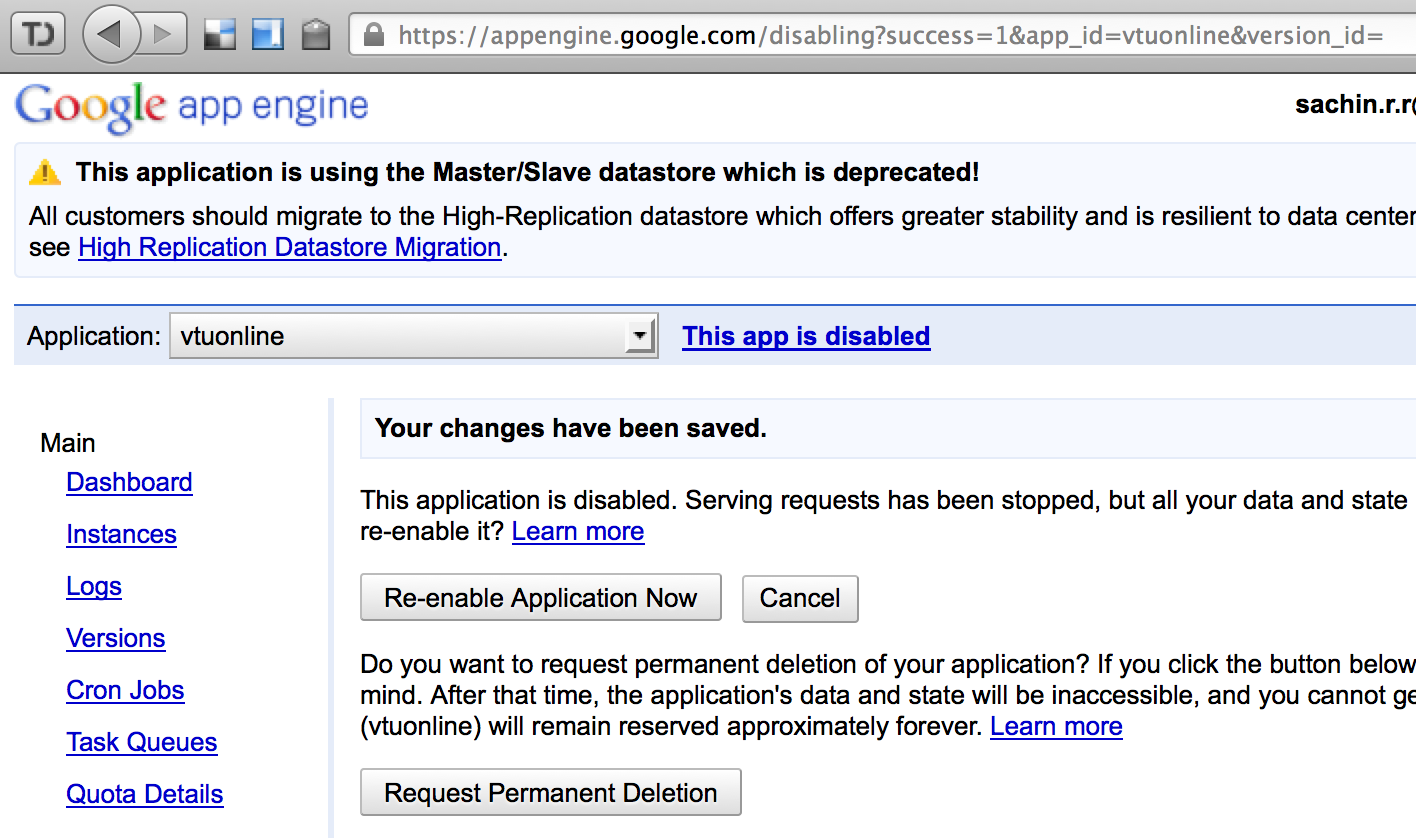
Step 4 - Click on "Request Permanent Deletion". You will screen update showing the scheduled delete.
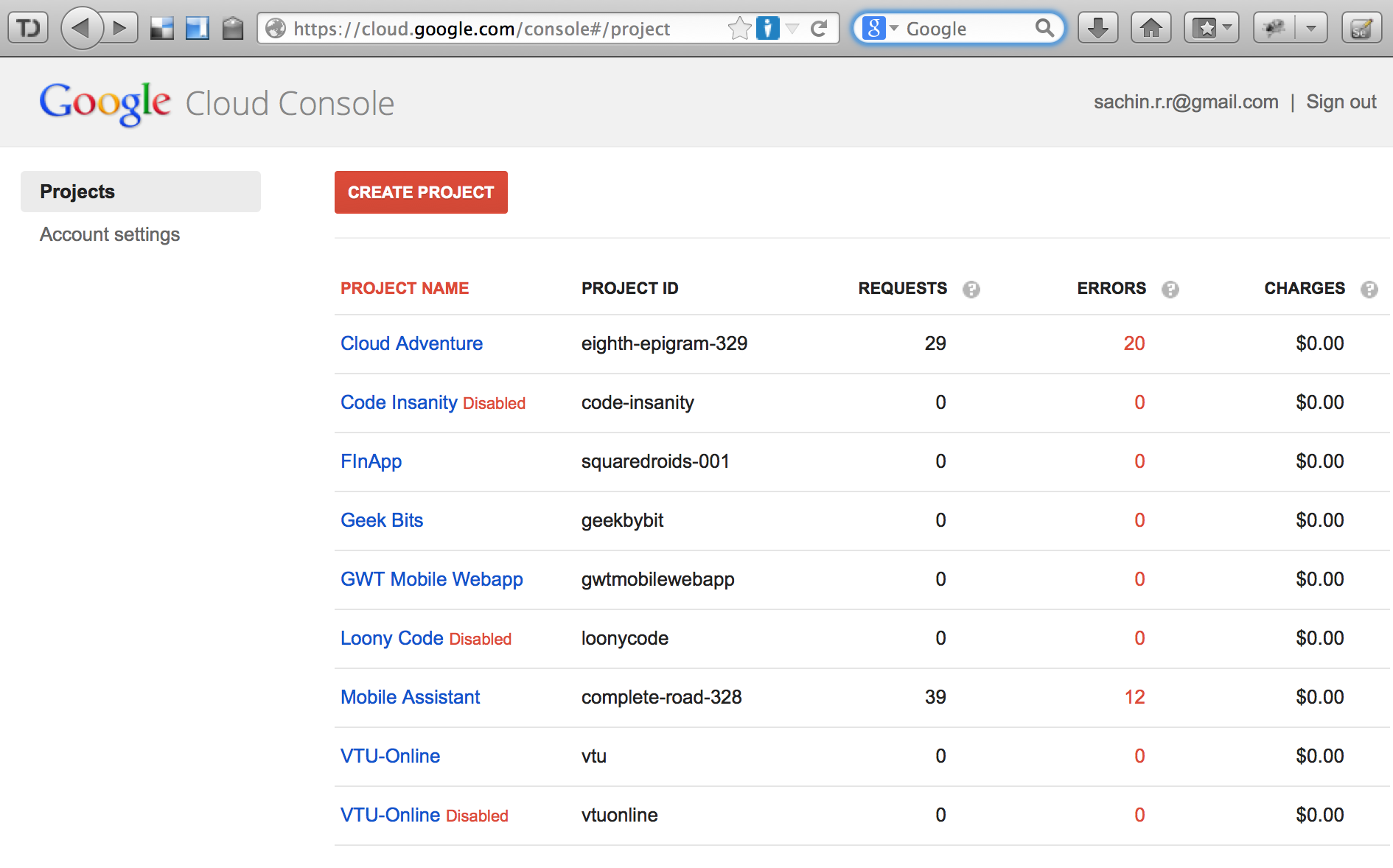
Step 5 - Navigate to Google Cloud Console. The status corresponding to the disabled/deleted project is shown as "Disabled" in red.


Please DO NOT REPLY directly to this email but go to StackOverflow:
http://stackoverflow.com/questions/16621921/how-to-delete-a-project-from-google-cloud-console/18723416#18723416
Reply all
Reply to author
Forward
0 new messages