
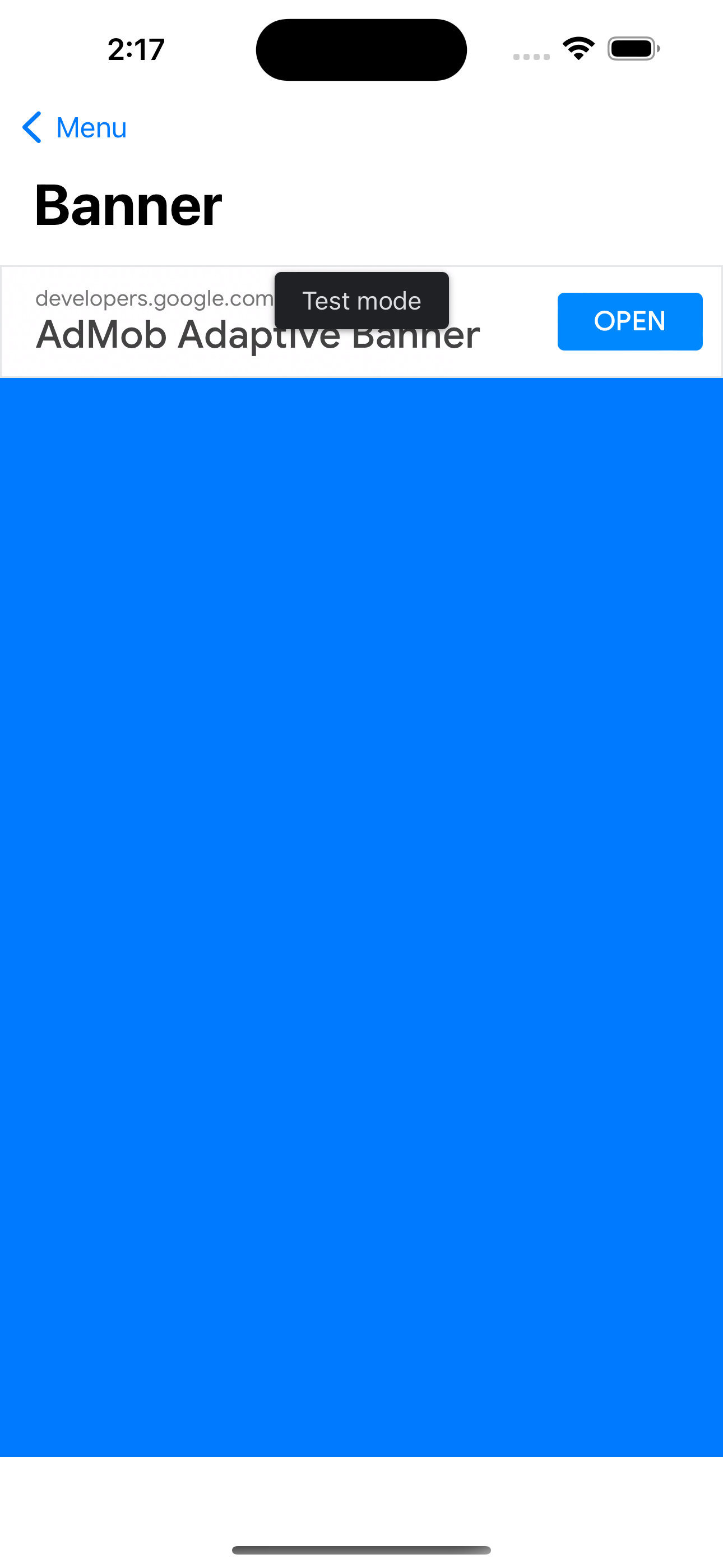
Banner Ads and SwiftUI, setting Banner height

Stephen Aldous
VStack(spacing: 0) {
Spacer()
BannerView().background(.blue)
}

Mobile Ads SDK Forum Advisor
Hello Stephen,
Thank you for reaching out to us.
Are you still experiencing this issue while using the guide in this developer blog for reference? If yes, kindly send us a sample of your app and Charles Log (See Instructions) where the issue occurs. You can provide the information via reply privately to author option or directly provide it to the link below.
If the file(s) you are looking to share are less than 25mb in total you can attach them to this case on your next reply. If you are having trouble attaching your file to this case or if your file(s) are larger than 25mb, you can share your files with me by performing the following steps:
1. Navigate to
2. Fill out all fields, and attach your file(s).
3. Please reply back on this thread when you have uploaded your file(s). Please do not share this link.
Regards,
 |
Mobile Ads SDK Team |

ref:_00D1U1174p._5004Q2jG5d5:ref