
DSpace 7.0

Kosmas Kaifel
I have installed DSpace 7.0 on Debian Version 10.
The backendserver works very well.
But when I start the frontendserver (angular) I receive the following
errormessage
from the angular-server.
[HPM] Proxy created: / ->
http://dspace7-test.rz.uni-ulm.de:8080/server/sitemaps
[11:07:14 GMT+0200 (Central European Summer Time)] Listening at
http://dspace7-test.rz.uni-ulm.de:4000/
Environment: Production
ERROR RangeError: Maximum call stack size exceeded
at String.replace (<anonymous>)
at trimLeft
(/dspace/sw/dspace-angular-run/node_modules/url-parse/index.js:17:38)
at new Url
(/dspace/sw/dspace-angular-run/node_modules/url-parse/index.js:178:13)
at Url
(/dspace/sw/dspace-angular-run/node_modules/url-parse/index.js:181:12)
at Object.spDS.exports.getEmbedSizeParams
(/dspace/sw/dspace-angular-run/dist/server/main.js:252213:24)
at DspaceRestResponseParsingService.process
(/dspace/sw/dspace-angular-run/dist/server/main.js:233622:51)
at /dspace/sw/dspace-angular-run/dist/server/main.js:233657:41
at Array.forEach (<anonymous>)
at DspaceRestResponseParsingService.process
(/dspace/sw/dspace-angular-run/dist/server/main.js:233656:18)
at /dspace/sw/dspace-angular-run/dist/server/main.js:233657:41
Best Regards
Kosmas
--
+---------------------------------------------------------------+
Universität Ulm
Kommunikations- und Informationszentrum (kiz)
Abt. Informationsmedien
Albert-Einstein-Allee 37
89081 Ulm
Tel. 0731/50-15495
EMail: kosmas...@uni-ulm.de
+----------------------------------------------------------------+

Tim Donohue
Maybe your "rest" settings in your environment.prod.ts are incorrect, or point at a URL that is redirecting elsewhere?
If you are certain your configs are correct, we may need more information about your setup to help out. Please make sure to send it to this list, so that others can learn & help!
Sent: Wednesday, August 4, 2021 5:08 AM
To: DSpace Technical Support <dspac...@googlegroups.com>
Subject: [dspace-tech] DSpace 7.0
All messages to this mailing list should adhere to the Code of Conduct: https://www.lyrasis.org/about/Pages/Code-of-Conduct.aspx
---
You received this message because you are subscribed to the Google Groups "DSpace Technical Support" group.
To unsubscribe from this group and stop receiving emails from it, send an email to dspace-tech...@googlegroups.com.
To view this discussion on the web visit https://groups.google.com/d/msgid/dspace-tech/3f56d18b-5d7a-f6fc-c898-b831d8c7ea9a%40uni-ulm.de.
Tim Donohue
Sent: Monday, August 9, 2021 3:56 AM
To: Tim Donohue <tim.d...@lyrasis.org>
Subject: Re: [dspace-tech] DSpace 7.0
Hey Tim,
thank you for the answer, but I can not find the problem why start angular not correctly..
The situation at the monent is, that angular start, but not full.
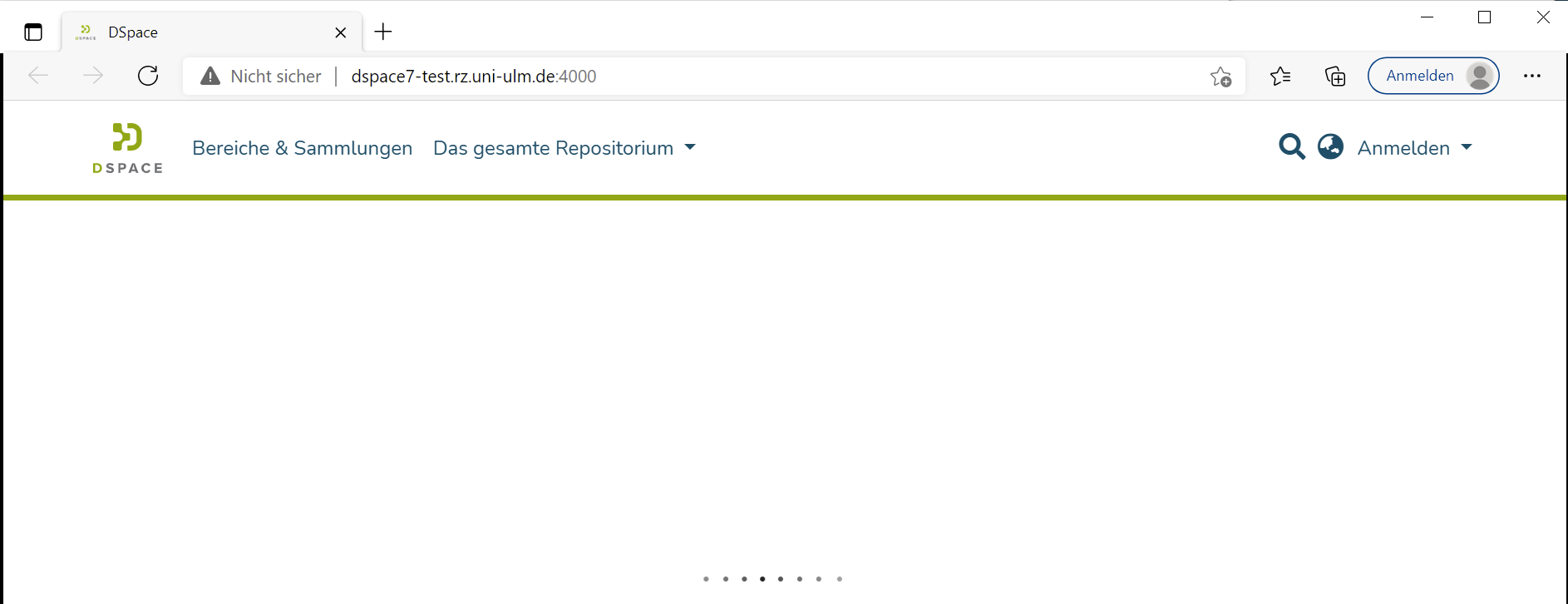
For more information, I have attached the logfile from dspace and the output from
the angular.
Nodeversion: 14.17.4
Yarn: 1.22.11
The database is from DSpace 7 Beta 4 and this version runs very well on this system.
Best Regards
Kosmas
Kosmas Kaifel
Hi Tim,
I think the problem that I have is not a problem with the
settings in environment.prod.ts or the
firewall.
I think the problem is in the angular from from DSpace 7 release, because if I install on the same
system angular beta4 and not the releaseversion the system run very well.
Best Regards
Kosmas
Tim Donohue
If it ran on Beta 4 but doesn't run now, it's likely a misconfiguration error. Between Beta 4 and 7.0 we added additional security, namely CSRF protections. So, I'd guess you likely are hitting this error or something similar: https://wiki.lyrasis.org/display/DSDOC7x/Installing+DSpace#InstallingDSpace-%22403Forbidden%22errorwithamessagethatsays%22Accessisdenied.InvalidCSRFToken%22
Kosmas Kaifel
Hi Tim,
I found the problem and it was really strange.
Backend- and Frontendserver runs on the same maschine and the
Backendserver
runs under https://dspace7-test.rz.uni-ulm.de/server/ with valid
certificate.
The access from my local client to https://dspace7-test.rz.uni-ulm.de/server/api is OK,
but the access from the angular to https://dspace7-test.rz.uni-ulm.de/server/api was not OK.
I receive the following message:
ERROR: The certificate of
‘dspace7-test.rz.uni-ulm.de’ is not trusted.
ERROR: The certificate of ‘dspace7-test.rz.uni-ulm.de’ doesn't
have a known issuer.
Tim thank you very match for your help.
Kosmas
Hi Kosmas,certificate