
How to make CoolProp work on Ubuntu 20.04?
117 views
Skip to first unread message

Yegor Morozov
Aug 3, 2021, 10:01:09 PM8/3/21
to coolprop-users
### Description
Dear Community,
I have spent many days struggling to make CoolProp work on Ubuntu 20.04 but it doesn't work yet - please help me to make CoolProp work! I need to calculate property tables for Isobutene.
### Steps to Reproduce
1. I downloaded CoolProp_sources.zip from https://sourceforge.net/projects/coolprop/ , and unzipped it.
2. I installed Python 3.8, Cython, C++, CMake3.21.1, I installed CoolProp and the Python Wrapper. I have MATLAB R2020b on Ubuntu 20.04.
3. When I run LibreOffice Wrapper TestLibreOffice.ods, I can select no other working fluid then 'water', but I need Isobutene!
4. I run CoolPropWrapperTests.m, it gives 7 out of 7 errors, and all other MATLAB files don't run, saying too many errors.
5. MATLAB had 2.7 Python version, but CoolProp got automatically installed to 3.8 Python, so I changed MATLAB Python version to Python 3.8 through MATLAB command line.
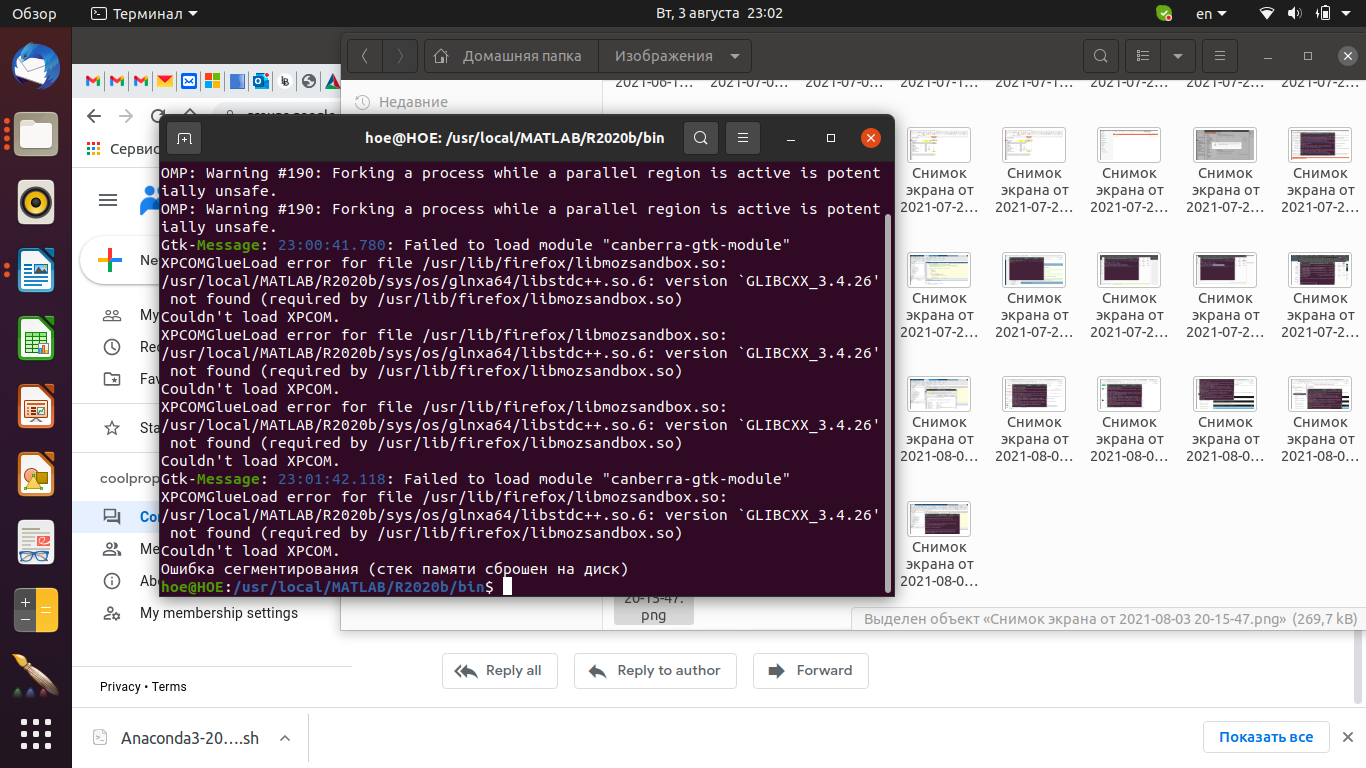
6. Now when I run CoolPropWrapperTests.m, MATLAB just collapses every time! Printscreens with error messages attached.
**Expected behavior:**
Run CoolProp on any available Wrapper, and get Isobutene property tables.
**Actual behavior:**
LibreOffice has no other fluid choice than 'water', MATLAB either send 7 out of 7 errors and nothing runs, or MATLAB collapses.
**CoolProp Version:** [CoolProp 6.4.1]
**Operating System and Version:** [Ubuntu 20.04]
**Access Method:** [How you are accessing CoolProp (LibreOffice, MATLAB)]
### Additional Information
If possible, please post examples and/or screenshots of the issue:
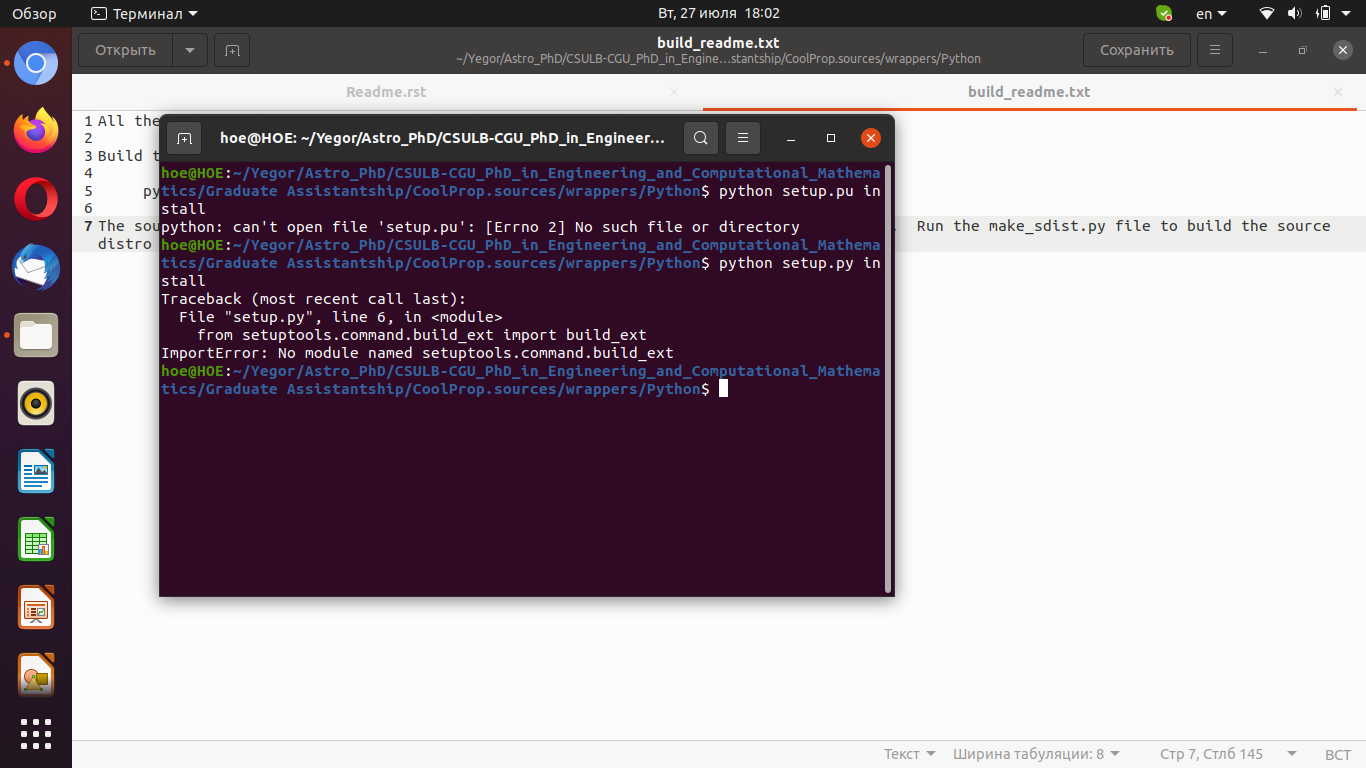

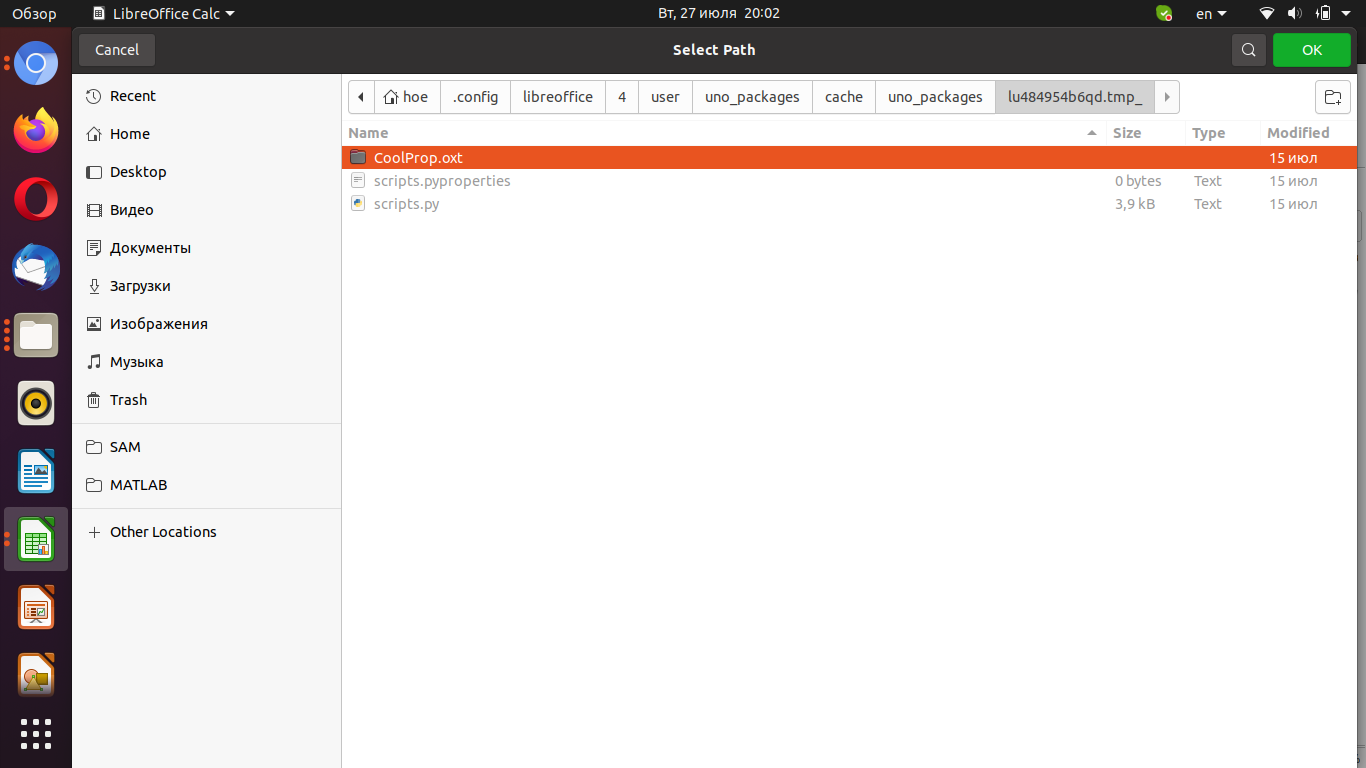


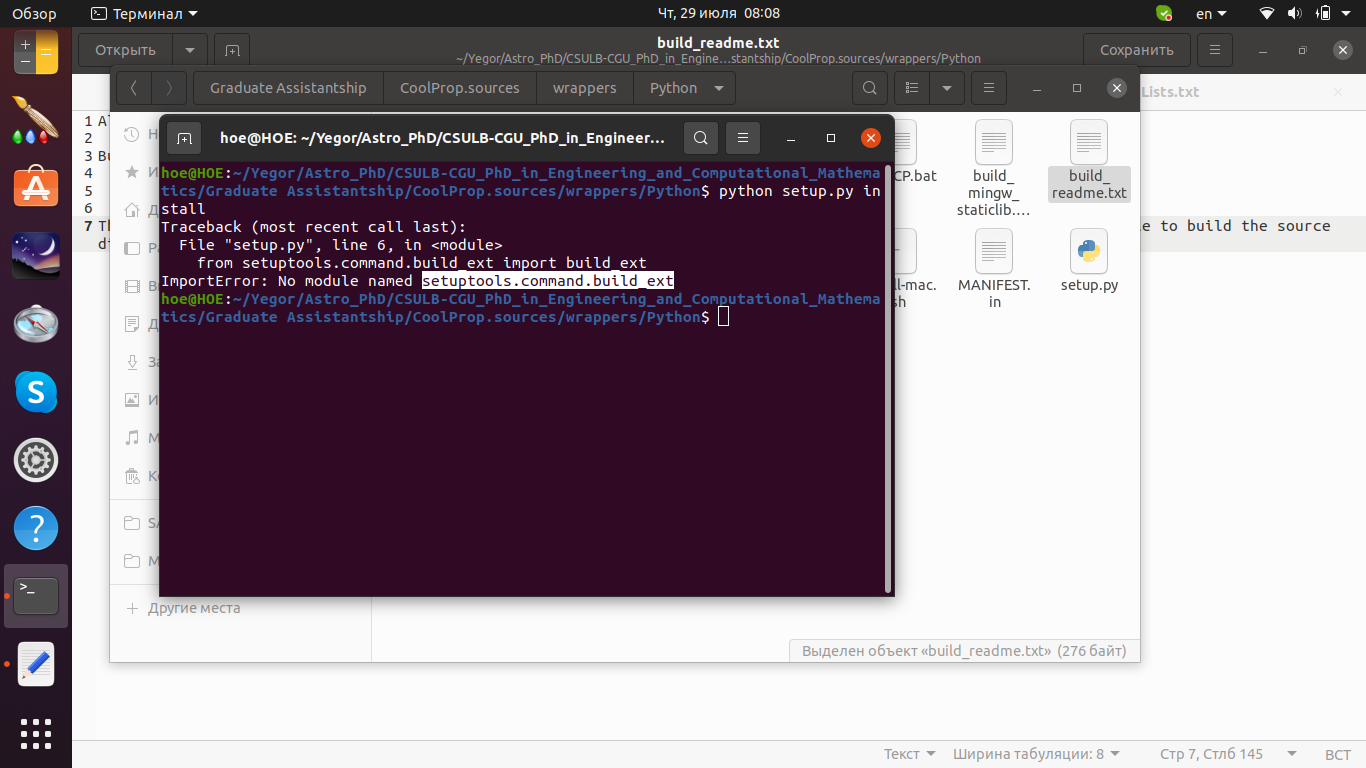

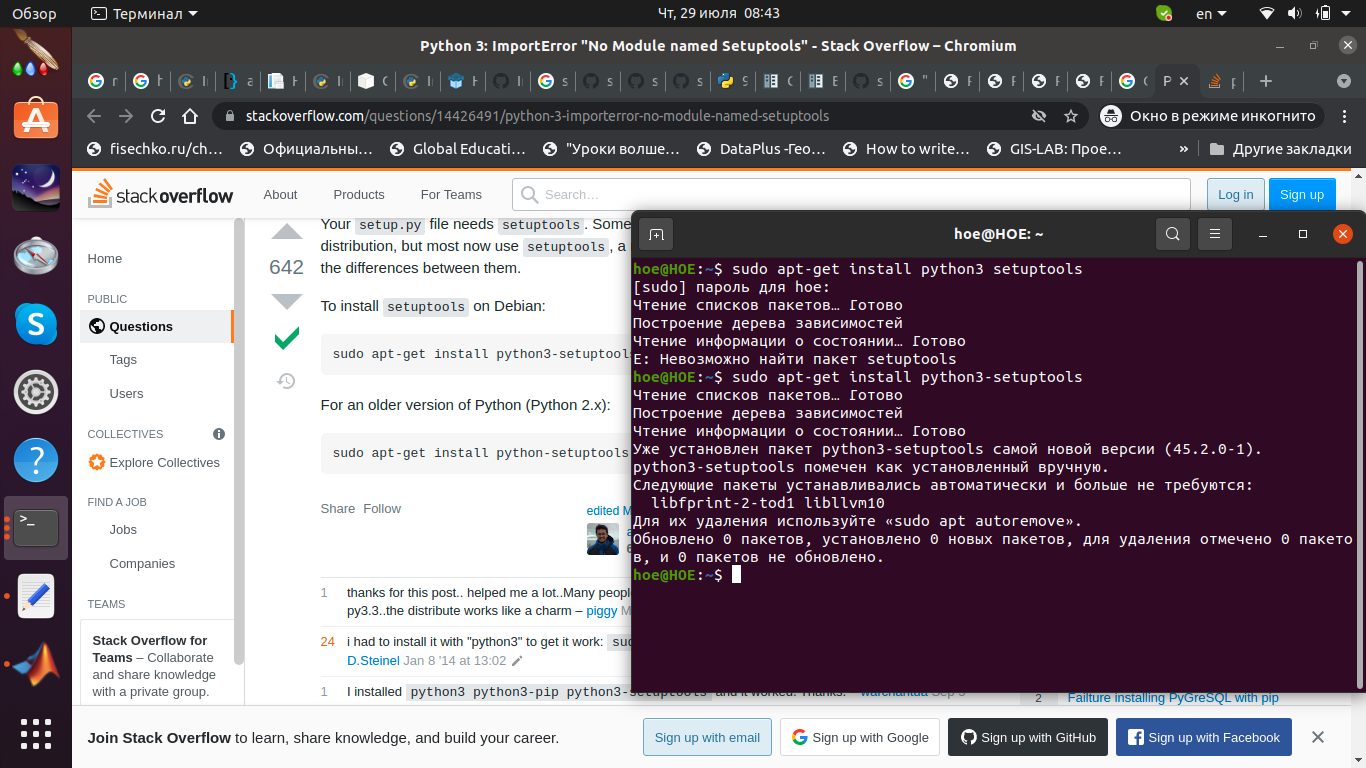


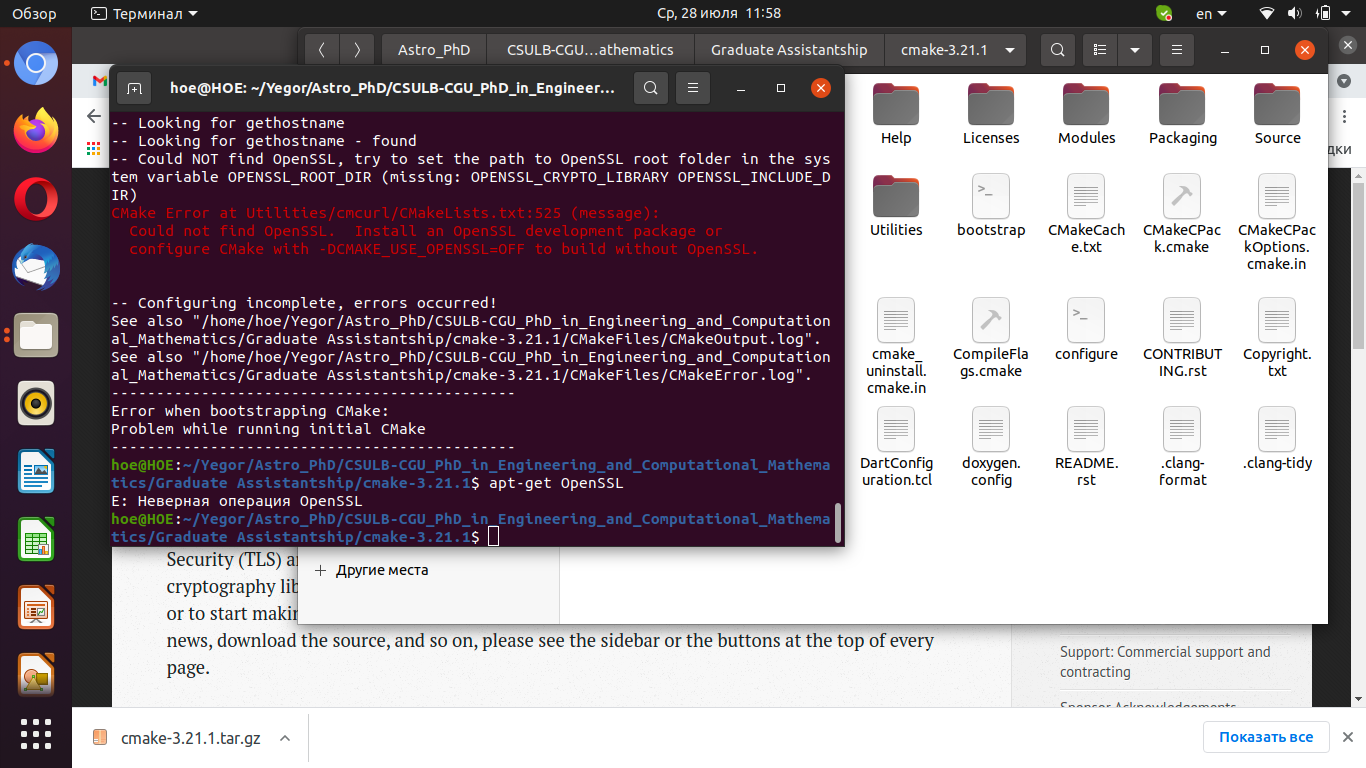


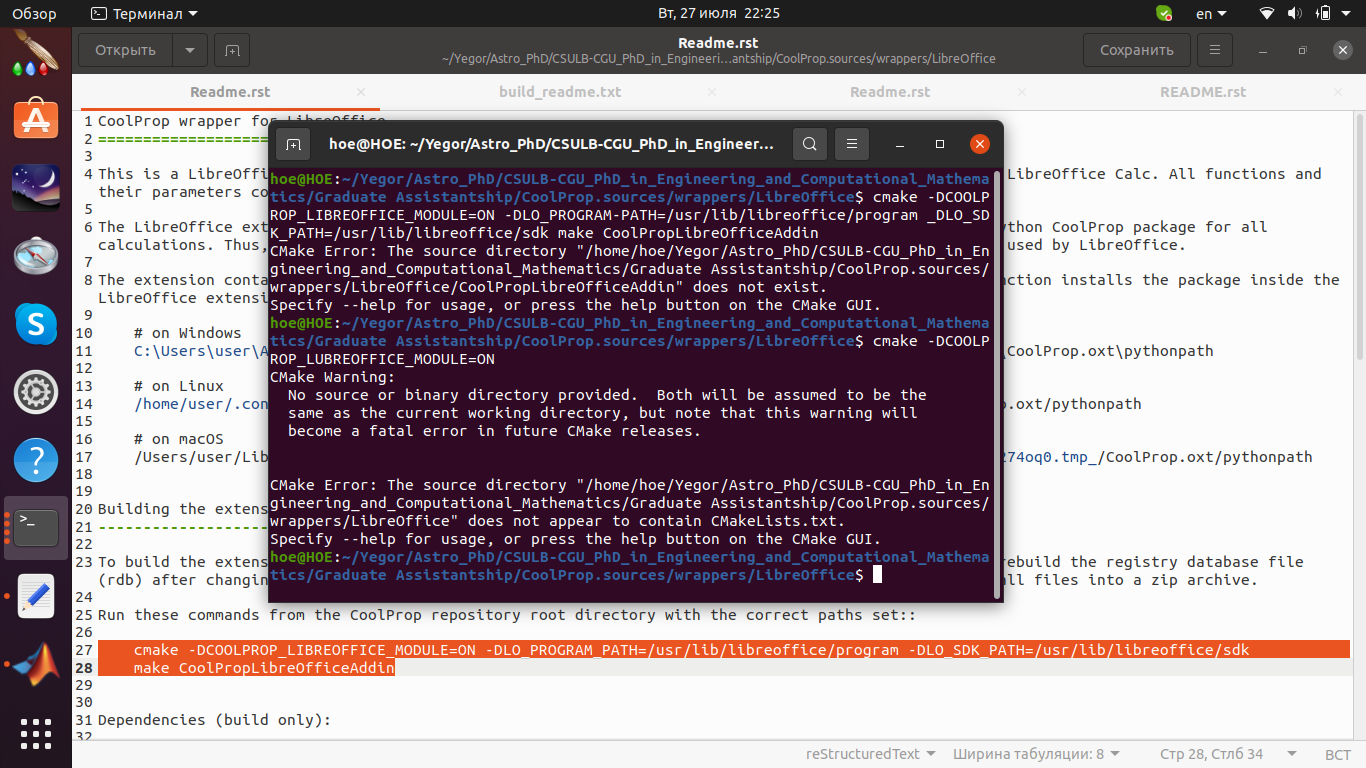


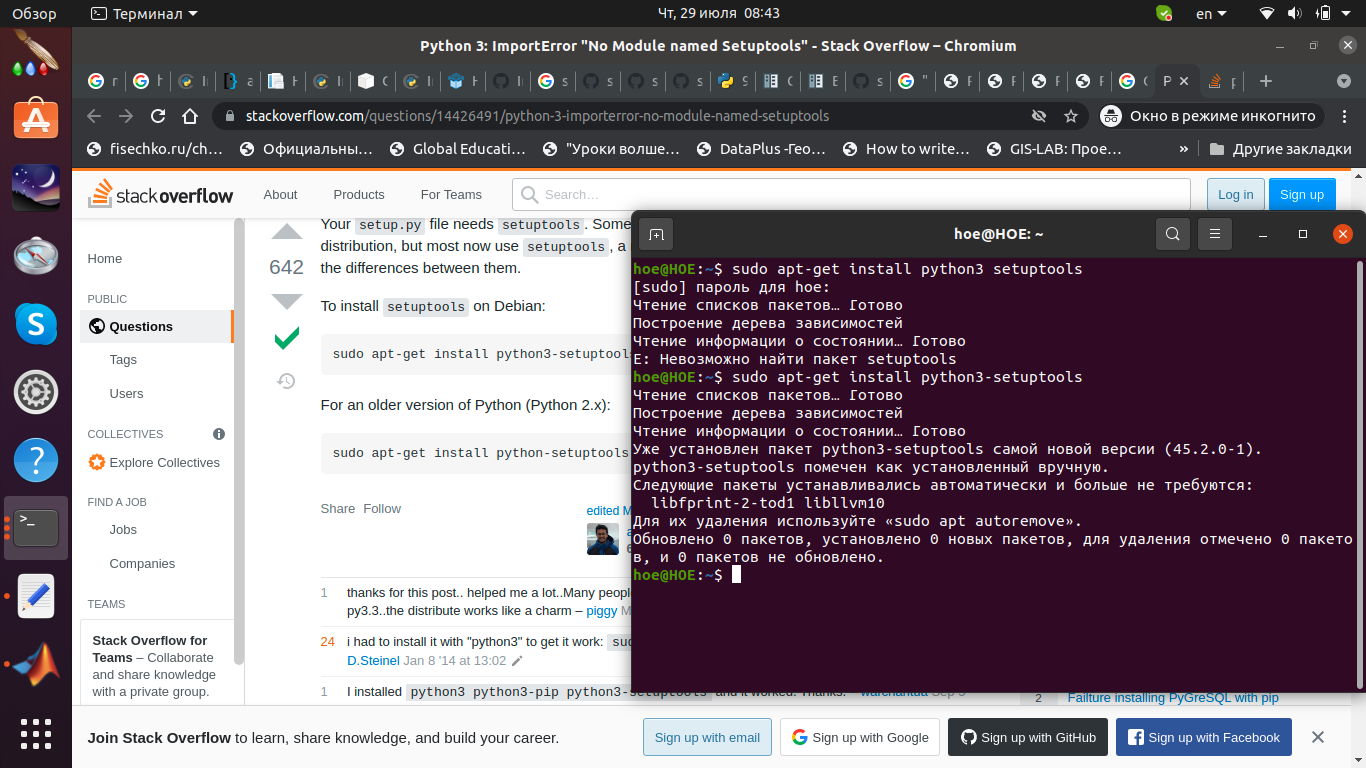


Ian Bell
Aug 3, 2021, 10:14:27 PM8/3/21
to coolpro...@googlegroups.com
0. How did you get python? I recommend anaconda.
1. How did you install the CoolProp wrapper for Python? This should work: pip install CoolProp . Or to be sure you are using the python you think you are: python -m pip install CoolProp. Please post the output of those commands.
2. Once the python wrapper is installed, make sure you set the right python version in MATLAB with pyversion: https://www.mathworks.com/help/matlab/ref/pyversion.html .
Let's tackle LibreOffice after. Python first, because it should "just work". Then MATLAB after Python, because it should just work too.
--
You received this message because you are subscribed to the Google Groups "coolprop-users" group.
To unsubscribe from this group and stop receiving emails from it, send an email to coolprop-user...@googlegroups.com.
To view this discussion on the web visit https://groups.google.com/d/msgid/coolprop-users/69f2e13a-c3a9-4a90-90a6-f5808e81844cn%40googlegroups.com.
Yegor Morozov
Aug 4, 2021, 2:31:47 AM8/4/21
to coolprop-users
Dear Ian,
Thank you very much for your prompt response!
0. I had Python 3.8, now installed Anaconda3-2021.05-Linux-x86_64.
1. Installed already.
2. In Matlab:
But MATLAB still crashes. What should I do next?
Best regards,
Yegor
Thank you very much for your prompt response!
0. I had Python 3.8, now installed Anaconda3-2021.05-Linux-x86_64.
1. Installed already.
2. In Matlab:
>> pyversion
version: '3.8'
executable: '/usr/bin/python3.8'
library: 'libpython3.8.so.1.0'
home: '/usr'
isloaded: 0
>> runtests('/home/hoe/Yegor/Astro_PhD/CSULB-CGU_PhD_in_Engineering_and_Computational_Mathematics/Graduate Assistantship/CoolProp.sources/wrappers/MATLAB/CoolPropWrapperTests.m')
Running CoolPropWrapperTests
================================================================================
Error occurred in CoolPropWrapperTests/testPythonSetup and it did not run to completion.
---------
Error ID:
---------
'MATLAB:Python:PyException'
--------------
Error Details:
--------------
Error using __init__>_sanity_check (line 216)
Python Error: RuntimeError: The current Numpy installation ('/usr/lib/python3/dist-packages/numpy/__init__.py')
fails to pass simple sanity checks. This can be caused for example by incorrect BLAS library being linked in, or
by mixing package managers (pip, conda, apt, ...). Search closed numpy issues for similar problems.
Error in __init__><module> (line 218)
Error in <frozen importlib>_call_with_frames_removed (line 219)
Error in <frozen importlib>exec_module (line 848)
Error in <frozen importlib>_load_unlocked (line 671)
Error in <frozen importlib>_find_and_load_unlocked (line 975)
Error in <frozen importlib>_find_and_load (line 991)
Error in <frozen importlib>_gcd_import (line 1014)
Error in __init__>import_module (line 127)
================================================================================
.
But MATLAB still crashes. What should I do next?
Best regards,
Yegor


Reply all
Reply to author
Forward
0 new messages