
How to use CAMUNDA Process Variables? How to notate them at first hand?

Dieter Rueffler
Hi dear Community,
I try to develope the following camunda BPMN driven process:
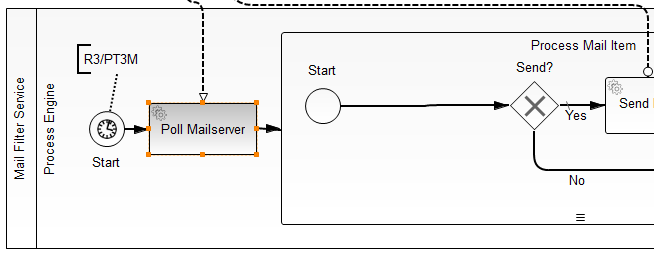
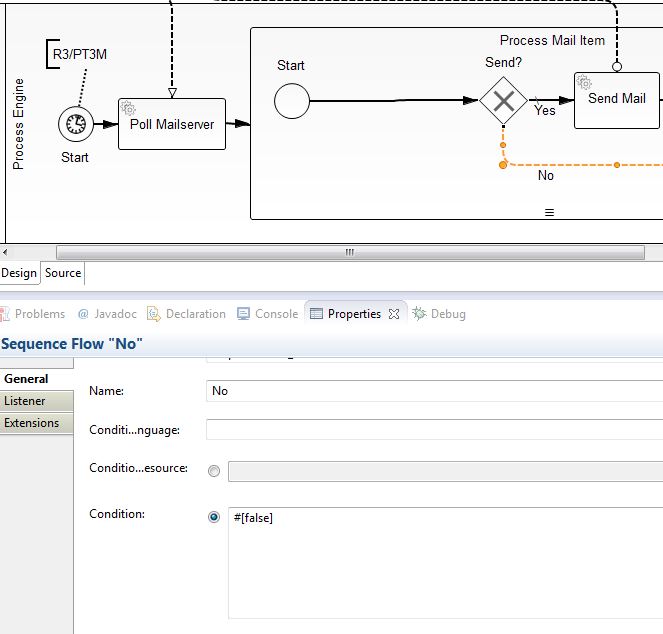
This is (1) Polling Mailserver; (2) Receiving Resultset; (3) Processing Result Set Mail by Mail
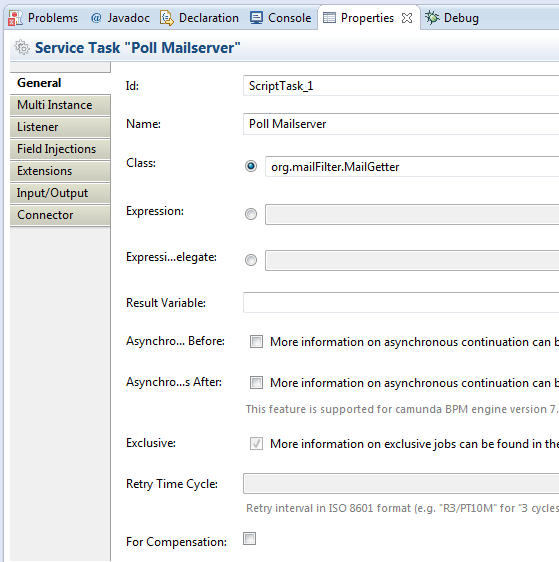
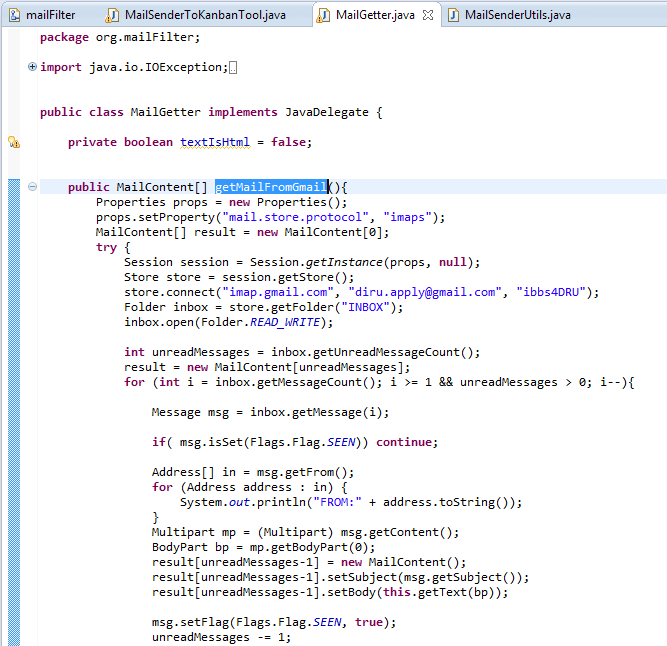
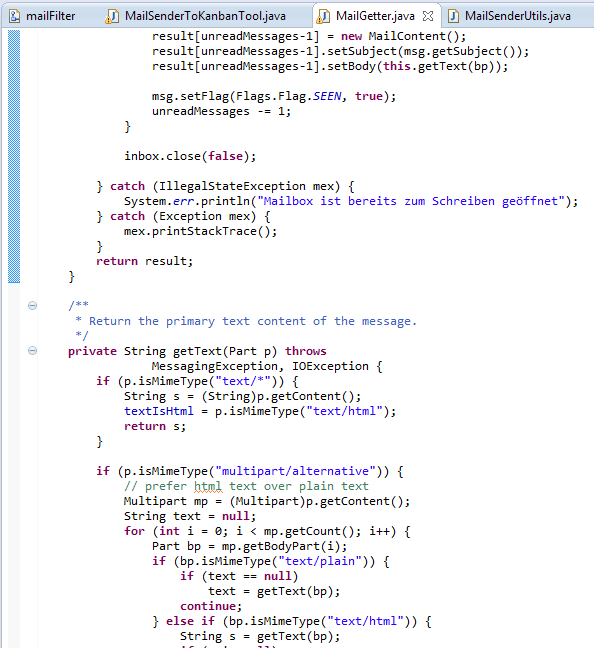
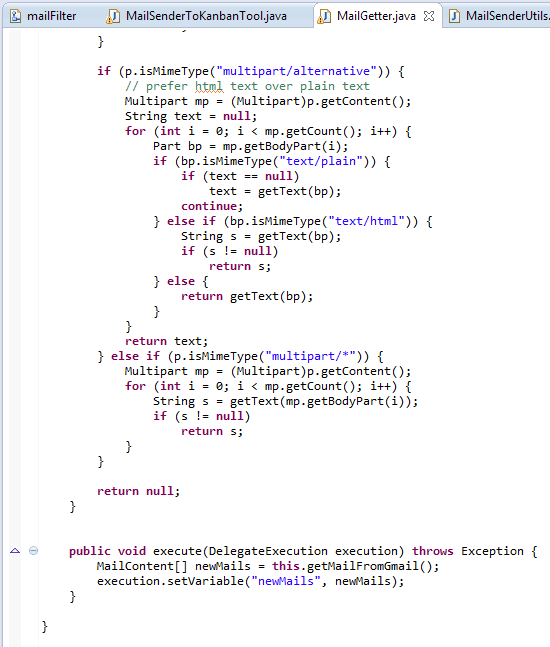
I was able to get a propper resultset with the help of some Java (see last 3 pics)
I learned, that I can use a serialized service task to handle each single mail from a result set which is an array or a collection of mails.
I am required to make the result set available as CAMUNDA process variable.
I am not able to see or understand how or where to notate a CAMUNDA process variable.
I expect that it should be possible to notate a CAMUNDA process variable pretty close to the BPMN-model - at least inside "Properties".
At least I would be happy if it would be "somehow" and "recognizeable" possible - or some where hidden in java source code.
I am desperately seeking for a "manual" or some other kind of doku or a "speaking" example".
Regards, Dieter Rüffler

Daniel Meyer
in Camunda you do not have to declare the variables sowewhere. You can
rather get and set then in your delegation code (Java or Scripts such as
groovy.)
Having said that, you can also declare your variables in BPMN Xml using
I/O mappings:
http://docs.camunda.org/7.3/guides/user-guide/#process-engine-process-variables-inputoutput-variable-mapping
Regards,
Daniel Meyer
--
Camunda Technical Lead
Blog: http://blog.camunda.org/
Twitter: @meyerdan
Dieter Rueffler

A tutorial showing how to use Iteration would be nice.
Regards, Dieter