
Tip: Adding your pre-installed solvers and/or AMPL to your AMPLDev application
49 views
Skip to first unread message

AMPLDev Team
Dec 2, 2013, 9:20:53 AM12/2/13
to amp...@googlegroups.com
AMPLDev has the ability to allow you to add your own solvers and AMPL to the application especially if you have a personal preference or some pre-installed versions that you wish to use. There is no obligation to use the solvers and AMPL that come in the AMPLDev installation; it is quite flexible!
Below are the steps to achieve this:
Step 1:
Launch AMPLDev
Step 2:
Select Window -> Preferences (Mac users: Apple -> Preferences)
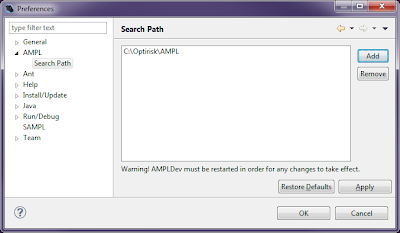
You will see a window like the one below

The preferences window in general, allows you to customise your installation of AMPLDev. There are many features that you can play around with and there is always a Restore Defaults in case you want to revert the settings.
Step 3:
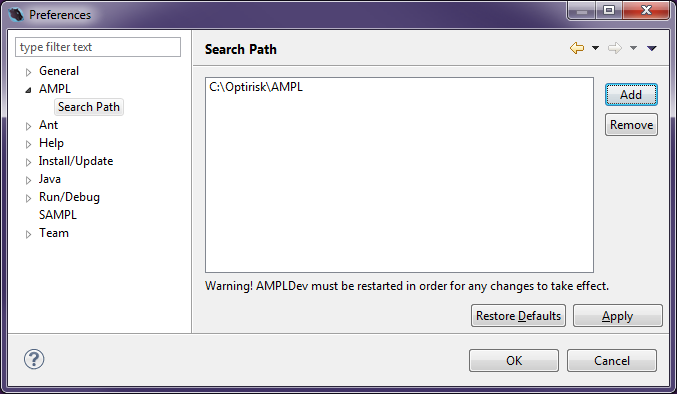
Select the drop down next to AMPL and then select Search Path
Step 4:
Add the paths to all the executable files of the solvers and/or AMPL you wish AMPLDev to recognise. Don't forget to apply your settings.
Make sure you restart AMPLDev as the changes only come into effect after that.
That's it!
Reply all
Reply to author
Forward
0 new messages