
Warnings when launching from the command line in conda-forge env
3,604 views
Skip to first unread message

Neil Fazel
May 30, 2022, 11:15:33 AM5/30/22
to spyder
I recently reported a Spyder bug (#17956). I received an email saying the bug had been fixed but it's not available in Anaconda yet. It suggested I do one of the following:
1. Use our Windows or Mac installer, which you can find here.
2. Create a new environment with conda-forge packages. For that, please close Spyder, open the Anaconda Prompt and run the following commands there:
conda create -n spyder-cf -c conda-forge spyder
conda activate spyder-cf
spyder
(base) [~][5]> conda activate spyder-cf
(spyder-cf) [~][6]> spyder
The available OpenGL surface format was either not version 3.2 or higher or not a Core Profile.
Chromium on macOS will fall back to software rendering in this case.
Hardware acceleration and features such as WebGL will not be available.
fromIccProfile: failed minimal tag size sanity
(spyder-cf) [~][6]> spyder
The available OpenGL surface format was either not version 3.2 or higher or not a Core Profile.
Chromium on macOS will fall back to software rendering in this case.
Hardware acceleration and features such as WebGL will not be available.
fromIccProfile: failed minimal tag size sanity
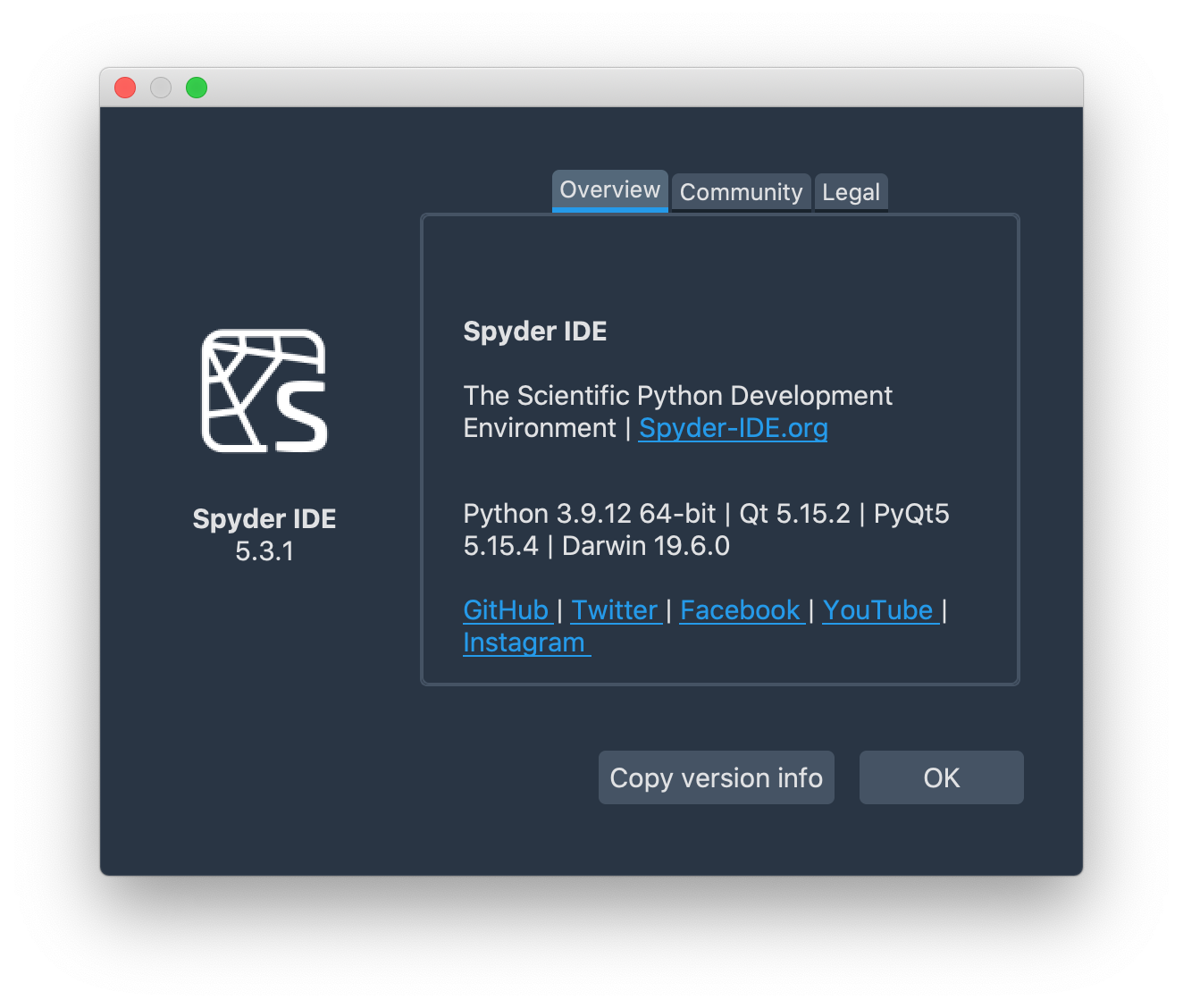
What do these warnings indicate? (Other than the warnings, everything seems to work when I run the code in spyder.) Screenshot of version numbers is attached.
Any tips appreciated!
Thanks,
Neil

Daniel Althviz Moré
Jul 14, 2022, 1:52:12 PM7/14/22
to spyder
Hi Neil,
This warnings are most probably related with the update of the depedencies constrain to support PyQt 5.15. As you say they are only warnings, but removing them is proving to be a little bit difficult. Hope this clarifies the situation.
Best regards,
Daniel
Neil Fazel
Aug 19, 2022, 11:25:38 PM8/19/22
to spyder
Thank you, Daniel.
Reply all
Reply to author
Forward
0 new messages