History only seems to be pointing to the current build when using Warnings NG jenkin plugin and JenkinsFile pipeline.
Here is some sudo code from our JenkinsFile [Jenkinsfile Part1|https://i.stack.imgur.com/jrw0N.png] [Jenkinsfile Part2|https://i.stack.imgur.com/nIi8P.png] What we are seeing is that our history graph only seems to be depicting what was caught on the current build and is missing the info from previous builds.
History only seems to be pointing to the current build when using Warnings NG jenkin plugin and JenkinsFile pipeline.
Here is some sudo code from our JenkinsFile [Jenkinsfile Part1|https://i.stack.imgur.com/jrw0N.png] [Jenkinsfile Part2|https://i.stack.imgur.com/nIi8P.png] What we are seeing is that our history graph only seems to be depicting what was caught on the current build and is missing the info from previous builds.
History only seems to be pointing to the current build when using Warnings NG jenkin plugin and JenkinsFile pipeline.
Here is some sudo code from our JenkinsFile [Jenkinsfile Part1|https://i.stack.imgur.com/jrw0N.png] [Jenkinsfile Part2|https://i.stack.imgur.com/nIi8P.png] What we are seeing is that our history graph only seems to be depicting what was caught on the current build and is missing the info from previous builds.
History only seems to be pointing to the current build when using Warnings NG jenkin plugin and JenkinsFile pipeline.
Here is some sudo code from our JenkinsFile [Jenkinsfile Part1|https://i.stack.imgur.com/jrw0N.png] [Jenkinsfile Part2|https://i.stack.imgur.com/nIi8P.png] What we are seeing is that our history graph only seems to be depicting what was caught on the current build and is missing the info from previous builds.
Looks like these are available. Can you please explain what you mean by available? We do clean up our workspaces each time after the build using the following code.
cleanWs()
dir("${env.WORKSPACE}@tmp")
{| |deleteDir()| |}|
|dir("${env.WORKSPACE}@script")|
|{| |deleteDir()| |}
dir("${env.WORKSPACE}@script@tmp")
{| |deleteDir()| }
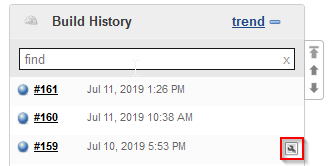
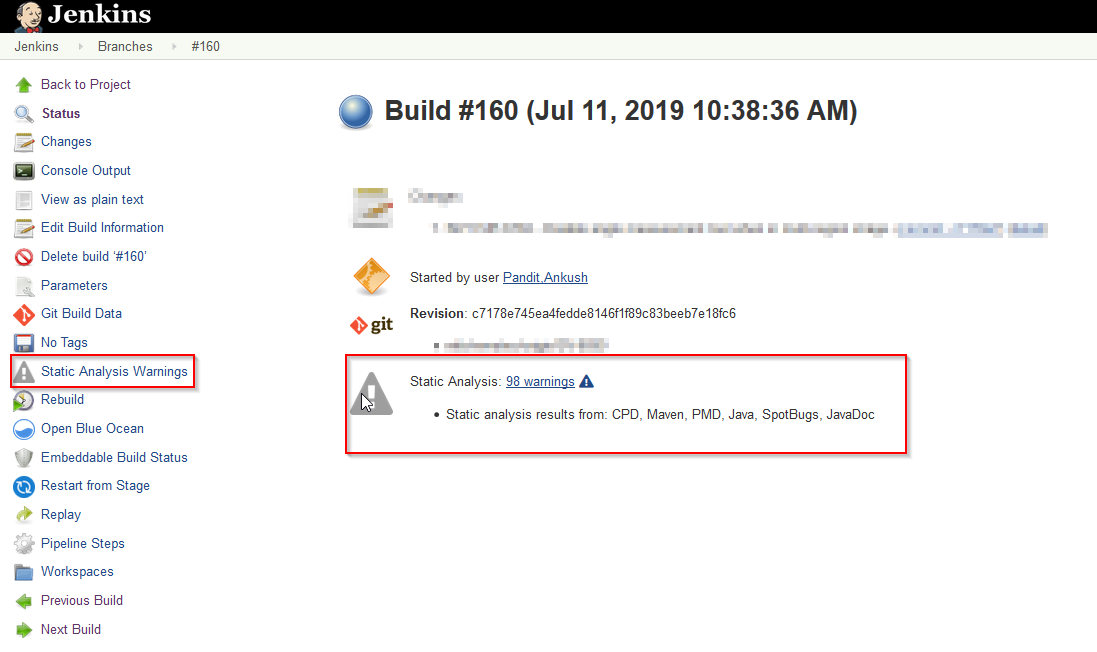
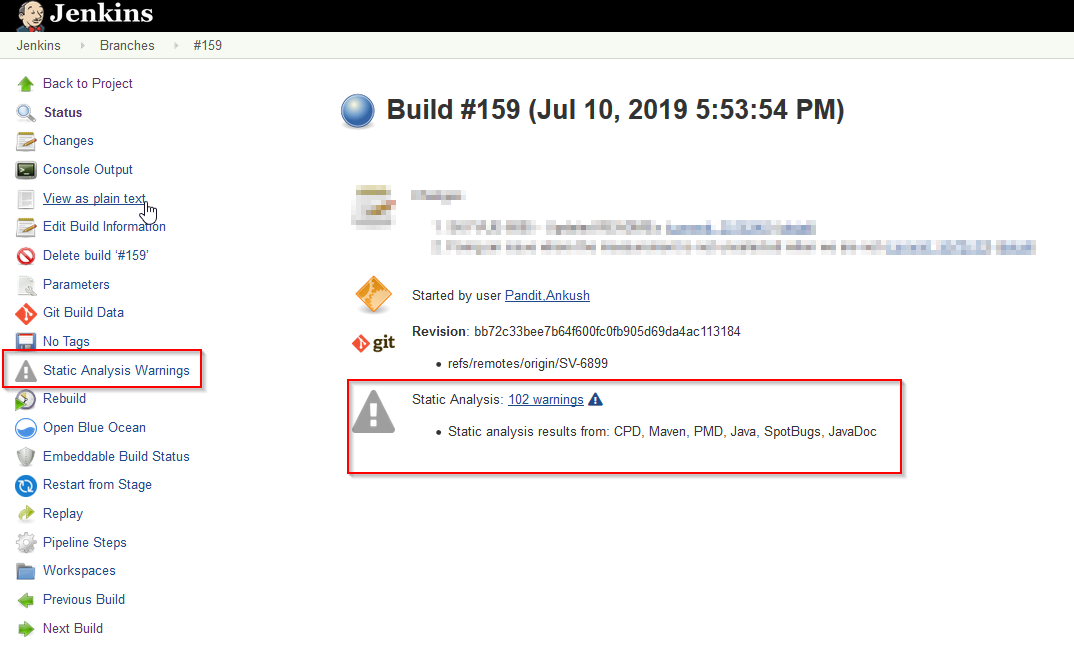
Also you can see that warnings ng config change was introduced in build 159. Also here are the snapshots from build 160
No, they should not. They are stored in the build folder on the Jenkins master.
You can call JSON.stringify(echarts.getInstanceByDom(document.getElementById("tools-trend-chart")).getOption()) in the JS console of your browser to see the data of the chart. Paste the JSON here to see what is going on.
Added the result when displaying the build number on the graph. FYI, This problem occurs with build dates as well. I do not know how to check the jenkins logs, can you please provide instructions?
Added the result when displaying the build number on the graph. FYI, This problem occurs with build dates as well. I do not know how to check the jenkins logs, can you please provide instructions on how to tail them?
I think I found the problem. In your pipeline you use a variable ID (using the system time). This is wrong you need to use the same ID for all builds, then the results will be correctly mapped. It is clear, if you change the ID in every build then you will never found a sequence of matching builds.