[JIRA] [javadoc-plugin] (JENKINS-32619) Javadoc link displays only documentation frame with no content

15 views
Skip to first unread message

gadm@il.ibm.com (JIRA)

unread,
Jan 26, 2016, 4:49:02 AM1/26/16
to jenkinsc...@googlegroups.com
Gad Maor created an issue
 
Jenkins / Bug JENKINS-32619
Javadoc link displays only documentation frame with no content
Issue Type: Bug Bug
Assignee: Unassigned
Attachments: com.wakaleo.gameoflife.domain (gameoflife-core 1.0-SNAPSHOT API) - Mozilla Firefox_176.png, gameoflife-core 1.0-SNAPSHOT API - Mozilla Firefox_175.png
Components: javadoc-plugin
Created: 26/Jan/16 9:48 AM
Environment: Jenkins Version : Jenkins ver. 1.642.1
OS : Red Hat Enterprise Linux 6.5

Javadoc built from a freestyle project using maven javadoc:javadoc top-level target.
Labels: jenkins javadoc
Priority: Minor Minor
Reporter: Gad Maor

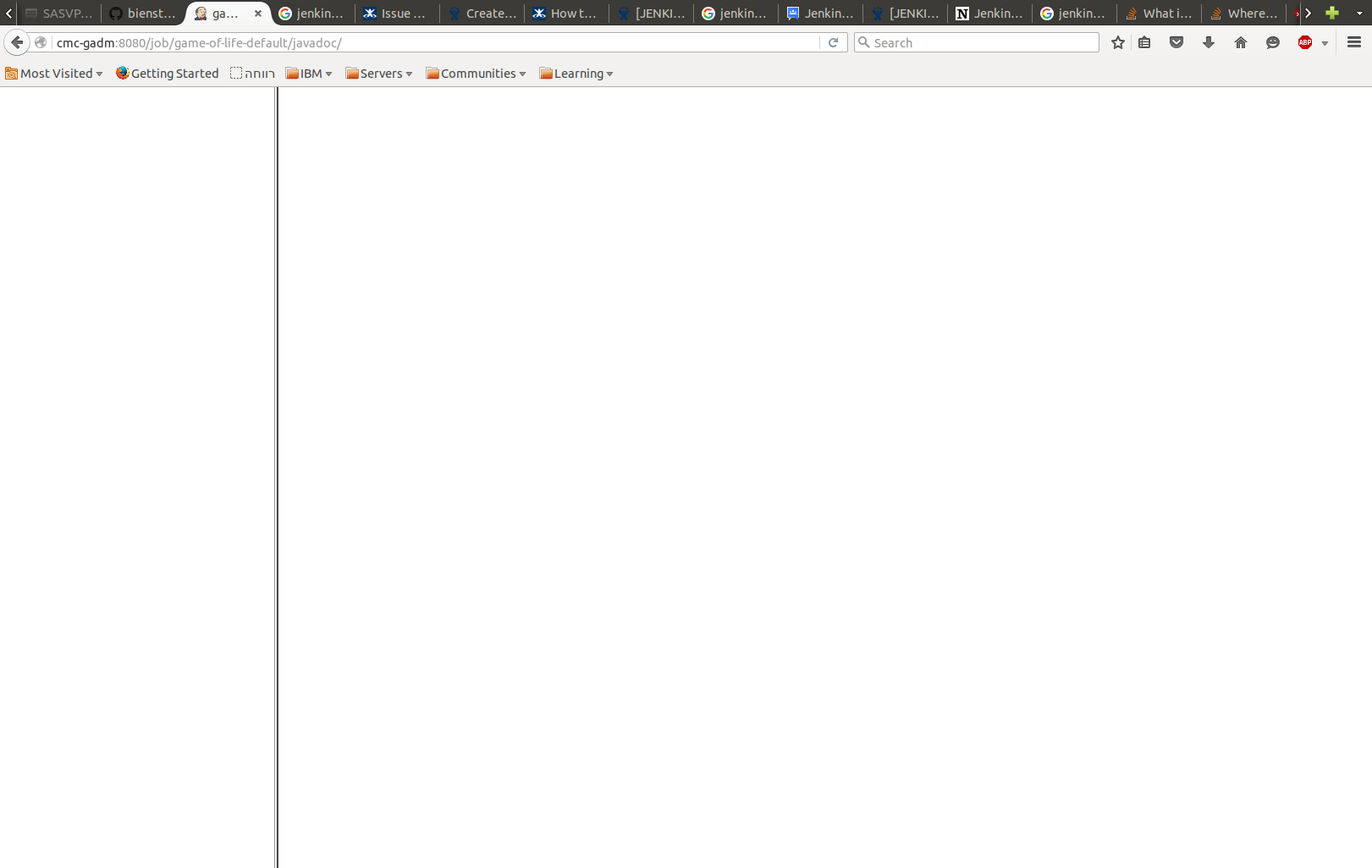
When building a project in freestyle mode using Apache Maven 3.3.9 and creating the javadoc using the javadoc:javadoc top-level target, the Javadoc link appears on the project's dashboard, but when clicking it, only a blank Documentation frame appears without the content of the Javadoc.

I should point out that the data IS there, since I opened the index.html file in my browser and it displayed perfectly.

Attached is the result from clicking the Javadoc button and the Javadoc itself when launched via the index.html.

Any help would be appreciated.

Add Comment Add Comment
 
This message was sent by Atlassian JIRA (v6.4.2#64017-sha1:e244265)
Atlassian logo

fastblitzer@sonnenkinder.org (JIRA)

unread,
Feb 3, 2016, 9:21:03 AM2/3/16
to jenkinsc...@googlegroups.com
Christian Gnüchtel commented on Bug JENKINS-32619
 
Re: Javadoc link displays only documentation frame with no content

I guess the reason is the new content security policy:
https://wiki.jenkins-ci.org/display/JENKINS/Configuring+Content+Security+Policy

Quick and dirty solution:

1. Go to Jenkins Script Console at https://my-jenkins-server/script
2. Input

System.setProperty("hudson.model.DirectoryBrowserSupport.CSP", "")

3. Hit Run button

Better solution:

Read the article above and apply it

gadm@il.ibm.com (JIRA)

unread,
Feb 3, 2016, 10:55:01 AM2/3/16
to jenkinsc...@googlegroups.com
Gad Maor commented on Bug JENKINS-32619

Hi Christian and thanks very much for your reply.

Something is very weird: I only managed to see the Javadoc after applying the specific fix for the Javadoc plugin( i.e., default-src 'none'; img-src 'self'; style-src 'self'; child-src 'self'; frame-src 'self' but NOT when completely disabling(unsetting) the header (i.e., System.setProperty("hudson.model.DirectoryBrowserSupport.CSP", "") as you yourself suggested).

Thanks again.

jglick@cloudbees.com (JIRA)

unread,
Jun 17, 2016, 10:49:07 AM6/17/16
to jenkinsc...@googlegroups.com
Jesse Glick resolved as Fixed
 

With the upcoming release you no longer need to disable security this way.

Change By: Jesse Glick
Status: Open Resolved
Resolution: Fixed
This message was sent by Atlassian JIRA (v7.1.7#71011-sha1:2526d7c)
Atlassian logo

roman.pickl@fluidtime.com (JIRA)

unread,
Jun 20, 2016, 5:00:02 AM6/20/16
to jenkinsc...@googlegroups.com
Roman Pickl reopened an issue
 

I'm sorry to say that this does not seem to work without the
JAVA_ARGS="$JAVA_ARGS -Dhudson.model.DirectoryBrowserSupport.CSP=\"default-src 'none'; img-src 'self'; style-src 'self'; child-src 'self'; frame-src 'self';\""
fix even with the newest version of the plugin using jenkins 1.651.3

Change By: Roman Pickl
Resolution: Fixed
Status: Resolved Reopened

dimitkoto@java.net (JIRA)

unread,
Aug 2, 2016, 8:02:01 AM8/2/16
to jenkinsc...@googlegroups.com
Dimitar Sakarov commented on Bug JENKINS-32619
 
Re: Javadoc link displays only documentation frame with no content

Having Jenkins ver. 1.642.2 and Javadoc Plugin (Version 1.4 from Jun 17, 2016) installed - it still doesn't display the Javadoc contents.

What was referred to as "the upcoming release?" and what could be the problem?

bishiboosh@gmail.com (JIRA)

unread,
Feb 9, 2017, 10:53:02 AM2/9/17
to jenkinsc...@googlegroups.com

Same thing here, cannot see the javadoc at all, and as I'm not the admin on my Jenkins instance, changing the JAVA_ARGS is not possible :/

mesc@java.net (JIRA)

unread,
Feb 14, 2017, 10:25:01 AM2/14/17
to jenkinsc...@googlegroups.com
mesc commented on Bug JENKINS-32619

have got the "javadoc does not load" issue too
I do get HTTP code 304 (not modified) in my FireFox web client - is this a HTTP client problem? When the web client cache is cleared, it works 1 time - then again not ...
Maybe it's not Jenkins alone but in conjunction with sitting in a Tomcat?
I'll check the HTTP headers further, maybe there's something wrong with 'em.

roidelapluie@inuits.eu (JIRA)

unread,
Mar 6, 2017, 5:19:02 AM3/6/17
to jenkinsc...@googlegroups.com

This is a bug in the configuration. See https://wiki.jenkins-ci.org/display/JENKINS/Configuring+Content+Security+Policy

There is nothing to do at the plugin level.

The resolution of this bug is that as a workaround we open by default the non-framed page.

This message was sent by Atlassian JIRA (v7.3.0#73011-sha1:3c73d0e)
Atlassian logo

mesc@java.net (JIRA)

unread,
Mar 8, 2017, 9:06:02 AM3/8/17
to jenkinsc...@googlegroups.com
mesc commented on Bug JENKINS-32619

well, I'm using the non-framed page workaround too

But, it's still a pity not to have the framed javadoc working.

I'm pleased so far with

System.setProperty("hudson.model.DirectoryBrowserSupport.CSP",
 "default-src 'none'; img-src 'self'; style-src 'self'; child-src 'self'; frame-src 'self'; script-src 'unsafe-inline';")

but tried to clear the hudson...CSP system property (see 1st comment by Christian) ... but this does not help, (framed) javadoc not loading.

ogondza@gmail.com (JIRA)

unread,
Feb 21, 2019, 5:04:03 AM2/21/19
to jenkinsc...@googlegroups.com

To make this a bit more interesting, javadoc generated by Java 11 (likely Java9+) changes the behavior even further[1]:

  • No frames by default (can be turned on but the feature is expected to go away).
  • Dependency on javascript execution.
  • Redirect from index.html to single package-summary.html in case of single package project.
  • Framed navigation is replaced by JS-based search.
  • It even appears, the <noscript> does not kick in when javascript is disables through CSP.

I went on exploring Jesse's suggestion of using different landing page on Javadoc 8 and 11 as well as using single/multi package projects. Both index-all.html and overview-tree.html appears to work (though subjectively, I am not sure this is the first page I would like to see) but allclasses-noframe.html is not generated on Java 11 (by default, at least).

[1] https://bugs.openjdk.java.net/browse/JDK-8202961

This message was sent by Atlassian Jira (v7.11.2#711002-sha1:fdc329d)

ogondza@gmail.com (JIRA)

unread,
Feb 21, 2019, 3:13:03 PM2/21/19
to jenkinsc...@googlegroups.com
Oliver Gondža edited a comment on Bug JENKINS-32619
To make this a bit more interesting, javadoc generated by Java 11 (likely Java9+) changes the behavior even further[1]:

- No frames by default (can be turned on but the feature is expected to go away).
- Dependency on javascript execution.
  -
- Redirect from {{index.html}} to single {{package-summary.html}} in case of single package project.
  -
- Framed navigation is replaced by JS-based search.
- It even appears, the {{<noscript>}} does not kick in when javascript is disables through CSP.


I went on exploring Jesse's suggestion of using different landing page on Javadoc 8 and 11 as well as using single/multi package projects. Both {{index-all.html}} and {{overview-tree.html}} appears to work (though subjectively, I am not sure this is the first page I would like to see) but {{allclasses-noframe.html}} is not generated on Java 11 (by default, at least).

[1] https://bugs.openjdk.java.net/browse/JDK-8202961

ogondza@gmail.com (JIRA)

unread,
Feb 21, 2019, 4:19:03 PM2/21/19
to jenkinsc...@googlegroups.com

It even seems javadoc 11 redirects from overview-summary.html to index.html for multipackage projects while it redirects from index.html to the only package-summary.html available in case of singlepackage project. IOW, none of the locations is safe to use.

ogondza@gmail.com (JIRA)

unread,
Feb 22, 2019, 3:48:02 AM2/22/19
to jenkinsc...@googlegroups.com

The **/package-summary.html can not be used as an index page either as it does not reside in the project root (obviously, it is summary of a java package) and therefore it refers to resources as ../../../foo.bar which obviously fails. In theory, this can be overcome by not using it as an index page for DirectoryBrowserSupport but modifying the JavadocAction too redirect to it instead so it is rendered at expected path.

I gave up decided to keep things simple and used overview-tree.html that is not ideal but prone of all those issues: https://github.com/jenkinsci/javadoc-plugin/pull/10

ogondza@gmail.com (JIRA)

unread,
Feb 22, 2019, 5:35:02 AM2/22/19
to jenkinsc...@googlegroups.com

o.v.nenashev@gmail.com (JIRA)

unread,
Feb 27, 2019, 1:39:03 PM2/27/19
to jenkinsc...@googlegroups.com
Oleg Nenashev updated an issue
Change By: Oleg Nenashev
Labels: java11-compatibility javadoc jenkins

o.v.nenashev@gmail.com (JIRA)

unread,
Mar 4, 2019, 4:47:02 AM3/4/19
to jenkinsc...@googlegroups.com

o.v.nenashev@gmail.com (JIRA)

unread,
Mar 5, 2019, 10:21:05 AM3/5/19
to jenkinsc...@googlegroups.com
Oleg Nenashev updated Bug JENKINS-32619
 

I have released 1.5 today which should integrate the recent reports

Change By: Oleg Nenashev
Status: Reopened Fixed but Unreleased
Resolution: Fixed
Released As: Javadoc Plugin 1.5

jglick@cloudbees.com (JIRA)

unread,
Mar 5, 2019, 10:23:02 AM3/5/19
to jenkinsc...@googlegroups.com
Jesse Glick updated Bug JENKINS-32619
 

Wrong status in that case.

Change By: Jesse Glick
Status: Fixed but Unreleased Resolved

o.v.nenashev@gmail.com (JIRA)

unread,
Oct 26, 2019, 6:09:03 AM10/26/19
to jenkinsc...@googlegroups.com
Oleg Nenashev updated an issue
Change By: Oleg Nenashev
Labels: java11-compatibility java11-devtools-compatibility javadoc jenkins
This message was sent by Atlassian Jira (v7.13.6#713006-sha1:cc4451f)
Atlassian logo
Reply all
Reply to author
Forward
0 new messages